12 Best Social Media Content Creation Tools for 2025

In 2025, creating standout social media content is less about having one magic tool and more about building a smart, efficient 'stack' of apps that work together. From AI-powered video editors to massive template libraries, the right combination of social media content creation tools can dramatically accelerate your workflow, improve quality, and save you from the subscription fatigue of juggling dozens of separate bills. This guide cuts through the noise to profile the essential tools and resources that modern creators, marketers, and e-commerce teams are using to produce high-performing content. We'll dive into practical use cases, honest limitations, and how to pick the right tool for your specific needs, whether you're a solo creator on a budget or a team scaling up its output.
The goal is to scale without dubious shortcuts and without hurting your credibility.
Each entry includes a detailed breakdown, screenshots, and direct links to help you make an informed decision quickly. Our goal is to help you build a powerful, cost-effective toolkit that streamlines every step of the creative process, from initial design and video editing to sourcing the perfect soundtrack. For an in-depth comparison and expert picks to elevate your social media strategy, consider exploring this list of the 12 Best Content Creation Tools for Social Media in 2025. Let's explore the platforms that will define your creative workflow.
1. +50 Premium Tools
Best For: All-in-one access to a massive creative and marketing suite.
+50 Premium Tools offers a radically different approach to equipping social media teams. Instead of purchasing dozens of individual software subscriptions, this platform bundles over 50 best-in-class applications into a single, low-cost monthly plan. It is specifically designed for e-commerce marketers, content creators, and agencies who need a wide array of social media content creation tools without the prohibitive cost and administrative overhead. The service provides curated, one-click access to essential platforms for video editing, graphic design, AI content generation, SEO, and competitive research.
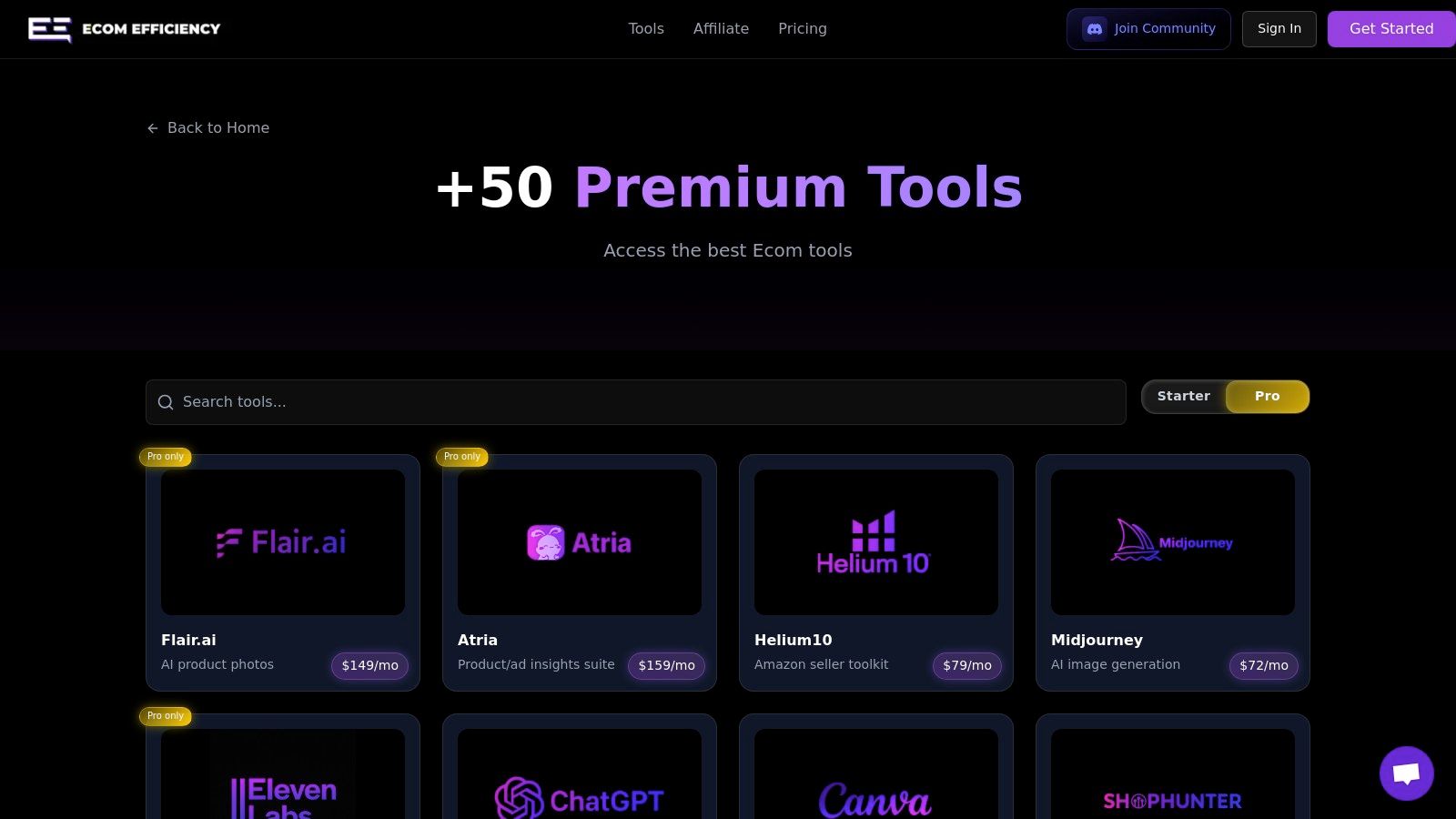
What makes this a standout solution is its sheer value and efficiency. Teams can instantly access industry-standard tools like Semrush, Canva Pro, Midjourney, and Runway without juggling multiple logins and invoices. For those specializing in quick, impactful content, platforms like Shortgenius can provide tailored features to streamline your short-form video production. This consolidation allows a small team to perform functions that would typically require a much larger software budget, from producing AI-driven video ads to conducting in-depth competitor analysis.
Key Features & Use Cases
- Consolidated Access: A single subscription provides access to a curated library of 50+ tools, including CapCut Pro, ElevenLabs, and ChatGPT Plus, covering nearly every stage of the content lifecycle.
- Cost Efficiency: With plans starting at just $19.99/month, the potential savings are immense compared to subscribing to each tool individually, which could cost thousands.
- Workflow Integration: The platform is built for speed. A marketer can research trending products with Helium10, spy on competitor ads, generate video scripts with AI, create AI voiceovers, and edit the final video using the tools provided.
Pros & Cons
| Pros | Cons |
|---|---|
| Massive Cost Savings: Drastically reduces software spend by up to 99%. | Access Limitations: Shared or curated access may have usage quotas or lack enterprise-level features. |
| Huge Tool Variety: One subscription covers creative, marketing, and research needs. | Potential Terms of Service Issues: The access model may conflict with some individual tool's ToS. |
| Community-Driven: Members vote on new tools to be added to the bundle. | Not for Highly Regulated Industries: May not be suitable for businesses with strict security or compliance needs. |
Website: ecomefficiency.com/tools
2. Canva
Canva is an indispensable, all-in-one design platform that democratizes content creation, making it one of the most popular social media content creation tools available. Its core strength lies in its vast template library, allowing e-commerce brands and solo creators to produce professional-looking graphics, videos, and ads without needing advanced design skills. The drag-and-drop interface is exceptionally intuitive, covering formats for every major platform from Instagram Stories and TikTok Reels to YouTube thumbnails and LinkedIn banners.
Its "Brand Kit" feature is a game-changer for maintaining consistency, allowing you to save logos, brand colors, and fonts for quick application. Recently, Canva has heavily integrated AI through its "Magic Studio" tools, which include text-to-image generation, background removal, and video captioning, further speeding up the creation process.
Key Information & Analysis:
- Best For: Solo creators, small teams, and e-commerce brands needing to create high-quality, on-brand social content quickly and without a dedicated designer.
- Pricing: Offers a robust Free tier. Pro is available for solo users, and Canva for Teams offers collaborative features, though recent price increases have been noted by users.
- Unique Feature: The combination of a massive template library with integrated AI "Magic" tools makes it a one-stop-shop for both static and video content, a feature many competitors handle separately.
| Pros | Cons |
|---|---|
| Extremely user-friendly with a low learning curve | Advanced features are locked behind paid tiers |
| Huge library of templates for all social formats | Recent price increases for Teams plans |
| Generous free tier is sufficient for many users | Can feel less powerful than dedicated photo/video editors |
Website: https://www.canva.com
3. Adobe Express
Adobe Express is the creative software giant’s answer to streamlined, all-in-one design, positioning itself as a powerful social media content creation tool for those familiar with the Adobe ecosystem. It combines an intuitive, template-driven interface for social graphics and short videos with the professional-grade power of Adobe's creative assets. Users gain access to Adobe Stock photos and the Firefly generative AI for unique text-to-image creations, making it a compelling Canva alternative.
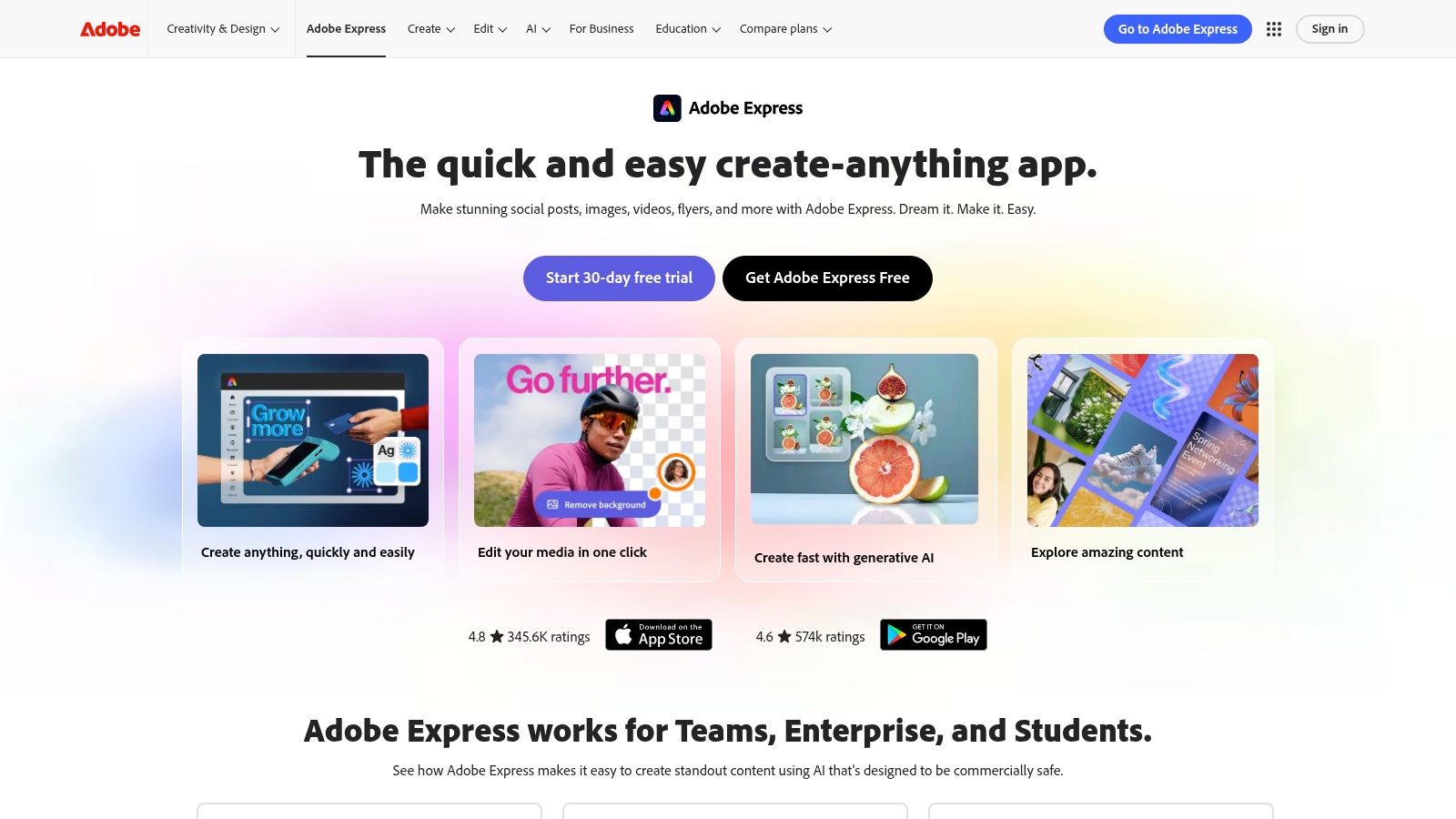
Its biggest advantage is its seamless integration with the full Creative Cloud suite. E-commerce teams can import and edit Photoshop (PSD) or Illustrator (AI) files directly, allowing designers to create templates that social media managers can then easily repurpose. This workflow bridge makes it an exceptionally efficient choice for brands already invested in Adobe’s professional applications.
Key Information & Analysis:
- Best For: E-commerce brands and marketing teams already using Adobe Creative Cloud, or creators wanting a powerful free tool with a direct path to professional software.
- Pricing: A generous Free plan is available with 25 monthly generative credits. The Premium plan unlocks more assets, features, and credits, and is often bundled with other Adobe subscriptions.
- Unique Feature: The native integration with Creative Cloud is unmatched, allowing users to link assets and edit professional files (like PSDs) directly within a simple, social-first interface.
| Pros | Cons |
|---|---|
| Strong template selection and Adobe Stock integration | Generative credits and features differ by plan and can be confusing |
| Easy upgrade path to pro Adobe apps if needed | Broader Adobe pricing shifts may impact future bundle value |
| Competitive free plan to test core features | The interface can feel slightly more complex than some rivals |
Website: https://www.adobe.com/express
4. CapCut
CapCut has rapidly become the go-to video editor for short-form content, cementing its place among essential social media content creation tools. Its massive popularity stems from a mobile-first design that makes creating high-energy, trend-aligned videos for TikTok, Reels, and Shorts incredibly fast. The platform excels at simplifying complex editing tasks, offering one-click solutions for auto-captions, background removal, and applying viral effects that would otherwise require significant technical skill.
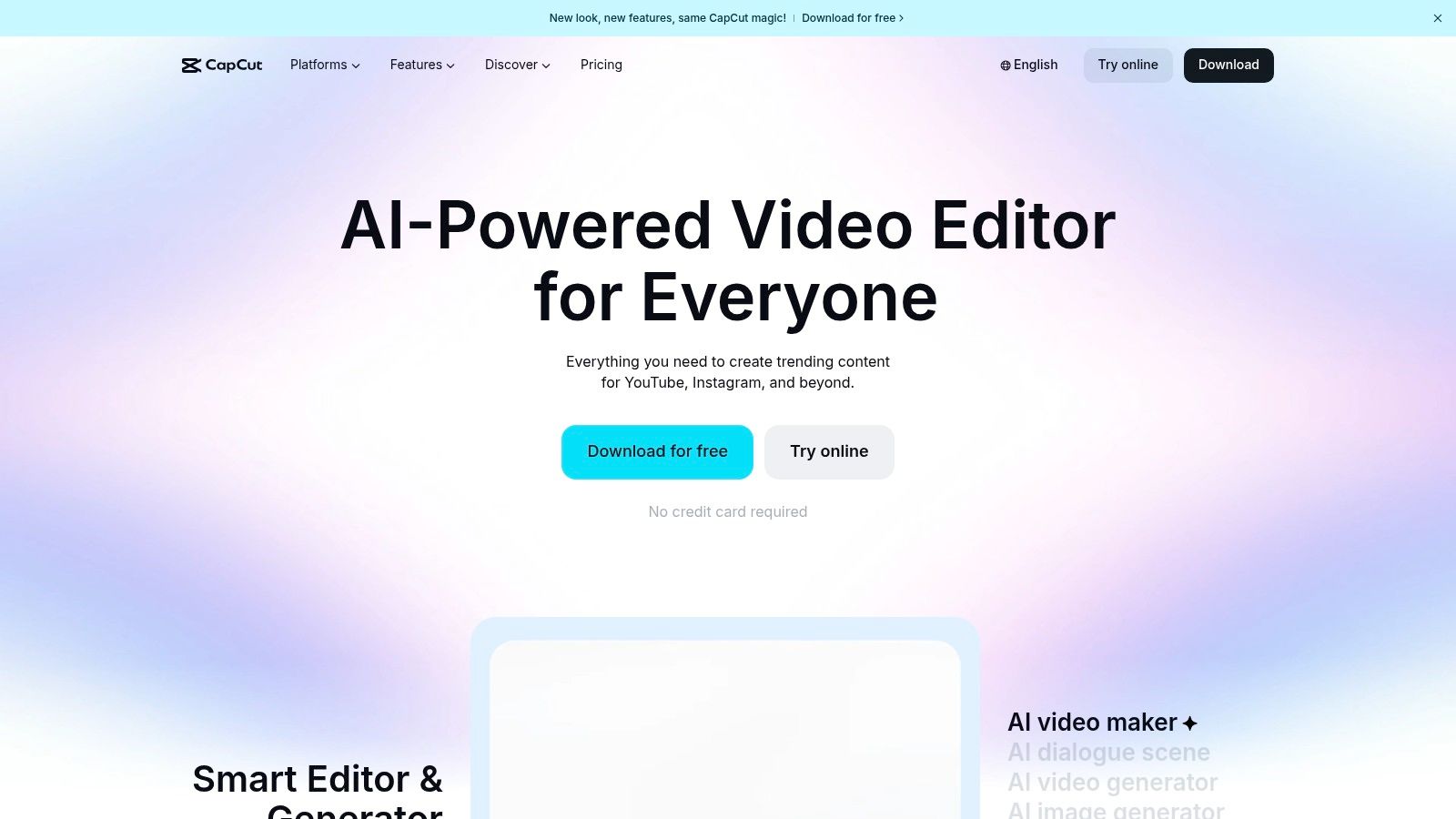
The template-driven workflow is its standout feature, allowing creators to drop their own clips into pre-made, trending video structures complete with music and effects. With seamless project syncing across mobile, desktop, and web apps, users can start an edit on their phone and finish it on their computer. However, users should confirm its availability in their region, as access has fluctuated in some markets.
Key Information & Analysis:
- Best For: E-commerce brands, TikTok Shop sellers, and content creators focused on producing trend-driven vertical video content quickly and efficiently.
- Pricing: Features a highly capable Free version. A Pro subscription unlocks premium effects, templates, and cloud storage, but users have reported inconsistencies in pricing visibility.
- Unique Feature: Its tight integration with TikTok trends is unmatched. The template library is constantly updated with viral formats, allowing creators to participate in trends almost instantly.
| Pros | Cons |
|---|---|
| Extremely fast workflow for vertical video | Pricing visibility and consistency can be a pain point |
| Huge template ecosystem aligned to current trends | Occasional support/billing complaints from users |
| Capable and feature-rich free tier for most use cases | Policy and App Store availability can be uncertain |
Website: https://www.capcut.com
5. Descript
Descript revolutionizes video and podcast editing by transforming it into a text-based process, making it one of the most innovative social media content creation tools for dialogue-heavy content. Instead of manipulating complex timelines, users edit a transcribed script, and the corresponding media is automatically cut. This workflow is incredibly efficient for repurposing long-form content, such as podcasts or interviews, into short, shareable clips for platforms like TikTok, Instagram Reels, and YouTube Shorts.
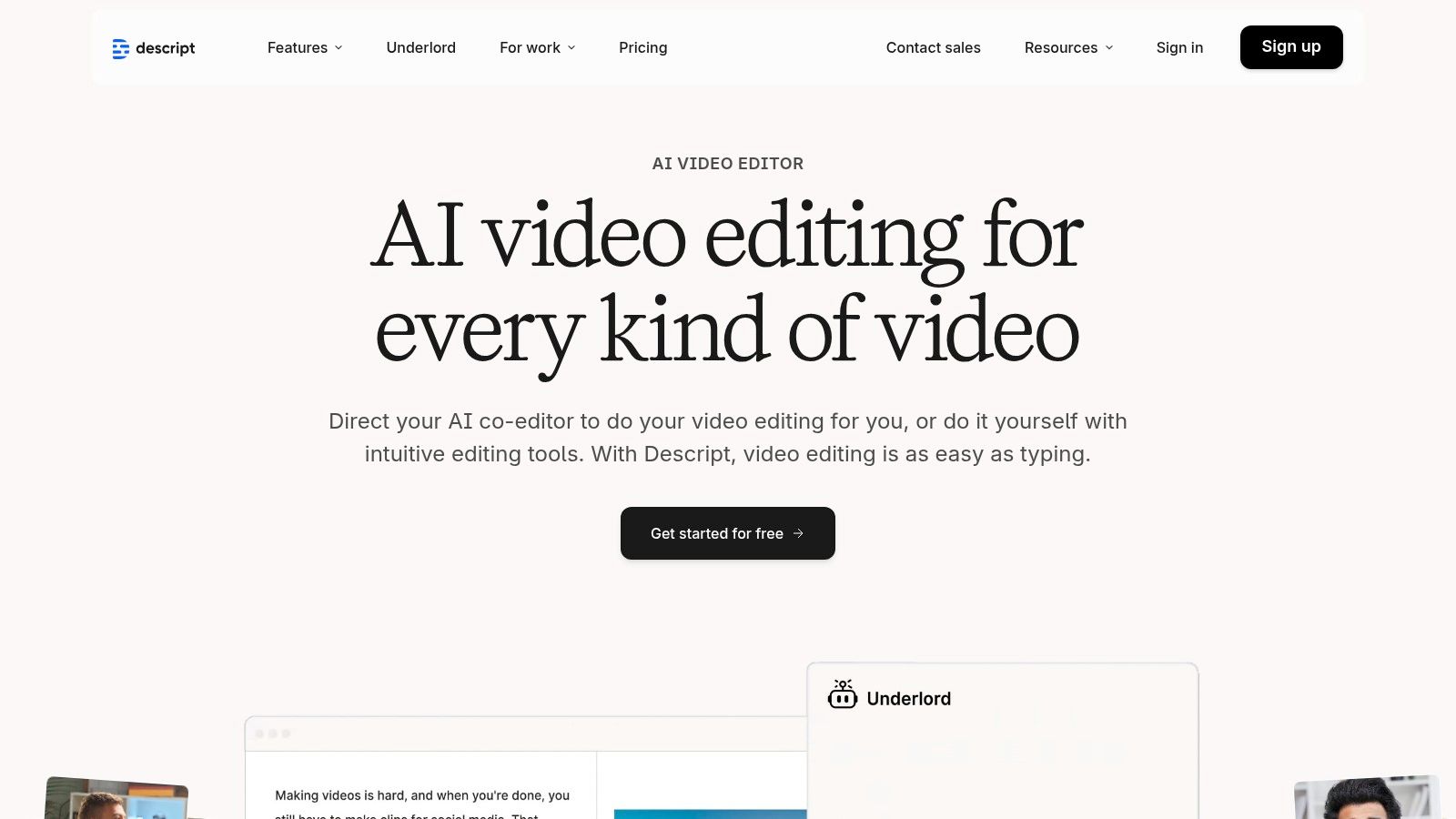
Its suite of AI tools further accelerates production, offering features like automatic filler-word removal ("ums," "ahs"), AI-powered voice cloning (Overdub) to correct audio mistakes, and studio-quality sound enhancement with a single click. The platform also includes a built-in screen and camera recorder, making it a comprehensive solution for creating everything from tutorials to video podcasts and promotional snippets.
Key Information & Analysis:
- Best For: Podcasters, course creators, and e-commerce brands who frequently repurpose long-form video or audio into engaging short-form social media clips.
- Pricing: Offers a Free tier with basic transcription. Paid plans like Creator and Pro provide more transcription hours, AI features, and export options.
- Unique Feature: The core "edit video by editing text" workflow is unparalleled. It fundamentally changes the editing process, making it accessible to non-video editors and drastically speeding up the creation of social-ready video content.
| Pros | Cons |
|---|---|
| Dramatically speeds cutting of dialogue-heavy clips | The text-based workflow has a learning curve |
| Strong for repurposing long videos into short social assets | Heavy AI usage may require higher-tier credits |
| Clear resource-based plans (media minutes and AI credits) | Can be less intuitive for purely visual editing |
Website: https://www.descript.com
6. DaVinci Resolve (Blackmagic Design)
DaVinci Resolve is a professional-grade video editing suite that offers a surprisingly robust and completely free version, making it a powerful tool for creators aiming for cinematic quality. While known for its Hollywood-level color correction and editing capabilities, it’s increasingly adopted by social media professionals who need more control than template-based apps provide. It integrates editing, color grading, visual effects (Fusion), and audio post-production (Fairlight) into a single application, allowing for a seamless high-end workflow.
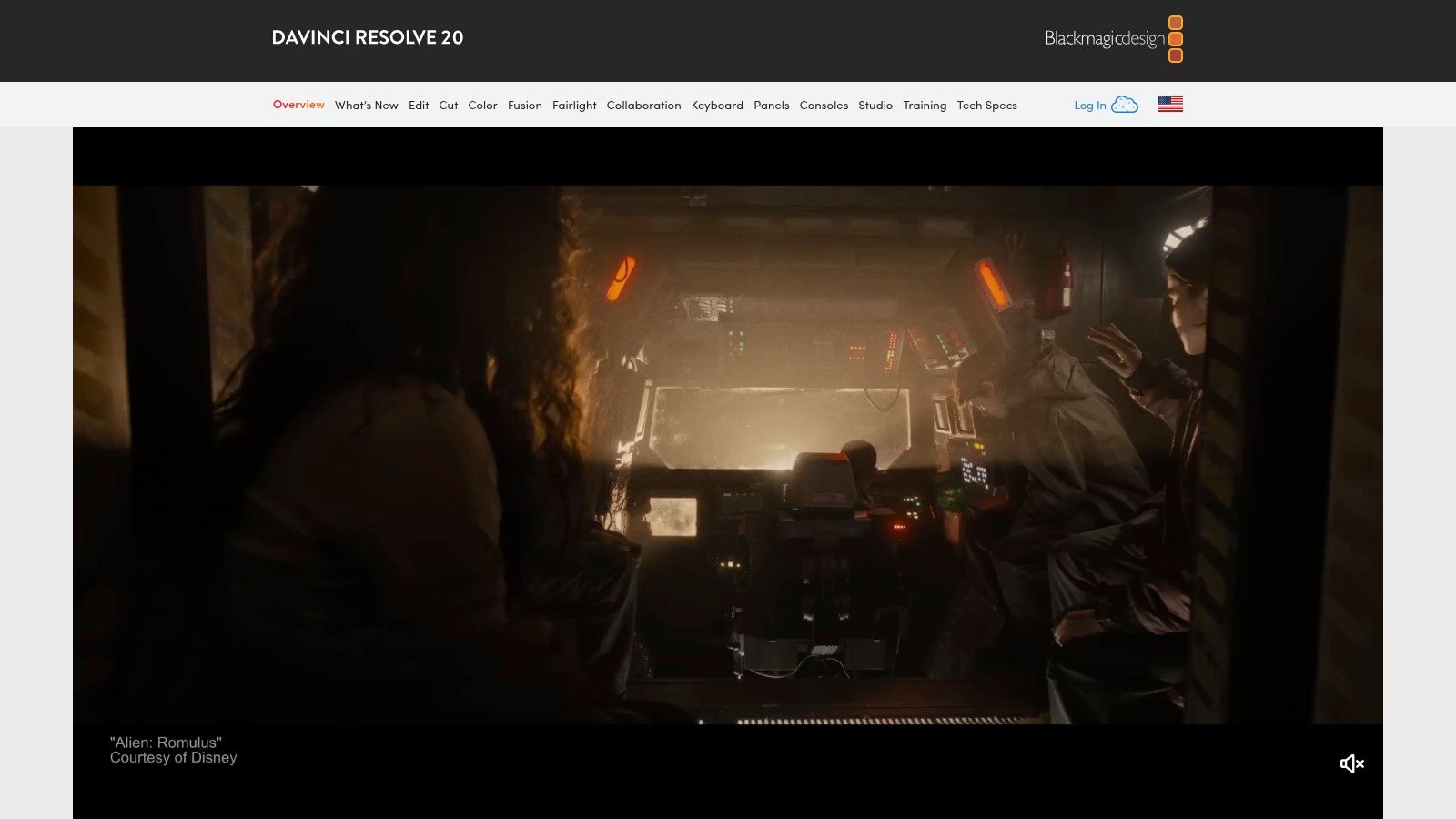
Its ability to handle complex projects and output high-quality vertical or square video formats makes it one of the best social media content creation tools for brands that prioritize production value. The paid Studio version unlocks advanced AI features, more effects, and better performance, but the free tier is more than enough for most e-commerce video needs, from product showcases to detailed tutorials.
Key Information & Analysis:
- Best For: E-commerce brands, solo creators, and small agencies that produce high-quality video content (like YouTube series or polished TikTok ads) and want a tool that can scale with their skills.
- Pricing: The standard version is completely Free. The advanced Resolve Studio license is a one-time purchase, offering a fantastic long-term value compared to subscription models.
- Unique Feature: It combines four professional-grade applications (editing, color, VFX, audio) into one cohesive software. The one-time purchase model for the Studio version is a major differentiator from subscription-based competitors.
| Pros | Cons |
|---|---|
| Exceptionally powerful and feature-rich free tier | Steeper learning curve than lightweight social editors |
| One-time Studio license offers great long-term value | Studio hardware/software may be sold via resellers at varied prices |
| Large community and professional tutorial ecosystem | Can be resource-intensive, requiring a powerful computer |
Website: https://www.blackmagicdesign.com/products/davinciresolve
7. Final Cut Pro (Apple)
Final Cut Pro is Apple's professional-grade video editing software, tailored for creators who need power, speed, and reliability. While known for filmmaking, it has become one of the most efficient social media content creation tools for high-volume producers on Mac and iPad. Its strength lies in its outstanding performance on Apple silicon, which allows for smooth editing of high-resolution footage and incredibly fast export times, crucial for meeting demanding social media schedules.
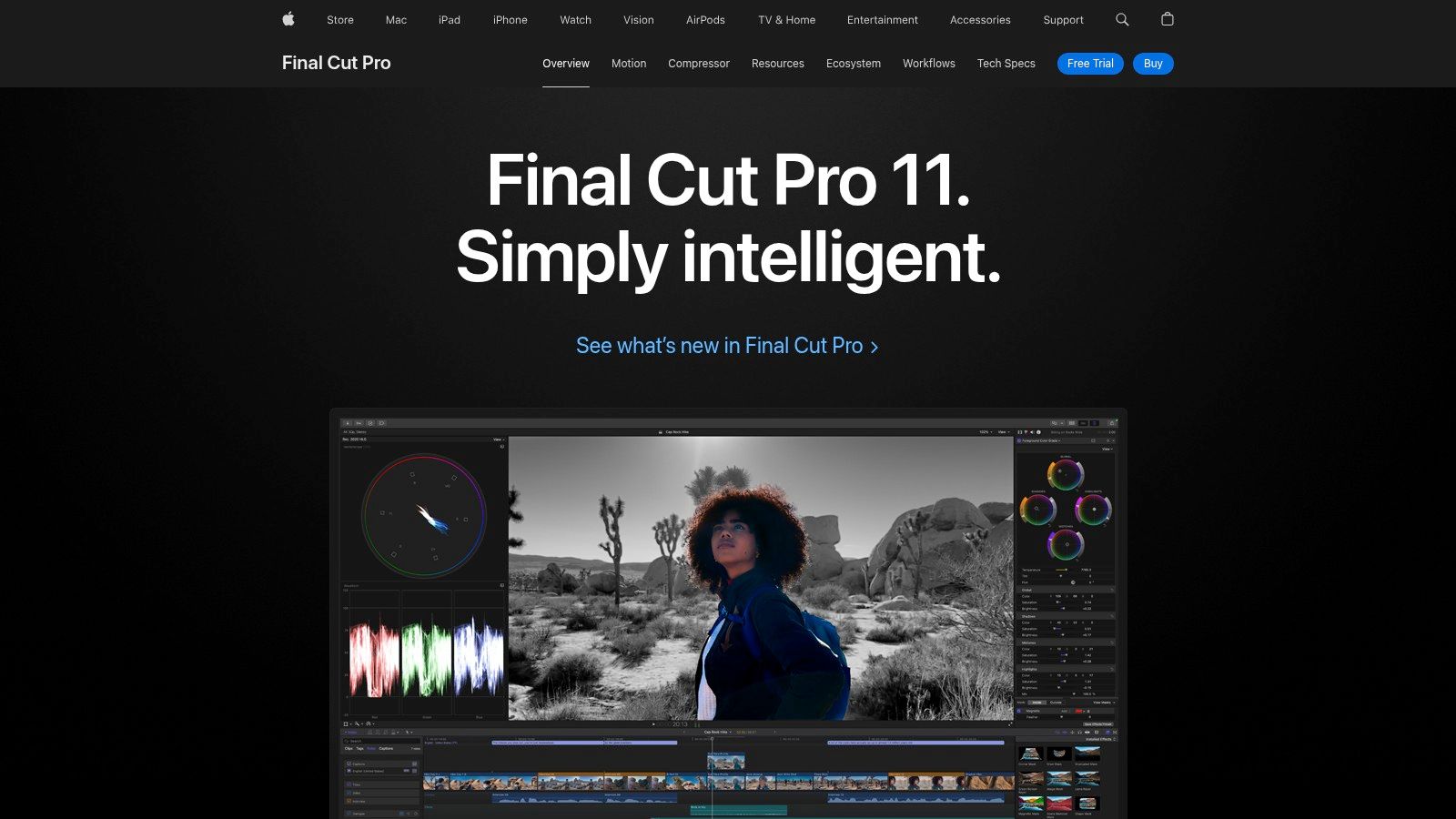
Features like "Smart Conform" automatically reframe horizontal video into vertical or square formats for platforms like TikTok and Instagram Reels, saving significant time. The software also includes AI-assisted tools for tasks like automatic captioning and object tracking. The iPad version, optimized for touch and the Apple Pencil, provides a powerful and portable editing suite for creators on the go.
Key Information & Analysis:
- Best For: E-commerce brands, performance marketers, and content creators deeply integrated into the Apple ecosystem who produce a high volume of video content and prioritize performance.
- Pricing: The Mac version is a one-time purchase of $299.99 with perpetual updates. The iPad version is a separate subscription.
- Unique Feature: The combination of a one-time purchase model on the desktop with extreme optimization for Apple hardware provides unparalleled long-term value and performance for dedicated Mac users.
| Pros | Cons |
|---|---|
| Mac version is a one-time purchase with ongoing updates | Mac-only for the full desktop application |
| Exceptional performance and reliability for high-volume work | Collaboration features are more manual than cloud-based editors |
| iPad version is affordable, portable, and powerful | Smaller built-in template marketplace than rivals |
Website: https://www.apple.com/final-cut-pro/
8. Envato Elements
Envato Elements is a powerhouse subscription service offering unlimited access to a massive library of over 26 million creative assets. For social media managers and agencies, it's an essential resource for speeding up workflows by providing ready-made video templates, graphics, stock footage, music, and fonts. Instead of creating everything from scratch, you can download high-quality, editable assets to produce professional content consistently, making it one of the most cost-effective social media content creation tools for high-volume producers.
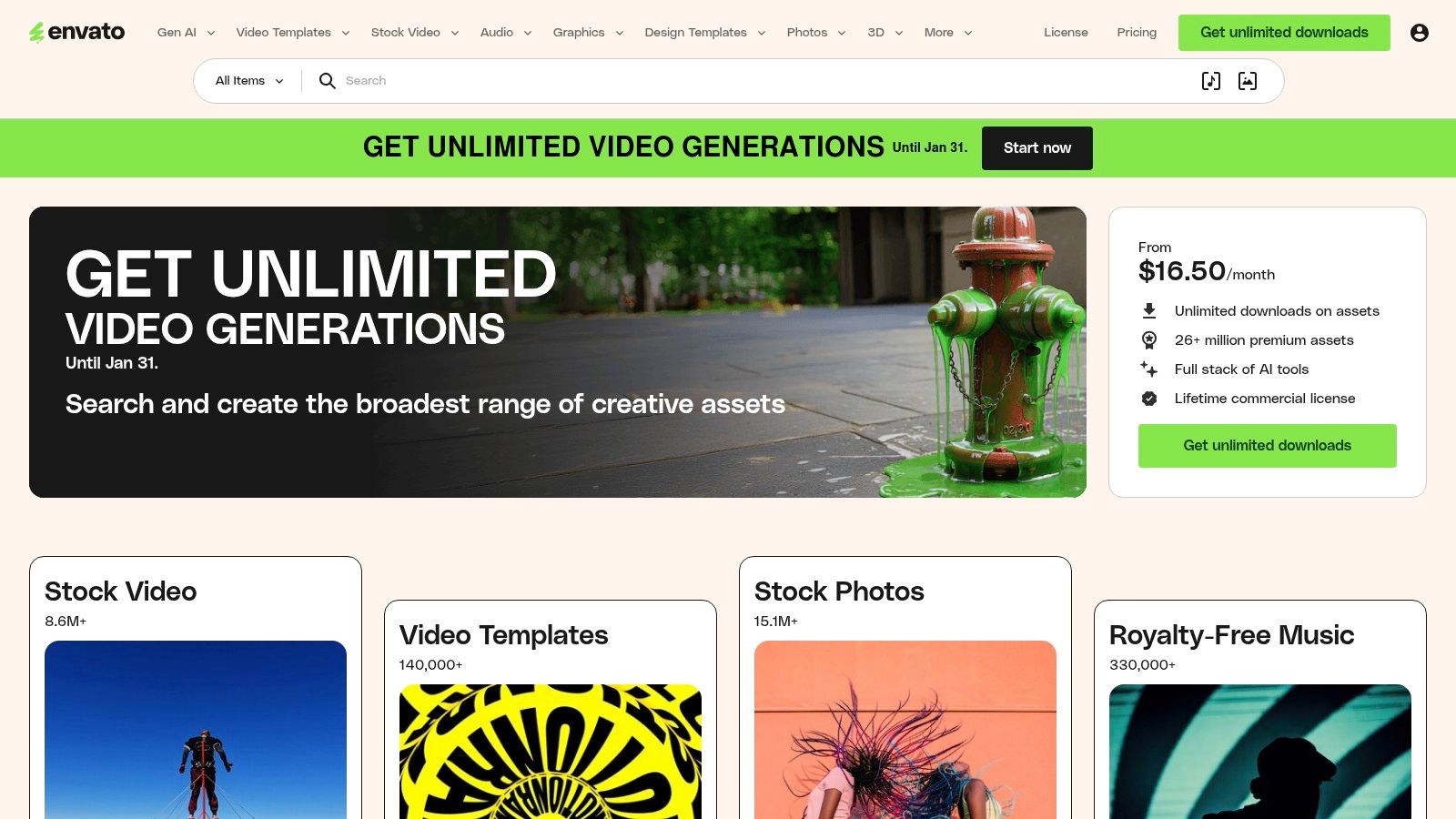
Its core value lies in its simple, all-inclusive commercial license. One subscription covers everything, removing the friction of purchasing individual asset licenses for commercial social media posts. This is particularly beneficial for agencies managing multiple client accounts or e-commerce brands running frequent ad campaigns, ensuring all content is commercially compliant without extra administrative work.
Key Information & Analysis:
- Best For: Agencies, freelance content creators, and marketing teams who frequently need a wide variety of assets (video, audio, graphics) and want straightforward licensing.
- Pricing: Operates on a subscription model for individuals, students, and teams. The single subscription provides unlimited downloads, making it a high-value option for frequent users.
- Unique Feature: The "all-you-can-eat" model with a single, broad commercial license is its standout feature, covering millions of assets from stock video to presentation templates under one simple fee.
| Pros | Cons |
|---|---|
| One subscription covers assets across all formats | No per-item creator support (marketplace is separate) |
| Straightforward licensing for commercial social content | Must register each asset use for license coverage |
| Excellent value for frequent creators and agencies | The sheer volume of assets can be overwhelming to search through |
Website: https://elements.envato.com
9. Creative Market
Creative Market operates differently from subscription-based social media content creation tools by functioning as a vast marketplace for à-la-carte design assets. Instead of a monthly fee, users can purchase high-quality, on-trend social media template packs, fonts, graphics, and mockups created by independent designers. This model is perfect for brands seeking a specific aesthetic or a unique template for a campaign without committing to another subscription. The platform is a goldmine for assets compatible with Canva, Photoshop, and Illustrator.
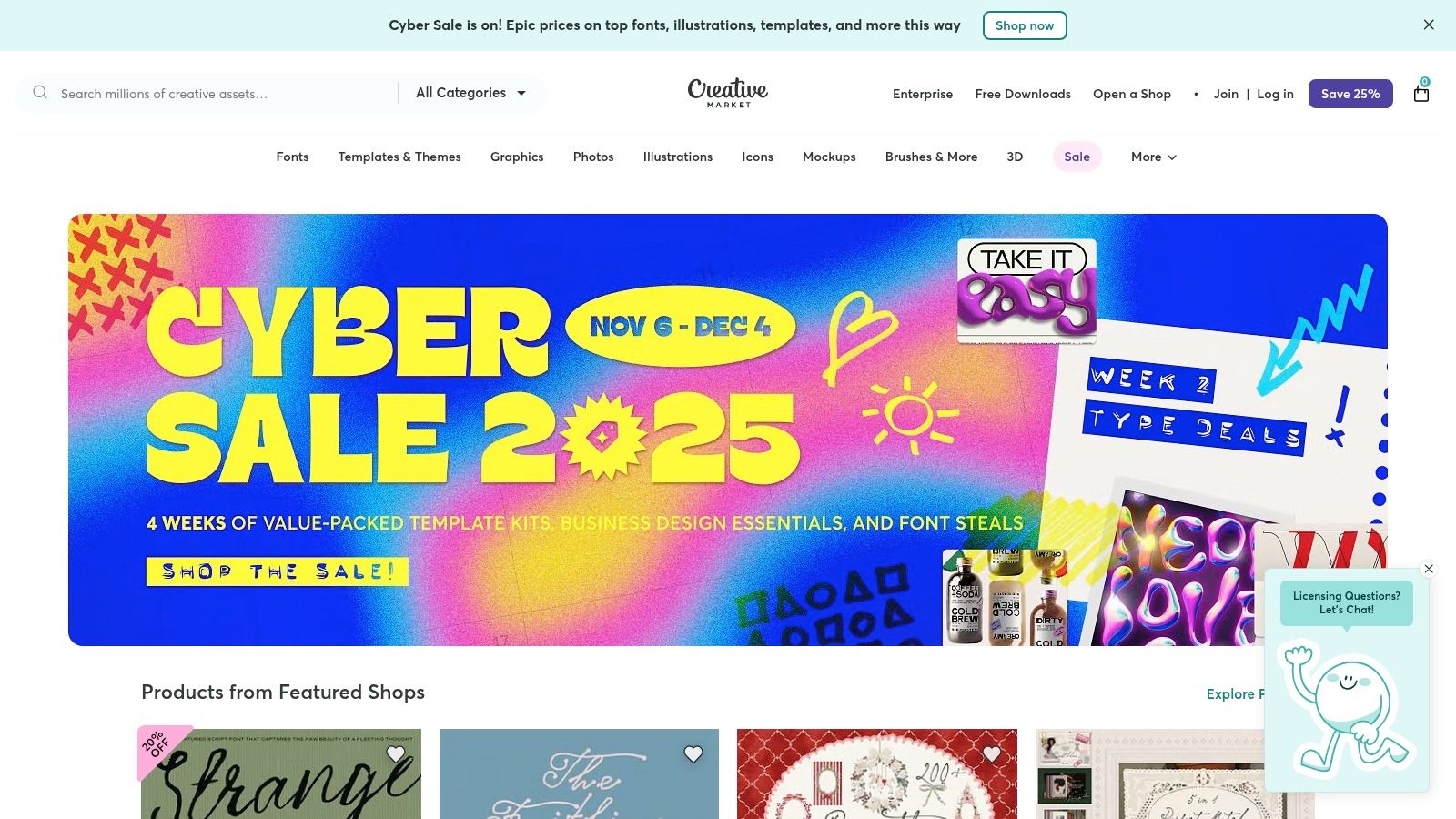
Its strength lies in the sheer variety and specificity of its offerings, from Instagram carousel kits to YouTube branding packages. Users can browse individual designer storefronts, read reviews, and preview assets extensively before making a one-time purchase. This direct-from-creator model ensures a constant flow of fresh and niche designs that you won't find in mainstream template libraries.
Key Information & Analysis:
- Best For: E-commerce brands, freelancers, and social media managers looking for unique, high-quality design assets for a specific project or to establish a niche aesthetic.
- Pricing: Purely à-la-carte. Items are purchased individually with a one-time license fee, with prices set by the independent creators.
- Unique Feature: The marketplace model itself is the key differentiator. It provides access to thousands of independent creators, offering a level of design variety and uniqueness that is difficult for a single platform to replicate.
| Pros | Cons |
|---|---|
| Pay only for what you need, avoiding subscription fatigue | Quality can vary between sellers; careful review is needed |
| Access to highly specific and niche aesthetic templates | No unlimited access; costs can add up for multiple assets |
| Assets are often compatible with popular editors like Canva | Not an all-in-one creation platform; it's a resource hub |
Website: https://creativemarket.com
10. Epidemic Sound
Epidemic Sound solves one of the biggest headaches for video creators: finding high-quality, claim-free music. It's a subscription-based library of royalty-free music and sound effects designed specifically for social media content creation tools. For brands and creators, this means you can add professional-grade audio to your TikToks, Reels, and YouTube videos without worrying about copyright strikes or demonetization, a critical concern for monetized channels.
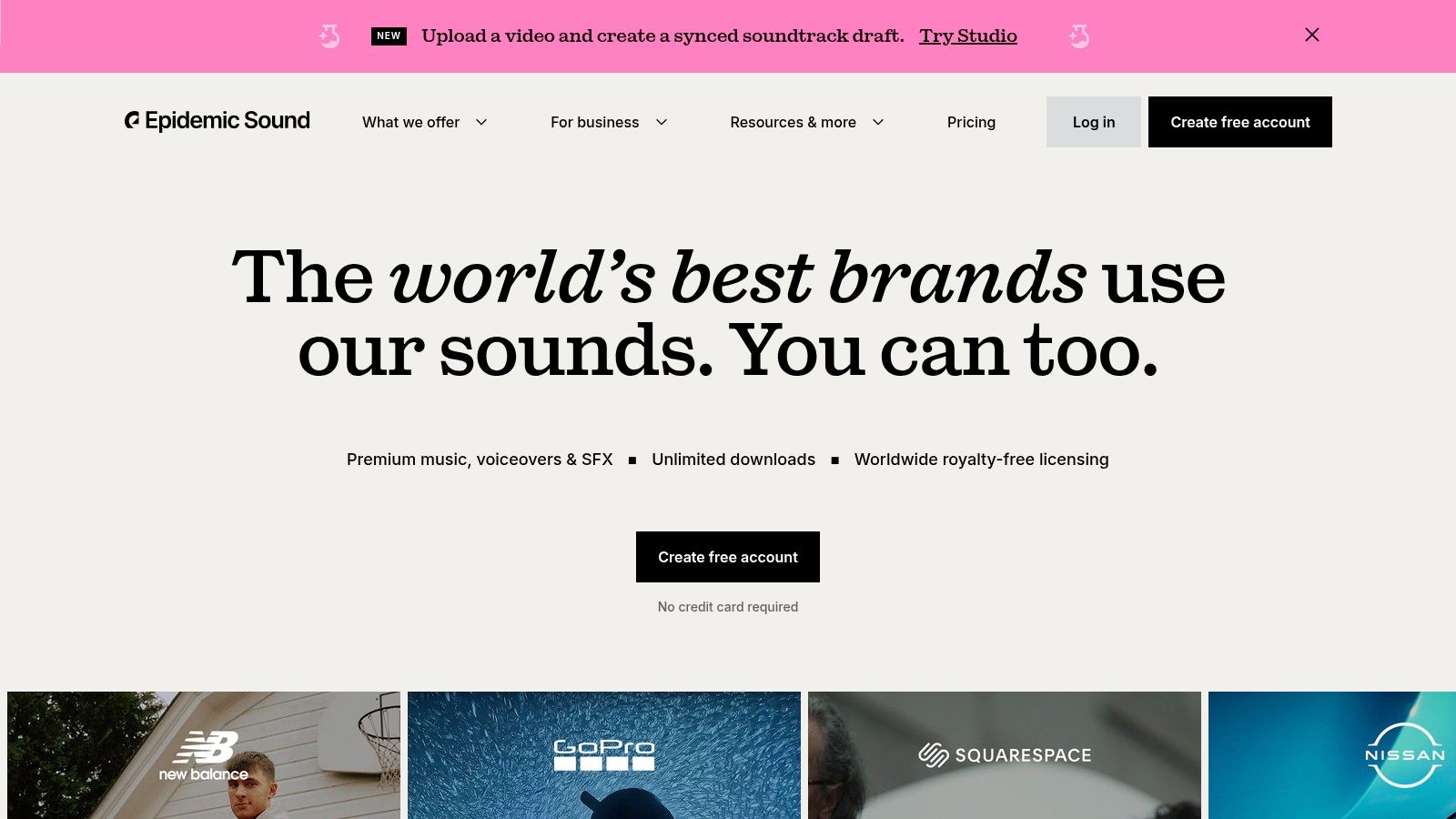
The platform's strength lies in its simple licensing model and curated catalog. Instead of complex per-track licensing, a single subscription covers all your content on linked channels. By connecting your social accounts, Epidemic Sound automatically whitelists your videos, preventing copyright claims from disrupting your workflow. The library is constantly updated with tracks tailored for modern content trends, from vlogs to promotional ads.
Key Information & Analysis:
- Best For: Video creators, e-commerce brands, and social media managers who regularly produce video content and need a reliable source of high-quality, claim-free music and SFX.
- Pricing: Offers a 30-day Free Trial. Subscription tiers include Personal for creators and Commercial for businesses and freelancers using music in paid ads.
- Unique Feature: The direct channel-linking system that automatically clears your content on YouTube, Instagram, and TikTok, providing a seamless "set and forget" solution to music licensing.
| Pros | Cons |
|---|---|
| Simple, all-inclusive licensing model | Subscription is required; no single-track purchases |
| Prevents copyright claims automatically | Different subscription tiers for creator vs. ad usage |
| High-quality, constantly updated music catalog | Can be an added expense for infrequent video creators |
Website: https://www.epidemicsound.com
11. Artlist
Artlist is a go-to resource for social media content creators needing high-quality, royalty-free music and sound effects to elevate their video content. Its main appeal lies in a simple, subscription-based licensing model that removes the typical complexities of music rights for social platforms. The platform is designed specifically for the creator workflow, offering unlimited downloads from a constantly growing library, ensuring every video has the perfect soundtrack without recurring fees per track.
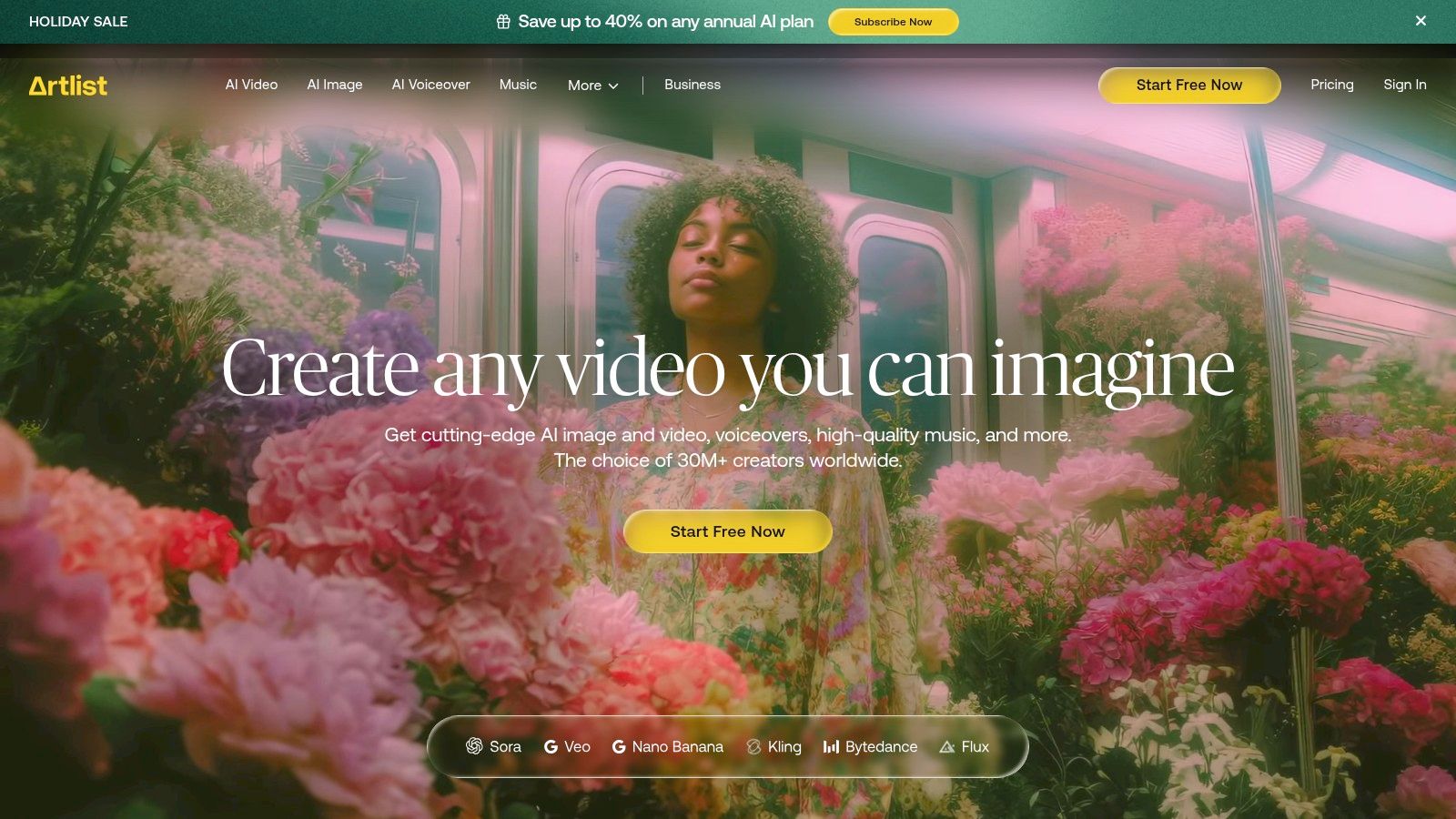
The "Social Creator" plan is tailored for this audience, providing a lifetime license for any content published during the subscription period, even if the subscription ends. This perpetual license is a major differentiator, giving creators peace of mind that their monetized videos on YouTube, Instagram, or TikTok will remain cleared forever. Artlist's curated library makes finding the right mood or genre for your brand's content both quick and intuitive.
Key Information & Analysis:
- Best For: Video creators, e-commerce brands, and social media managers who consistently produce video content and need a reliable, high-quality source for music and SFX.
- Pricing: Offers a Social Creator plan billed annually. Higher-tier Creator Pro and Teams plans are available for broader commercial use, including client work and ads.
- Unique Feature: The perpetual license model is its standout feature. Once a track is used in a published project during an active subscription, the license for that specific project is valid forever.
| Pros | Cons |
|---|---|
| Simple, worry-free licensing designed for creators | Social Creator plan limits use to one channel per platform |
| Huge, high-quality, and growing library of music/SFX | Higher-tier plans are required for ads and client work |
| Unlimited downloads with a single subscription | Less flexible for those needing to license single tracks |
Website: https://artlist.io
12. Amazon (Creator gear and accessories)
While not a software tool, Amazon is an essential marketplace for any creator serious about leveling up their production quality. It serves as the ultimate hardware hub for social media content creation tools, offering everything from ring lights and wireless microphones to tripods, backdrops, and teleprompters. Its massive selection ensures that creators at every budget level, from beginners to seasoned professionals, can find the gear they need to build out their home studio or mobile content kit.

The platform's strength lies in its extensive user reviews, Q&A sections, and video demonstrations, which provide invaluable social proof when deciding between brands. Fast Prime shipping and a straightforward returns policy also reduce the risk of trying out new equipment, making it a reliable one-stop shop for rounding out a content creation setup.
Key Information & Analysis:
- Best For: All content creators, from solo entrepreneurs to in-house marketing teams, who need to purchase physical hardware and accessories for video and photo production.
- Pricing: Varies by product. The platform features gear at all price points, from budget-friendly starter kits to professional-grade equipment. Prime membership offers shipping benefits.
- Unique Feature: The unparalleled combination of a vast inventory, extensive user-generated reviews, and rapid Prime delivery makes it the most accessible and comprehensive marketplace for creator hardware.
| Pros | Cons |
|---|---|
| One-stop shop for lighting, audio, and stabilization gear | Quality can vary widely; read specs and reviews closely |
| Extensive review data helps evaluate lesser-known brands | Search can surface low-quality clones; verify sellers |
| Easy returns and replacements through Prime and marketplace policies | Overwhelming number of options can make decisions difficult |
Website: https://www.amazon.com
Top 12 Social Media Content Creation Tools Comparison
| Tool | Core features | Quality (★) | Price & Value (💰) | Target (👥) & USP (✨/🏆) |
|---|---|---|---|---|
| +50 Premium Tools (EcomEfficiency) | Bundled access to 50+ premium AI/SEO/creative/ad‑spy tools; one‑click curated logins; product & ad research | ★★★★☆ | 💰 Starter $19.99 / Pro $29.99 — up to 99% software cost savings | 👥 E‑commerce teams & growth marketers — ✨ Massive consolidated toolkit, community‑voted additions, 🏆 best for cost‑consolidation |
| Canva | Template-first design & video editor; brand kits; AI Magic tools | ★★★★☆ | 💰 Free tier; Pro/Teams paid plans (recent price changes) | 👥 Solo creators & small teams — ✨ Fast drag‑drop templates, wide format coverage, 🏆 easy social design |
| Adobe Express | Social templates + Firefly generative AI + Adobe Stock & Creative Cloud integration | ★★★★☆ | 💰 Free + Premium/Teams; generative credits included | 👥 Adobe ecosystem users — ✨ Stock + Firefly + Cloud integration, good upgrade path to Adobe apps |
| CapCut | Short‑form video editor: auto‑captions, trend templates, cross‑device projects | ★★★★☆ | 💰 Free tier (pricing/availability may vary) | 👥 TikTok/Reels creators — ✨ Speedy vertical workflows & trend assets, ideal for rapid social edits |
| Descript | Text‑based media editing, overdub AI voice, auto captions, screen recording | ★★★★☆ | 💰 Tiered plans with media minutes & AI credits | 👥 Podcasters & long‑form repurposers — ✨ Edit-by-transcript + overdub, 🏆 great for repurposing long content |
| DaVinci Resolve (Blackmagic) | Pro editing, color grading, Fairlight audio, Fusion VFX; free + Studio one‑time license | ★★★★★ | 💰 Powerful free tier; Studio one‑time purchase (no subscription) | 👥 Professional editors & filmmakers — ✨ Industry‑leading color/audio/VFX, 🏆 best cinematic quality for budget |
| Final Cut Pro (Apple) | Pro Mac editor, Smart Conform, auto captions; iPad subscription version | ★★★★★ | 💰 One‑time $299.99 (Mac); iPad subscription option | 👥 Mac-native creators & high‑volume editors — ✨ Optimized for Apple silicon, fast performance, 🏆 reliability |
| Envato Elements | Unlimited downloads of templates, stock video, music, fonts under one license | ★★★★☆ | 💰 Subscription for unlimited assets — strong value for frequent use | 👥 Agencies & frequent creators — ✨ 26M+ assets with simple commercial license, 🏆 great asset breadth |
| Creative Market | Marketplace for one‑off templates, fonts, LUTs and graphics (à‑la‑carte) | ★★★★ | 💰 Pay per item — no subscription required | 👥 Designers & creators needing specific packs — ✨ Boutique, on‑trend packs; good for niche aesthetics |
| Epidemic Sound | Royalty‑free music & SFX with channel linking to reduce platform claims | ★★★★☆ | 💰 Subscription (Creator & Pro tiers); 30‑day trial | 👥 Social creators & advertisers — ✨ Claim‑free publishing via channel link, 🏆 reliable licensing for social |
| Artlist | Unlimited music & SFX with Social Creator license and perpetual published project coverage | ★★★★☆ | 💰 Subscription with unlimited downloads; channel registration required | 👥 Social‑first creators — ✨ Perpetual license for published work, strong social workflow support |
| Amazon (Creator gear) | Marketplace for lighting, mics, rigs, tripods, capture devices with Prime logistics | ★★★★ | 💰 Wide price range; frequent deals & fast shipping | 👥 Creators building hardware kits — ✨ One‑stop shop with reviews & fast fulfillment |
Building a Smarter, More Efficient Content Workflow
Navigating the expansive landscape of social media content creation tools can feel overwhelming, but the right toolkit is a powerful catalyst for growth. As we've explored, the market offers a solution for every challenge, from all-in-one design platforms like Canva and Adobe Express to specialized video editors like CapCut and Descript. The key isn't to adopt every tool available, but to strategically build a stack that directly addresses your brand's unique needs and eliminates your most significant workflow bottlenecks.
The ultimate goal is to create a seamless, efficient process that transforms your ideas into high-impact social media content without draining your time or budget. Whether you're a solo creator piecing together assets from Envato Elements or a performance marketer fine-tuning video ads in DaVinci Resolve, the principles of an effective workflow remain the same: speed, quality, and consistency.
Actionable Steps to Build Your Ideal Toolkit
So, where do you begin? The journey from simply having apps to building an intelligent system starts with a clear-eyed assessment of your current process. Don't just jump to the shiniest new tool; instead, take these deliberate steps to ensure you’re making a smart investment.
- Audit Your Current Workflow: Map out your content creation process from ideation to posting. Identify the specific stages that consume the most time or cause the most friction. Is it finding quality audio on Epidemic Sound? Or maybe it's the tedious process of transcribing and subtitling videos? Pinpointing these pain points is the most critical first step.
- Define Your Core Needs: Based on your audit, list your non-negotiable requirements. Do you need a tool with robust collaboration features for your team? Is a massive library of royalty-free assets a priority? Are you focused primarily on short-form video and need advanced editing features like those in Final Cut Pro? Be specific about what "better" looks like for your brand.
- Start Small and Test Rigorously: Resist the urge to overhaul your entire toolkit at once. Select one or two tools from this list that solve your most pressing problem. Sign up for a free trial and integrate it into your workflow for a specific project. Measure its impact not just on the final content quality, but on the time and effort saved.
Final Thoughts: From Tools to Systems
Ultimately, the best social media content creation tools are the ones that fade into the background, allowing your creativity and strategic vision to shine. They empower you to execute on ideas faster, test more variables, and consistently publish content that resonates with your audience. By moving from a collection of disparate apps to an integrated, intentional system, you are not just buying software; you are investing in a more scalable, profitable, and efficient future for your brand. The right toolkit doesn’t just help you make content; it helps you build a more powerful business.
Tired of juggling a dozen subscriptions and expensive standalone tools? EcomEfficiency consolidates over 50 premium e-commerce and marketing apps, including advanced content creation and AI tools, into one affordable platform. Simplify your workflow, slash your software costs, and unlock your brand’s full potential by visiting EcomEfficiency to learn more.