Envato Elements Free Trial Unpacked

If you've been looking for the unlimited 7-day Envato Elements free trial, I've got some news for you: it's no longer available. Envato has officially discontinued it worldwide. But it's not all bad news. They've replaced it with something different—12 free, hand-picked files every single month, available to anyone who signs up for a free account.
The goal is to scale without dubious shortcuts and without hurting your credibility.
This gives you a new way to get your hands on high-quality assets without committing to a subscription right away.
What Happened to the Envato Elements Free Trial?
The move away from the classic 7-day unlimited download trial was a big strategic shift for Envato. The old trial was fantastic for a deep dive, letting you explore the entire library at once. The only catch? It created a frantic rush to download everything you could possibly need in just one week.
Envato's current approach is all about long-term value instead of a short-term sprint. By curating a selection of 12 free assets each month, they give you a consistent taste of the quality you can expect from a full subscription. This model completely removes that time pressure, encouraging you to pop in regularly to see what new resources are up for grabs.
The New Free Files Model
Getting started with the new system is incredibly simple. Just create a free Envato account, and you'll get instant access to a dedicated page with the month's freebies. The selection is always changing, but you can typically expect a solid mix of assets like:
- Video templates for After Effects and Premiere Pro
- Royalty-free music tracks and sound effects
- Graphic templates for logos, flyers, or social media
- Presentation templates for PowerPoint, Keynote, and Google Slides
- Unique fonts and even WordPress themes
To clear things up, let’s compare the old trial system to the new monthly free file model.
Comparing Envato's Old Trial vs Current Free Files
| Feature | Former 7-Day Free Trial | Current Monthly Free Files |
|---|---|---|
| Access | Unlimited downloads from the entire library | 12 curated files per month |
| Duration | 7 days | Ongoing, with new files each month |
| Choice | User-selected from millions of assets | Pre-selected by the Envato team |
| Cost | Free for 7 days, then auto-renews | Completely free with an account (no time limit) |
| License | Perpetual license for items downloaded during the trial | Perpetual license for all downloaded free files |
Ultimately, the old trial offered unlimited choice for a very limited time, while the new model gives you a limited, curated choice that lasts forever.
This side-by-side breakdown really highlights the difference in approach.
So, to recap: the 7-day free trial is a thing of the past. In its place, Envato provides a monthly drop of 12 free files. While everyone gets the same assets (which can limit their exclusivity), it's a fantastic, no-strings-attached way to build up your creative toolkit. If you're looking for more insights, you can find a great breakdown of Envato's current offers on wpism.com.
How to Get Your 12 Free Monthly Assets
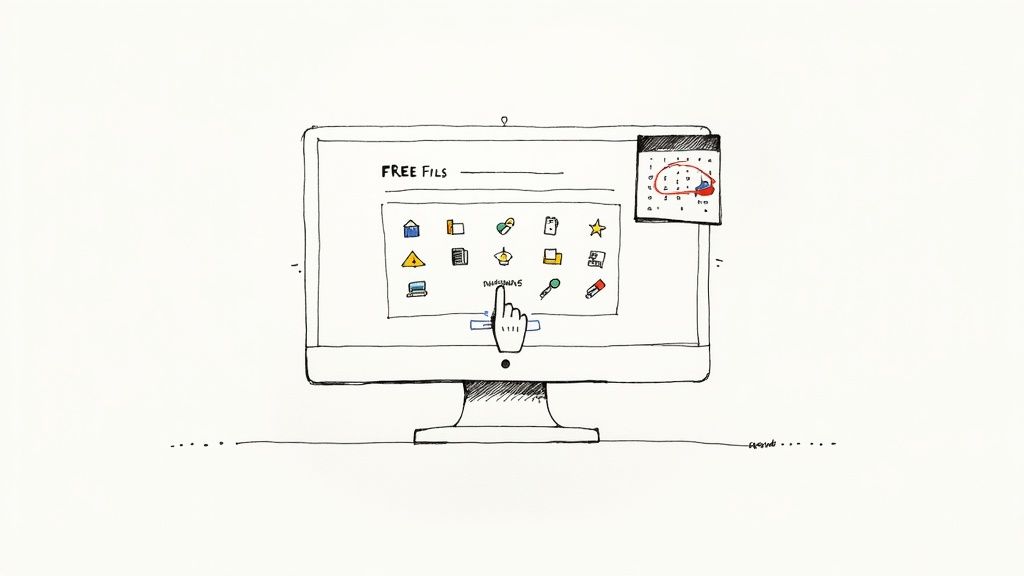
While the old unlimited Envato Elements free trial is a thing of the past, their new model is arguably just as good for casual creators: 12 high-quality assets are offered up for free every single month. The best part? Getting them is dead simple. You don't need a credit card or any kind of subscription.
All it takes is creating a free account over on the Envato website. It's the standard quick signup—just pop in your name and email, and you're in. This immediately unlocks the platform's free offerings, including that coveted monthly drop.
Finding and Downloading the Free Files
Once you’re logged into your new account, you need to find this month's goodies. Just look for a "Free Files" link, which is usually right in the main navigation menu at the top of the page. Clicking this takes you to a dedicated page that lays out the entire selection for the current month. I've seen everything from unique fonts and video templates to professional graphics and music tracks.
You don't want to miss a single month's worth of assets. I've found a couple of simple habits make a world of difference:
- Bookmark the free files page. This makes it a one-click trip every time.
- Set a recurring calendar reminder. I have one set for the first of every month, which is my cue to go see what's new.
This little routine is a game-changer. It ensures you're constantly building a library of professional assets over time, all without spending a dime. It’s like a monthly gift to your future self.
When you see an asset you like, just hit the "Download" button next to it. That's it. Every file you grab comes with a lifetime commercial license, meaning you can use it in your projects forever. It’s a fantastic way to tap into Envato’s creative ecosystem without committing to a paid plan.
Getting Real Value from Your 12 Free Envato Files
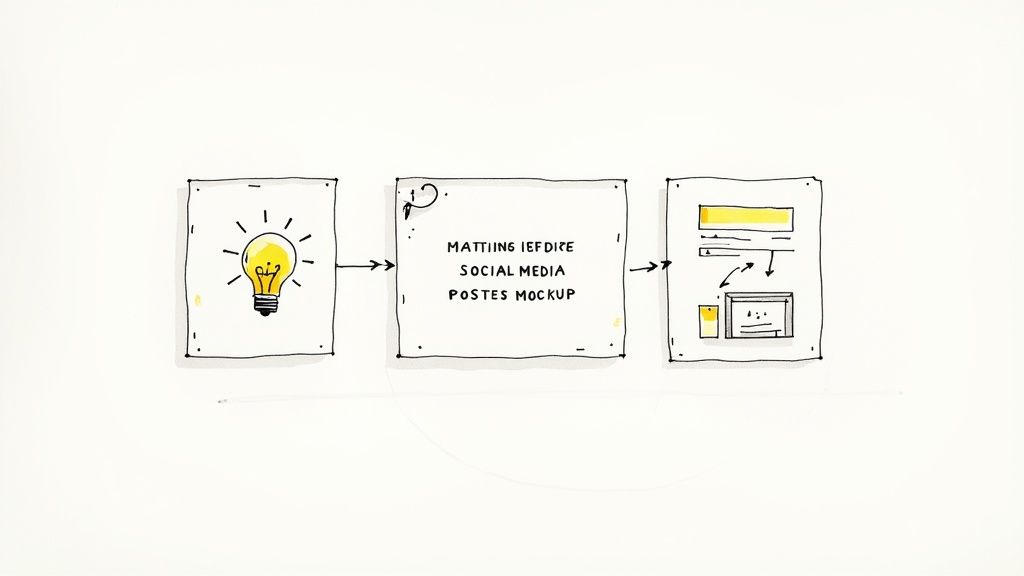
Grabbing your 12 free monthly assets is easy. The real win, though, comes when you stop collecting and start creating. It’s about making a mental shift from just “getting free stuff” to actively using these resources to build real projects and sharpen your skills.
I like to think of each month's free files as a mini creative challenge. Instead of just letting a new font sit in a folder, why not use it to design a mock social media campaign for a brand you just made up? That small exercise forces you to think about typography in a practical way, turning a simple download into a hands-on learning moment.
From Asset to Actionable Idea
Every file you download is a chance to learn something new. One of the best ways to improve is to deconstruct what the pros are doing, and these assets give you a backstage pass to their work. This approach transforms the free files from the now-discontinued Envato Elements free trial into your own personal workshop.
Here are a few practical ways I’ve seen this work:
- Video Templates: Crack open an After Effects template and poke around. Look at the layers, keyframes, and effects. Can you figure out how they made that smooth transition? Try to build it yourself from scratch.
- Presentation Decks: We've all made boring presentations. Study the layouts and font choices in a professional template. Then, use those principles to give one of your old, tired decks a complete facelift.
- Graphic Templates: Take apart a logo or flyer file in Illustrator or Photoshop. See exactly how the designer used layers, shapes, and gradients to get that polished final look.
The real goal here is to reverse-engineer the creativity. When you break down high-quality assets, you absorb the techniques and thought processes behind them. That knowledge is far more valuable than the file itself.
Sparking New Project Concepts
Your monthly freebies can be a fantastic brainstorming tool. I've seen a single dramatic stock photo inspire the entire visual direction for a new website landing page. That cinematic music track you downloaded? It might be the perfect spark for a short promo video for your side hustle you've been putting off.
Don't wait for the perfect project to fall into your lap. Let the assets guide you. Use the files you get each month to invent a reason to create something. This proactive approach doesn't just build your portfolio; it trains you to execute on ideas quickly and professionally.
Tapping Into Envato’s Free AI Creative Tools
A free Envato account is more than just a gateway to a few monthly downloads. Tucked away is a surprisingly powerful feature that many people miss: Envato's growing suite of creative AI tools. The first one out of the gate is GraphicsGen, their free AI image generator, and it's genuinely useful for knocking out quick creative assets.
This isn't some throwaway gimmick. It’s a practical tool that can plug a visual gap in your project in a matter of seconds.
With GraphicsGen, you can whip up custom graphics from a simple text description, creating bespoke assets on the fly without ever opening up design software. Let's say you're building a website for an eco-conscious brand and need a very specific icon. Instead of digging through stock libraries for a "minimalist green leaf icon," you can just tell the AI to make one for you.
How to Write Prompts That Actually Work
Like any AI tool, the magic is in the prompt. Vague requests get you generic, uninspired results. The trick is to be as descriptive as possible and give the AI some real context to work with.
For instance, don't just ask for a "rocket icon." You'll get much better results by trying something like:
- "A simple, flat design rocket icon, blue and orange, with a clean white background."
- "3D isometric illustration of a cartoon rocket ship blasting off, vibrant colors."
- "Vector line art of a retro-style rocket, minimal detail, single color."
My best advice? Talk to it like you're briefing a human designer. The more specific details you feed it—style, color palette, perspective, complexity—the closer the final image will be to what you pictured in your head.
Your free Envato account gives you 5 custom generations in GraphicsGen, which is plenty to experiment with and see how AI can fit into your workflow. It's a great little perk that adds a ton of value beyond the standard free files.
If you're curious about the tech behind it, you can get the full rundown on how their AI Labs program works on their help center.
A Look Back: The Original Envato Elements 7-Day Free Trial
Let's clear the air about the old Envato Elements free trial you might have read about on other blogs. It was a genuinely great deal back in the day, but it worked very differently from the free files model they have now.
For a full seven days, you got an all-access pass to the entire library. Think about it—unlimited downloads of everything. Video templates, stock photos, WordPress themes, you name it. For any creator facing a tight deadline, this was a game-changer.
How the 7-Day Trial Worked
There were a few catches, of course. This offer was strictly for new users or existing free users who had never paid for a subscription before. It was a one-time-only deal to get you hooked. You can dig into the specifics of the old trial conditions from WPism if you're curious about the fine print.
To get started, you had to hand over your payment details. This was the most important step because it set you up to automatically roll into a paid subscription the moment your seven days were up.
The real kicker with the old trial was the cancellation. You had to be proactive and cancel before day seven ended, or you'd see a charge for a monthly or annual plan on your credit card.
While the "cancel anytime" policy gave you an out, it put all the pressure on you to remember. It was easy to get lost in a project, forget the date, and suddenly find yourself with an unexpected subscription fee.
Understanding this history really highlights why Envato's shift to offering 12 free files every month is such a simpler, more user-friendly approach. You get to sample their top-quality assets without any financial risk or calendar reminders hanging over your head.
Your Questions About Envato Elements Answered
Diving into a new creative subscription always brings up a few questions, especially when policies and offers seem to shift. Let's tackle some of the most common things people ask about Envato Elements, covering everything from licensing to how the current free offer works.
Will the 7-Day Envato Elements Free Trial Ever Return?
It's a question I hear a lot, but honestly, it's highly unlikely. The industry as a whole has been moving away from the "all-you-can-eat" short-term trial model.
Envato's current approach, offering 12 free monthly files, seems to be their long-term strategy. It's designed to give you a consistent taste of the library's quality over time, encouraging a lasting relationship rather than a frantic one-week download frenzy. Think of it as a slow burn to show value, which is a much more sustainable model for them.
So, my advice? Make the most of what's available now instead of holding out for the old trial to reappear.
What Happens to My Downloads if I Cancel a Paid Subscription?
This is where the details really matter, and it's a critical point to understand. How you can use your downloaded assets after canceling depends entirely on how you got them.
- Paid Subscription Assets: Anything you downloaded and registered to a project while your paid plan was active is licensed for that specific project forever. You're all clear to continue using it in that context. The catch is you can't use that same asset for any new projects after your subscription ends.
- Monthly Free Files: The 12 free monthly assets are a different story. These files come with a full commercial license from the get-go. You can use them in as many projects as you like, whenever you like, even if you never sign up for a paid plan. They are yours to keep.
The bottom line is this: Always register your paid downloads to a project before your subscription lapses to lock in that license. Your free monthly downloads, on the other hand, are yours to use freely with no strings attached.
Are There Good Alternatives That Still Offer Free Trials?
Absolutely. If you're on a mission to test out a huge library for a specific, time-sensitive project, other platforms can definitely fill that need.
Services like Adobe Stock or Shutterstock often run free trials that give you a set number of downloads—say, 10-40 assets within a 30-day period.
While it's not the unlimited download model Envato used to have, these trials are perfect for grabbing a handful of high-quality assets for a client pitch or a single marketing campaign. It’s a great way to evaluate another library's quality and see if it’s a good fit before you commit any money.
At EcomEfficiency, we believe in maximizing your creative and marketing output while minimizing costs. Our all-in-one subscription bundles over 50 premium tools like Semrush, Midjourney, and Pipiads, saving you thousands. Unlock your unfair advantage today.