Best Tools for Social Media Content Creation: Top Picks for 2026

The demand for high-quality, consistent social media content is relentless. For e-commerce brands and marketers, creating scroll-stopping visuals for Instagram, engaging TikTok videos, and informative carousels is a full-time job. Juggling multiple platforms, formats, and tools often leads to burnout, inconsistent branding, and skyrocketing subscription costs. This constant pressure can make it feel impossible to maintain a creative edge while managing the operational side of a business.
The goal is to scale without dubious shortcuts and without hurting your credibility.
This guide cuts through the noise to reveal the absolute best tools for social media content creation that can fundamentally change your workflow. We'll explore a curated selection of platforms designed to streamline every step of the process, from initial ideation to final publication. Inside, you'll find everything from AI-powered video editors that turn text into stunning visuals to massive template libraries that make on-brand design effortless. For a broader overview of how various platforms can enhance your output, you can also delve into the top social media content creation tools for productivity.
Our goal is to help you find the right software to not only save you time and money but also elevate your content to a new level of professional polish. Each tool reviewed includes a direct link, a clear breakdown of its core function, key pros and cons, and specific "best for" recommendations tailored to the needs of Shopify owners, DTC brands, and performance marketers. Let's find the perfect additions to your creative toolkit.
1. +50 Premium Tools – Access the best Ecom tools
For social media managers and e-commerce teams aiming to maximize their creative output without ballooning their software budget, EcomEfficiency’s +50 Premium Tools bundle presents a powerful, all-in-one solution. This platform is not a single tool but a centralized gateway, offering access to over 50 of the industry's most sought-after applications for a fraction of their individual costs. It's a strategic choice for creators who need a diverse toolkit, from AI video generation to in-depth competitor analysis, all managed through a single subscription.
This service is one of the best tools for social media content creation because it consolidates the entire workflow. Instead of juggling dozens of separate subscriptions for tools like Runway (AI video), Midjourney (AI images), ElevenLabs (AI voice), and Canva Pro (design), users gain streamlined access through a single dashboard. This approach dramatically cuts down on software overhead, with EcomEfficiency claiming savings of up to 99% compared to paying for each service individually.
Why It Stands Out
What makes this platform exceptional is its focus on the complete e-commerce content lifecycle. A typical workflow could involve using Helium10 for product research, generating ad creatives with Midjourney, editing them in Canva Pro, producing a voiceover with ElevenLabs, and analyzing competitor strategies with Semrush, all without leaving the EcomEfficiency ecosystem. This integration of market research and creative production tools is a significant advantage for data-driven content strategies.
Core Features & Benefits
- Massive Tool Consolidation: Access a curated library of 50+ premium tools for SEO, ad-spy, AI content generation, and design from one location.
- Significant Cost Reduction: Dramatically lowers monthly software expenses, making high-end tools accessible to smaller teams and solo entrepreneurs.
- Streamlined Access: The dashboard provides one-click access to tools via curated logins, eliminating the need to manage multiple accounts and passwords.
- E-commerce Workflow Integration: The selection is specifically built for e-commerce, combining product research, competitor analysis, and creative generation capabilities.
Pricing
Access is provided through straightforward monthly plans, designed to be affordable for teams of all sizes.
- Starter Plan: $19.99/month
- Pro Plan: $29.99/month
Potential Considerations
The service operates on a shared-access model, which means users are utilizing curated logins. While this enables the significant cost savings, it may not offer the same level of private, dedicated access as a full individual subscription. Additionally, availability can be subject to the terms and policies of the third-party tool providers. However, with active Discord support and a community-driven approach to adding new tools, EcomEfficiency provides a robust and valuable resource for modern content creators.
Visit +50 Premium Tools – Access the best Ecom tools
2. Canva
Canva has become the go-to platform for e-commerce brands needing to create a high volume of social media content quickly and consistently. It's an all-in-one, template-driven design tool that empowers non-designers to produce professional-looking graphics, carousels, ads, and short-form videos for platforms like Instagram, TikTok, and Facebook. Its core strength lies in its vast library of templates and stock assets, which significantly speeds up the creative process.
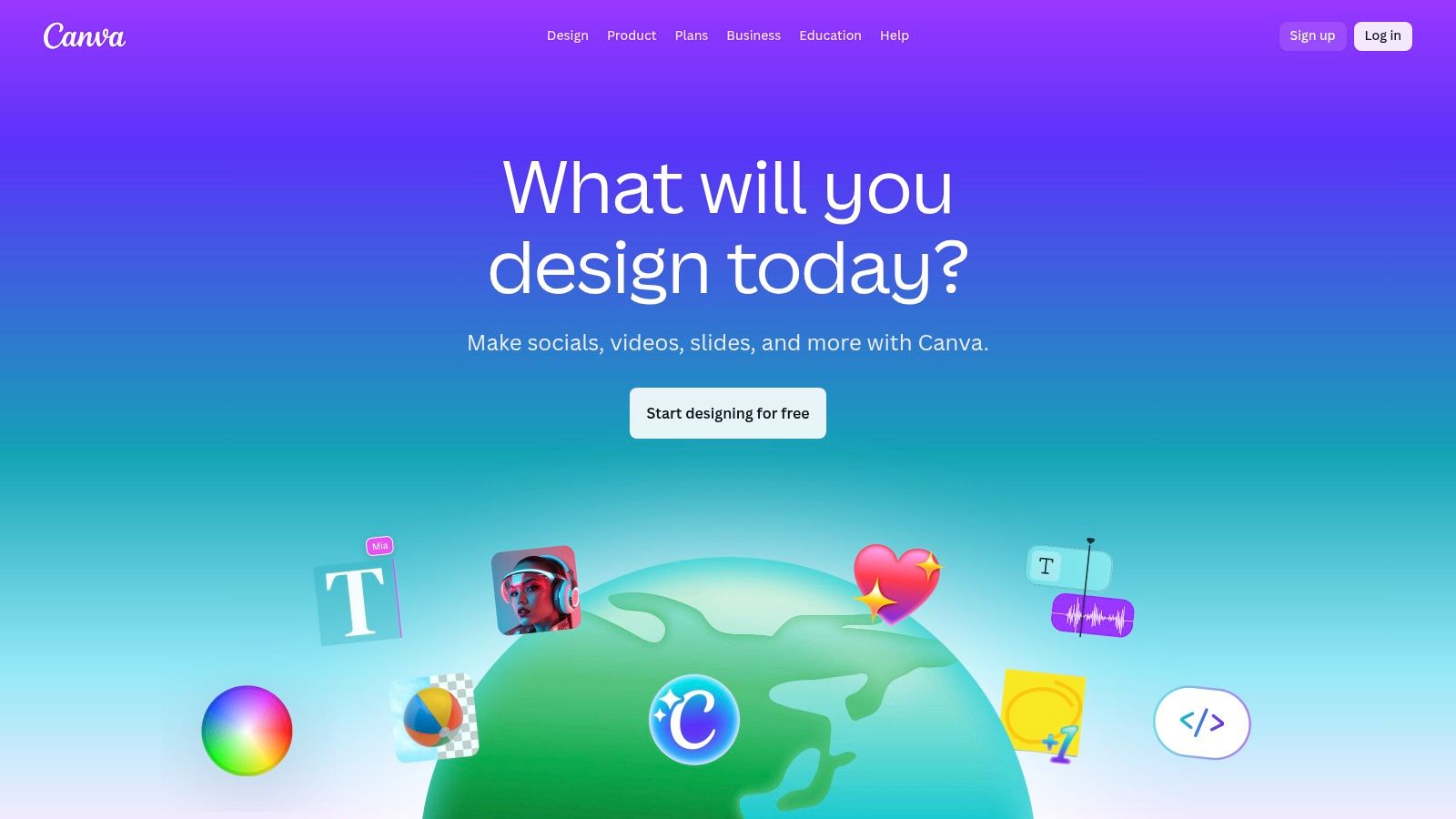
The platform’s user-friendly drag-and-drop interface is remarkably intuitive. E-commerce teams can leverage features like Brand Kits to maintain consistent branding across all assets by pre-loading logos, color palettes, and fonts. For teams scaling their content, Canva’s AI tools, such as Magic Resize for adapting one design to multiple social media dimensions and Magic Write for generating caption ideas, are invaluable time-savers. This combination of speed, ease of use, and brand management tools makes Canva a cornerstone among the best tools for social media content creation.
Key Details & Use Case
- Best For: E-commerce social media managers and solo entrepreneurs needing to rapidly create diverse, on-brand visual content without extensive design skills.
- Example Workflow: A DTC brand can upload product photos, use a pre-designed Instagram Story template, apply their Brand Kit colors and fonts with one click, and then use Magic Resize to instantly adapt the same creative for a Facebook ad and a Pinterest Pin.
- Pricing: Offers a robust free plan. Canva Pro starts at approximately $14.99/month for one person, with team plans available at higher tiers. Historic price changes have sometimes been a point of contention for long-term users.
- Website: https://www.canva.com
3. Adobe Express
Adobe Express is a powerful, all-in-one design application that serves as a direct competitor to Canva, but with the distinct advantage of deep integration into the Adobe Creative Cloud ecosystem. It’s designed for creating stunning social media graphics, flyers, and short videos quickly, leveraging a massive library of templates and the high-quality Adobe Stock collection. For e-commerce brands already using Photoshop or Illustrator, Express offers a streamlined workflow for non-designers on the team.
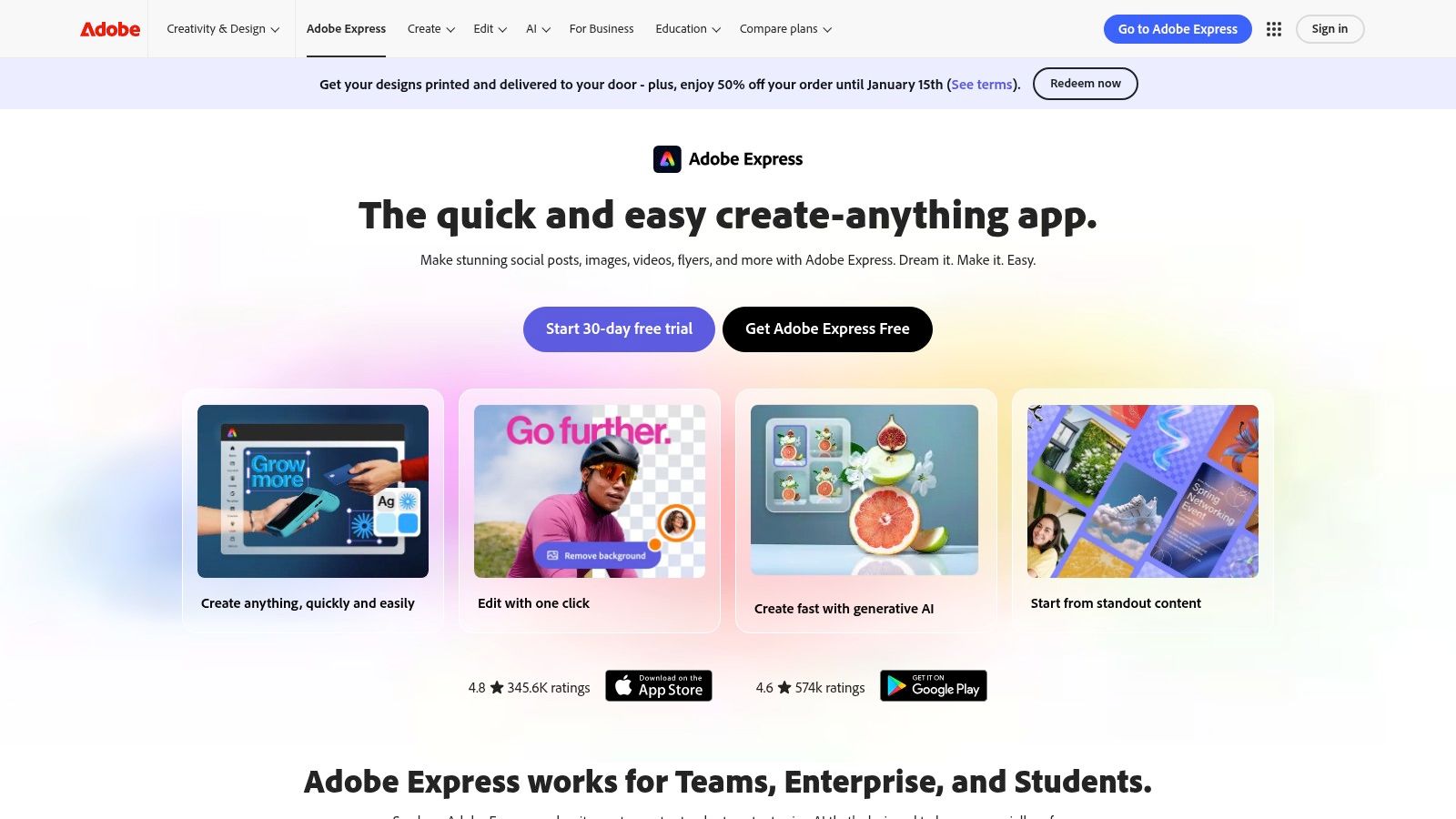
The platform empowers teams with robust features like Brand Kits for maintaining brand consistency and a built-in content scheduler for planning and publishing directly to social channels. Its generative AI capabilities, including text-to-image and text effects, provide powerful creative options, while unique tools like an AI-powered video background remover simplify complex editing tasks. This seamless connection between quick-edit accessibility and professional-grade Adobe assets makes it one of the best tools for social media content creation for teams embedded in the Adobe environment.
Key Details & Use Case
- Best For: Marketing teams and e-commerce brands already invested in the Adobe Creative Cloud suite who need a user-friendly tool for day-to-day content creation and scheduling.
- Example Workflow: A social media manager can open a Photoshop file shared by a designer directly in Adobe Express, apply a Brand Kit, add animated text, and then use the built-in scheduler to post the final graphic to Instagram and Facebook for the next day.
- Pricing: A free plan is available with core features. The Premium plan starts at $9.99/month and includes more generative AI credits, the full Adobe Stock collection, and advanced features. The AI credit model may require monitoring for teams with high-volume usage.
- Website: https://www.adobe.com/express
4. CapCut
CapCut has rapidly become the dominant video editor for e-commerce brands focused on creating short-form, trend-driven content for platforms like TikTok, Instagram Reels, and YouTube Shorts. Originally a mobile-first app, it now offers robust web and desktop versions, making it a versatile tool for social media teams. Its core appeal is the ability to produce highly engaging, effects-heavy videos with minimal effort, thanks to a massive library of templates, trending audio, and AI-powered features.
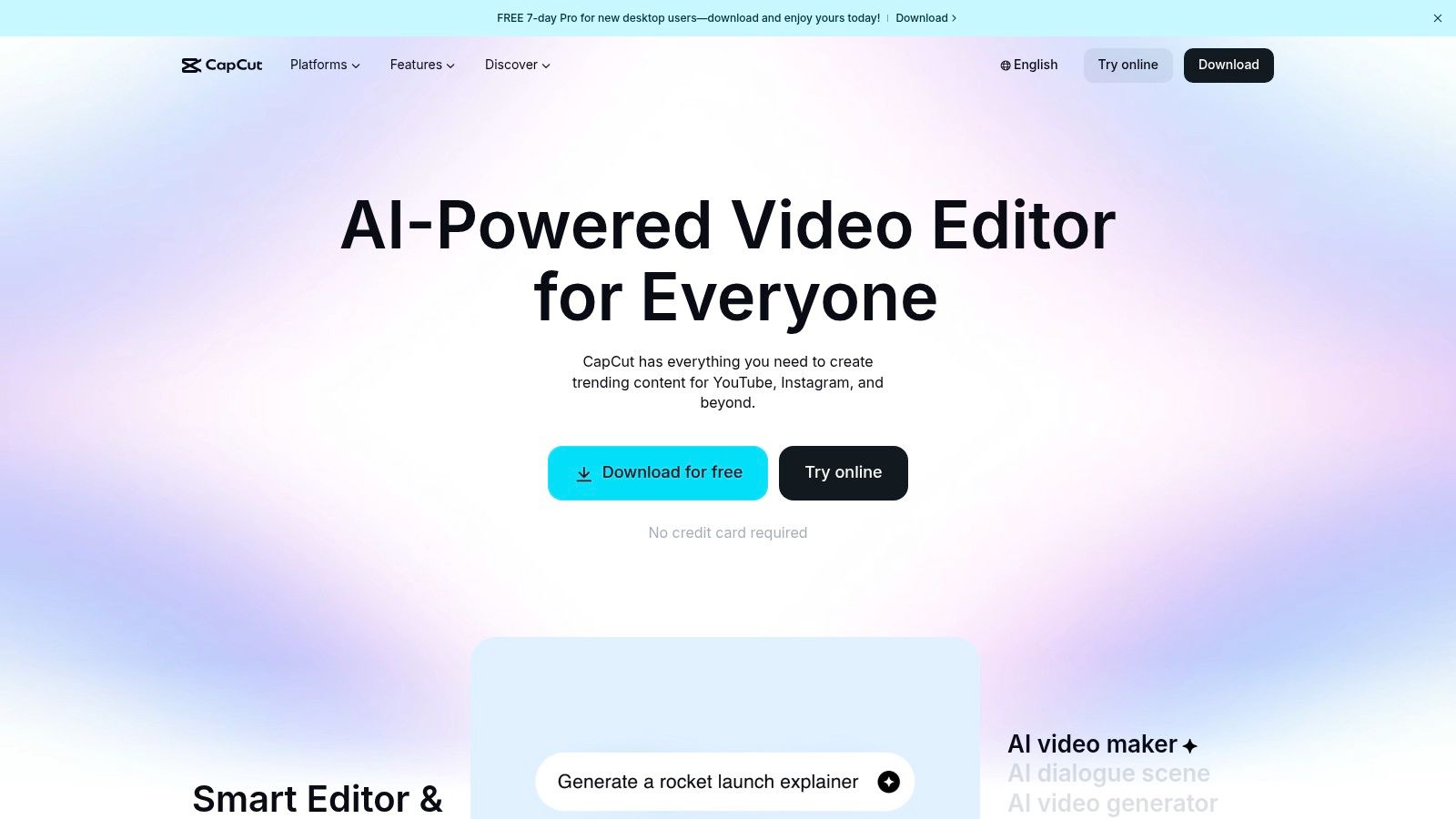
The platform excels at simplifying complex video editing tasks that are crucial for social media. Features like one-click background removal, auto-captions, and motion tracking are incredibly intuitive and save significant production time. For brands looking to quickly jump on a new trend, CapCut’s template library is a goldmine, allowing them to simply drop in their product clips and export a polished video in minutes. This combination of powerful AI tools and trend-aligned templates makes CapCut one of the best tools for social media content creation, especially for video-first strategies.
Key Details & Use Case
- Best For: E-commerce brands and content creators who need to quickly produce high volumes of trendy, engaging short-form videos for TikTok and Reels.
- Example Workflow: An apparel brand can film a short clip of a new product, use a trending CapCut template, apply the Auto-Captions feature for accessibility, and add a popular audio track directly from the app’s library before exporting and posting to all their short-form channels.
- Pricing: A generous free version is available. CapCut Pro plans start around $7.99/month, adding cloud storage, more effects, and AI features. Pricing can vary by platform (mobile vs. desktop) and region, and the credit system for certain AI features can be confusing.
- Website: https://www.capcut.com
5. Descript
Descript has revolutionized video and audio editing for content creators, particularly those repurposing long-form content like podcasts, interviews, or webinars. Its standout feature is text-based editing; instead of scrubbing through a complex timeline, you edit the video by simply editing its auto-generated transcript. This approach drastically lowers the barrier to entry for video editing and makes it incredibly efficient to find and extract compelling soundbites for social media.
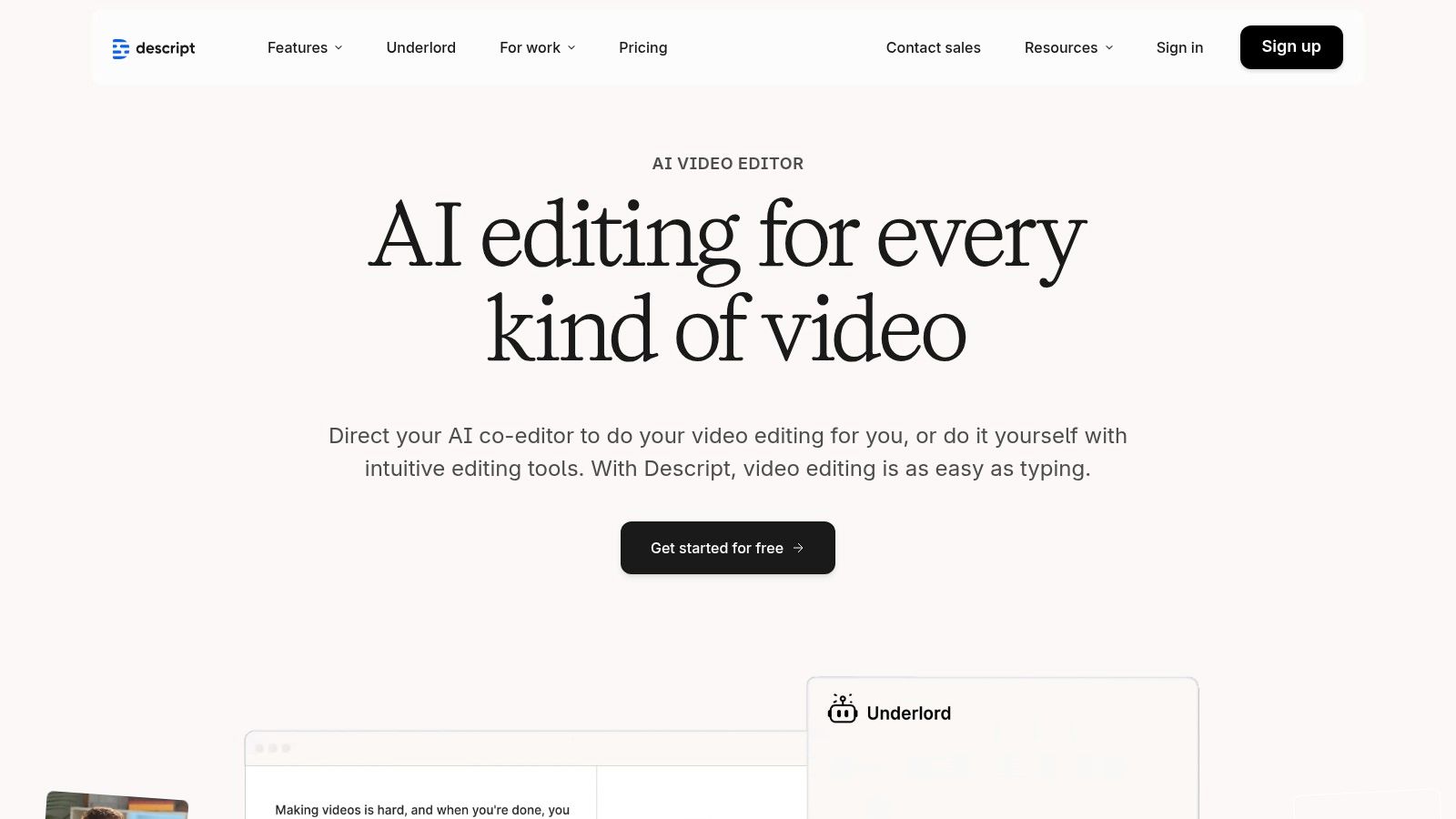
The platform is packed with powerful AI features that streamline the entire workflow. With one click, Studio Sound can make amateur audio recordings sound professionally mixed, and the filler-word removal tool instantly cleans up "ums" and "ahs" from the transcript and video. For e-commerce brands creating testimonial videos or founder interviews, these features are game-changers. The combination of its unique editing interface and AI-powered enhancements makes Descript one of the best tools for social media content creation when transforming dialogue-heavy footage into engaging clips.
Key Details & Use Case
- Best For: E-commerce marketers and content creators who need to quickly repurpose webinars, podcasts, or customer interviews into polished, captioned video clips for platforms like TikTok, Instagram Reels, and LinkedIn.
- Example Workflow: A brand can upload a 30-minute customer testimonial video, get an instant transcript, highlight the most impactful quotes in the text, and use the "Create Clips" feature to automatically generate 10-15 short-form videos from those highlights, complete with animated captions.
- Pricing: A free plan is available with limited features and watermarked exports. Paid plans start with the Creator tier at approximately $15/month per user, with Pro and Enterprise tiers offering more transcription hours and advanced AI features.
- Website: https://www.descript.com
6. Kapwing
Kapwing is a powerful browser-based video editor that excels at simplifying complex tasks like subtitling, resizing, and repurposing content for social media. It's designed for marketing teams and creators who need to quickly edit and distribute video without installing heavy desktop software. The platform’s core strength is its suite of AI-powered tools that automate tedious workflows, such as generating accurate subtitles, translating audio, and cleaning up sound with one click.
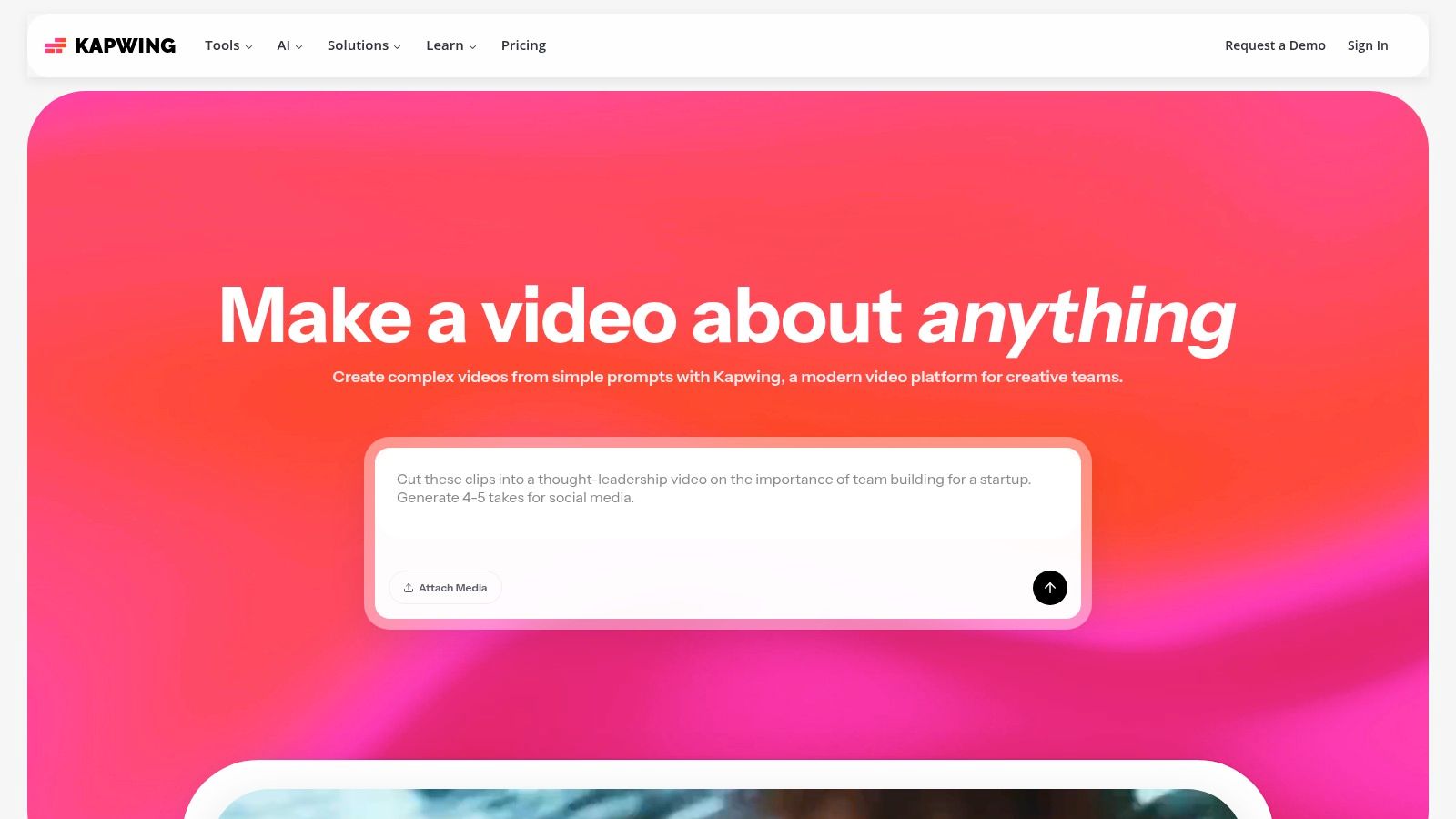
The collaborative nature of Kapwing makes it one of the best tools for social media content creation for distributed teams. Features like shared workspaces and brand kits ensure consistency across all video assets, allowing multiple users to work on projects simultaneously from any location. Its intuitive interface removes the technical barriers often associated with video editing, empowering non-editors to produce high-quality, engaging social clips. The platform's generous AI credit system and 4K export capability on paid plans provide significant value for high-volume content producers.
Key Details & Use Case
- Best For: E-commerce teams and content creators who need a fast, collaborative, and no-install solution for editing short-form videos with a strong focus on subtitling and AI-driven repurposing.
- Example Workflow: A brand's social media manager uploads a long-form video testimonial, uses the AI tools to automatically generate and style subtitles, and then creates multiple versions for TikTok, Instagram Reels, and YouTube Shorts in minutes.
- Pricing: A free plan is available with a watermark. The Pro plan starts at approximately $24/month per user, offering 4K exports and removing the watermark. While effective, longer, more complex edits are better suited for traditional desktop editors.
- Website: https://www.kapwing.com
7. Microsoft Clipchamp
Microsoft Clipchamp has emerged as a surprisingly powerful and accessible video editor, especially for creators already within the Microsoft ecosystem. Positioned as a direct competitor to browser-based editors, it offers a beginner-friendly interface for creating social media videos, ads, and tutorials. Its core advantage is its deep integration with Microsoft 365, which unlocks premium features like 4K exports and access to a vast stock media library without a separate, costly subscription.
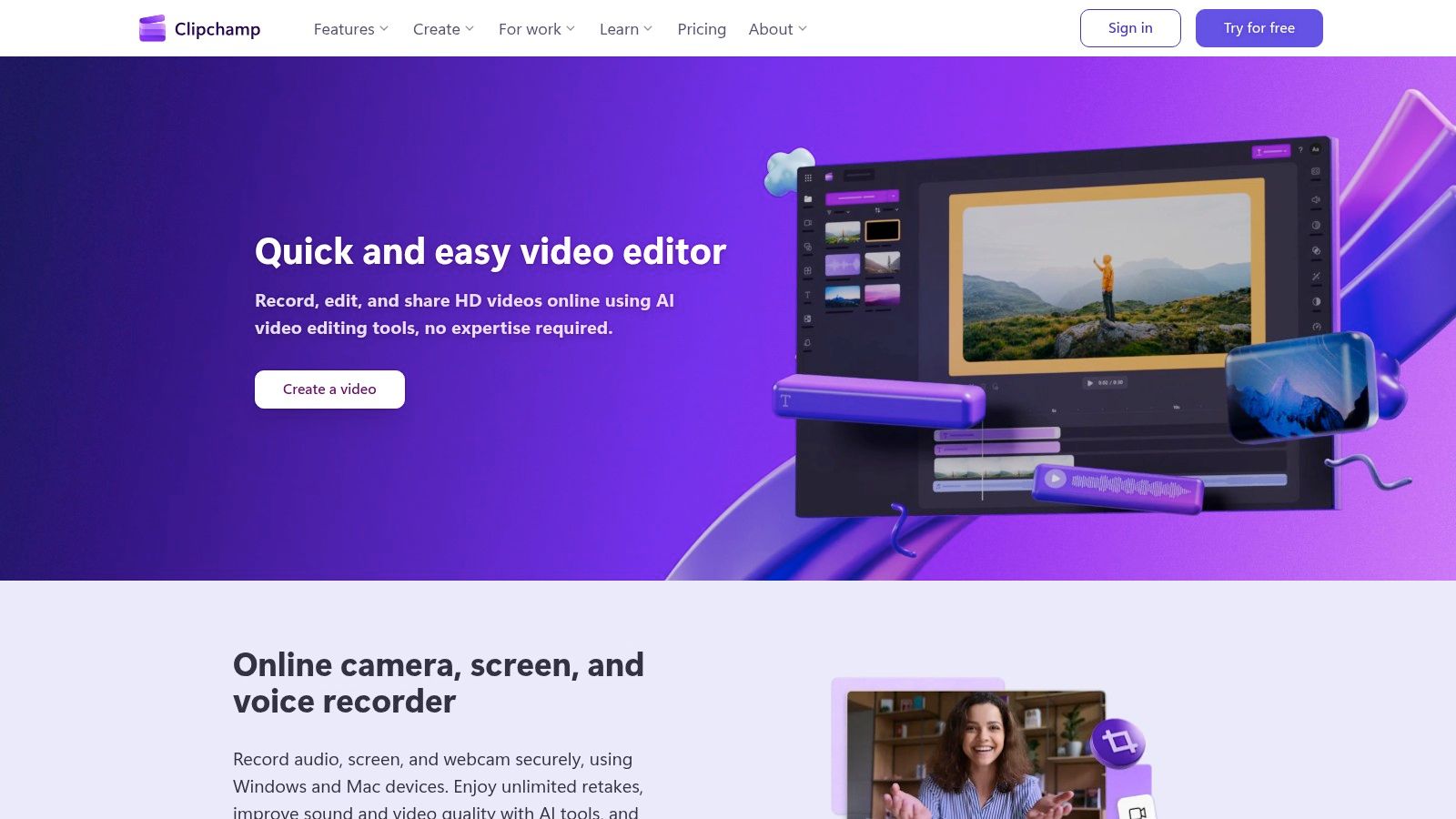
The platform is built for speed and ease, featuring a familiar timeline editor alongside template-driven workflows. E-commerce brands can benefit greatly from its AI-powered tools, such as auto-captions, text-to-speech voiceovers, and silence removal, which dramatically cut down on tedious editing tasks. With OneDrive integration for project backups and cross-device continuity, it provides a seamless experience for teams creating content on the go. This combination makes it one of the best tools for social media content creation for those seeking value and convenience.
Key Details & Use Case
- Best For: Small business owners and social media managers who already subscribe to Microsoft 365 and need a straightforward, budget-friendly tool for creating polished short-form videos.
- Example Workflow: A brand can import product footage, use an AI-powered feature to automatically compose a video draft, generate accurate captions with one click, add a professional voiceover using text-to-speech, and then export the final video in 4K for a high-quality YouTube Short or Instagram Reel.
- Pricing: A free plan with watermarked 1080p exports is available. Premium features are bundled with Microsoft 365 Personal/Family plans (starting around $6.99/month), though some business-tier AI features may require separate licensing.
- Website: https://clipchamp.com
8. Runway
Runway has positioned itself at the forefront of AI-powered video creation, offering a suite of generative tools that allow e-commerce brands to produce unique b-roll, product explainers, and captivating social media visuals from simple text prompts. It moves beyond static templates by enabling users to generate entirely new video clips and motion graphics using advanced models like Gen-2. This makes it an essential tool for brands looking to create highly original and attention-grabbing content that stands out in crowded feeds.
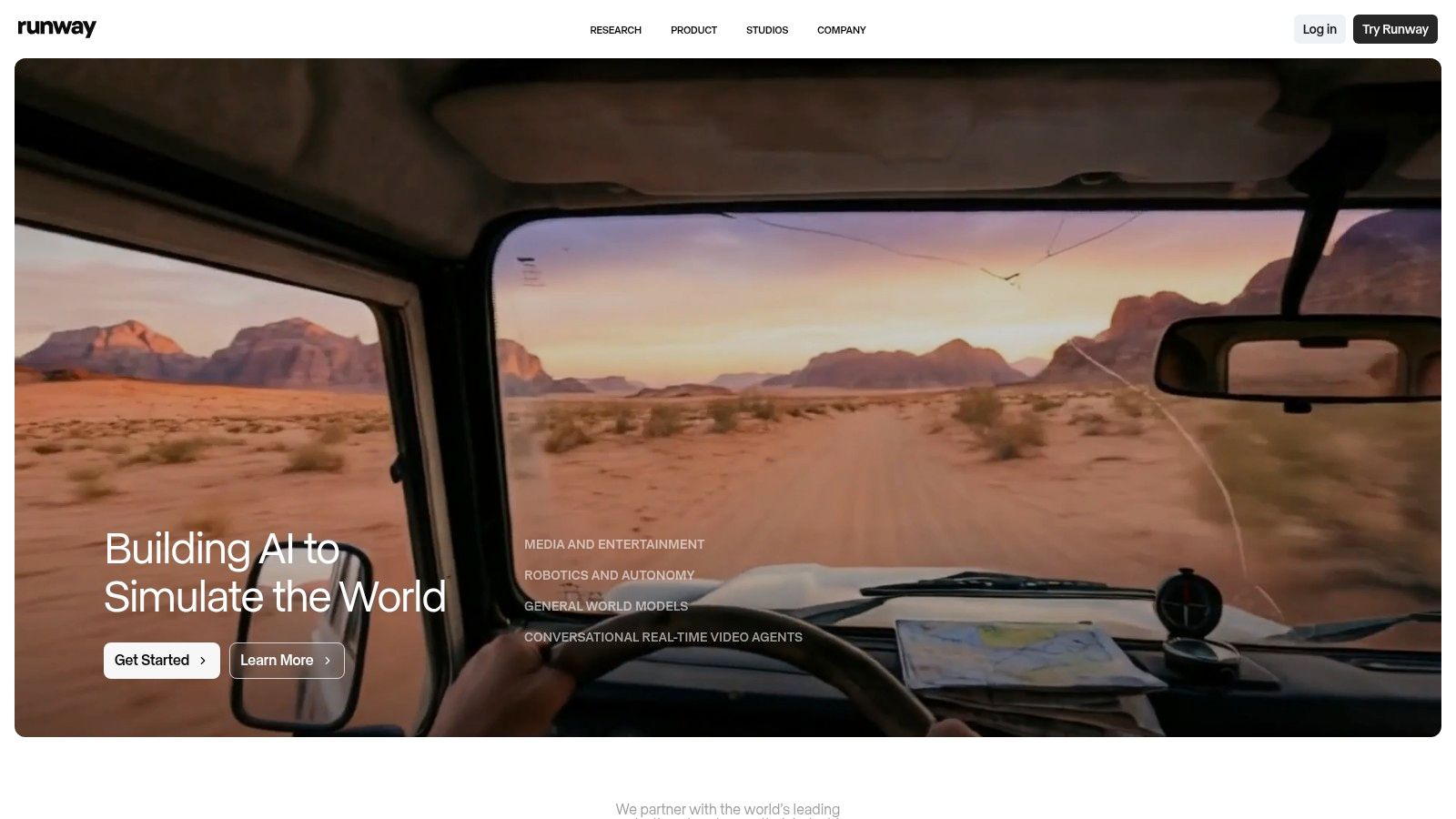
The platform is more than just a text-to-video generator; it includes an online editor and various AI Magic Tools for tasks like removing backgrounds, inpainting objects, and motion tracking. For social media teams, this means rapid ideation and the ability to produce conceptual ad creatives or animated product showcases without expensive film shoots. Features like Team Workspaces and scalable storage support growing content needs, making Runway one of the best tools for social media content creation for teams embracing generative AI.
Key Details & Use Case
- Best For: E-commerce marketers and creative teams aiming to produce unique, AI-generated video content for ads, social media b-roll, and conceptual product visualizations.
- Example Workflow: A DTC beverage brand can use a text prompt like "a cinematic shot of a colorful soda can fizzing on a tropical beach at sunset" to generate a unique video clip. They can then edit this clip within Runway’s editor, add text overlays, and export it for a TikTok or Instagram Reels ad campaign.
- Pricing: A free plan is available with limited credits and watermarks. Paid plans start at $15/month per user, offering more credits and advanced features. Understanding the credit-based system is key, as different generations consume credits at different rates.
- Website: https://runwayml.com
9. InVideo
InVideo is a powerful AI video generation platform designed to dramatically shorten the time it takes to go from a simple idea to a fully produced social media video. For e-commerce brands needing to create video ads, explainers, or promotional content at scale, InVideo's text-to-video capabilities are a game-changer. Users can input a script or a prompt, and the AI will assemble a draft video complete with relevant stock footage, text overlays, and transitions, which can then be fine-tuned in a user-friendly editor.
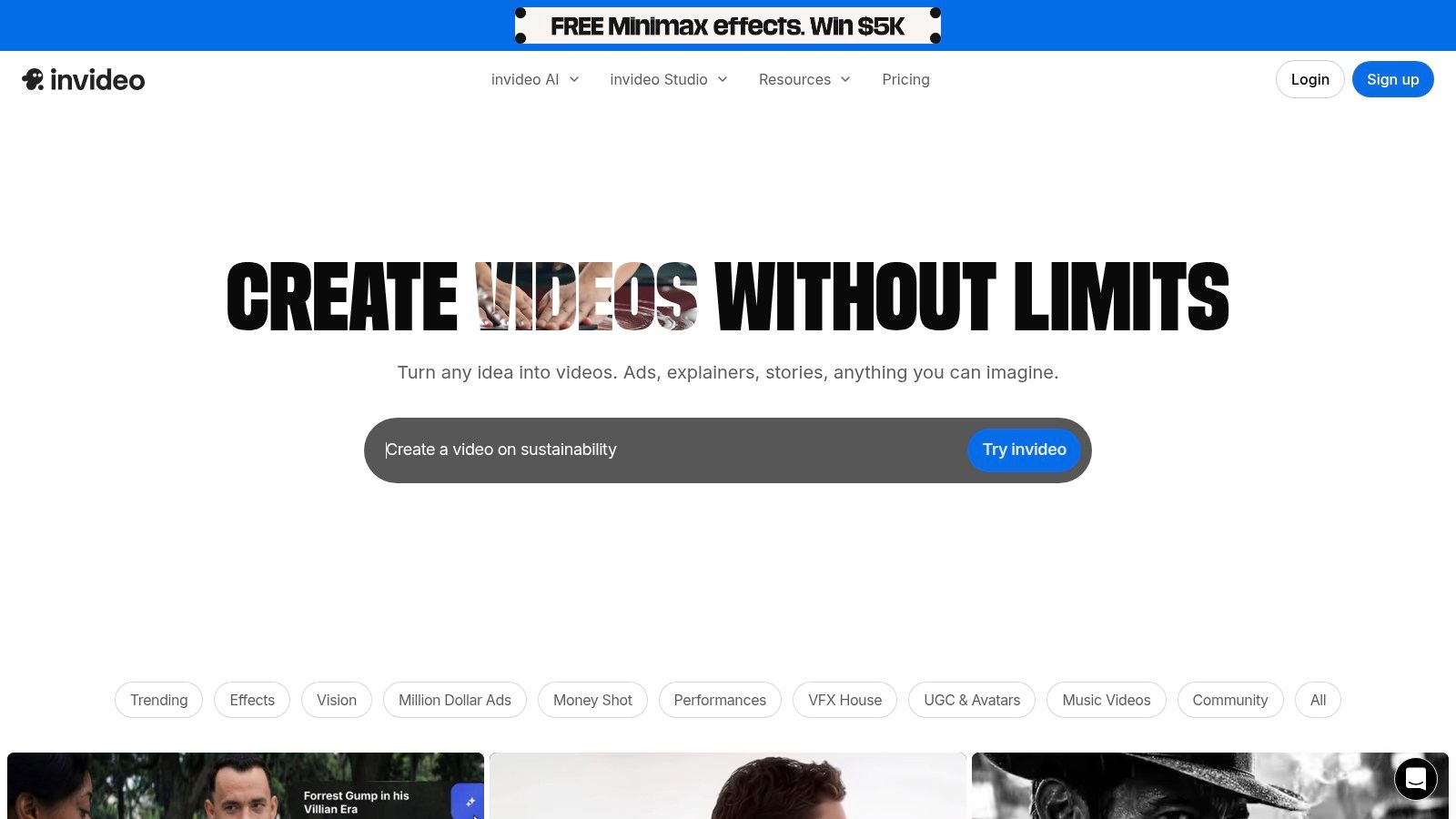
The platform stands out by integrating premium stock assets directly into its plans, providing allocations for iStock footage and photos, which elevates the final production quality without separate licensing costs. Features like AI-powered avatar voices allow for quick narration without hiring voice actors, making it ideal for creating diverse ad creatives for testing. This combination of AI-driven creation and integrated premium assets makes InVideo one of the best tools for social media content creation for teams focused on rapid, high-volume video production.
Key Details & Use Case
- Best For: Performance marketers and e-commerce teams who need to quickly generate multiple video variations for social media ad campaigns and TikTok content.
- Example Workflow: A media buyer can input a product description and a key marketing message into InVideo's AI. The platform generates a draft 30-second video for TikTok using iStock clips. The buyer then duplicates the project, changes the avatar voice-over, and tweaks the call-to-action to create a second ad variation for A/B testing in minutes.
- Pricing: A free plan is available with watermarks and limited exports. Paid plans operate on a credit/quota system, with the Plus plan starting at $25/month for more exports and iStock credits. Users should carefully evaluate their volume needs as the credit system can be a limitation.
- Website: https://invideo.io
10. VEED
VEED has carved out a niche as the premier browser-based video editor for teams focused on speed, accessibility, and localization. It excels at turning raw footage into social-media-ready clips by layering powerful AI features onto a simple timeline editor. Its standout capability is the automatic subtitle generation and translation, allowing e-commerce brands to quickly adapt their video ads and organic content for global audiences without needing specialized software or localization experts.

The platform is designed for collaborative workflows, offering team workspaces and brand kits to ensure consistency across all video assets. Features like one-click background removal, AI eye-contact correction, and audio cleaning streamline post-production, saving significant time for busy marketers. For those creating faceless content or tutorials, the AI Avatars feature provides a unique way to generate engaging videos. This focus on AI-driven efficiency and cloud-based collaboration makes VEED one of the best tools for social media content creation, especially for teams managing a high volume of video.
Key Details & Use Case
- Best For: Marketing teams and content creators who need to quickly subtitle, translate, and resize video content for multiple social platforms and international markets.
- Example Workflow: A brand's social media manager uploads a video testimonial, uses the AI tool to instantly generate accurate English subtitles, then translates them into Spanish and German with a single click. They then use a template to resize the video for TikTok, Instagram Reels, and YouTube Shorts, all within the same browser tab.
- Pricing: A free plan with watermarks is available. Paid plans start at $25/month per user (billed annually), with higher tiers for teams. Some users in community forums have expressed confusion over AI credit limits and plan features, so it's wise to test the platform thoroughly before committing.
- Website: https://www.veed.io
11. Envato Elements
For social media managers and e-commerce brands that consume a high volume of creative assets, Envato Elements is an indispensable resource. It operates on a subscription model, offering unlimited downloads from a massive library of over 26 million assets. This includes everything from video templates and stock footage to presentation graphics, fonts, music tracks, and sound effects, all covered by a simple commercial license. It’s not an editor itself, but rather a vast creative wellspring that feeds into other tools like Adobe Premiere Pro or Final Cut Pro.
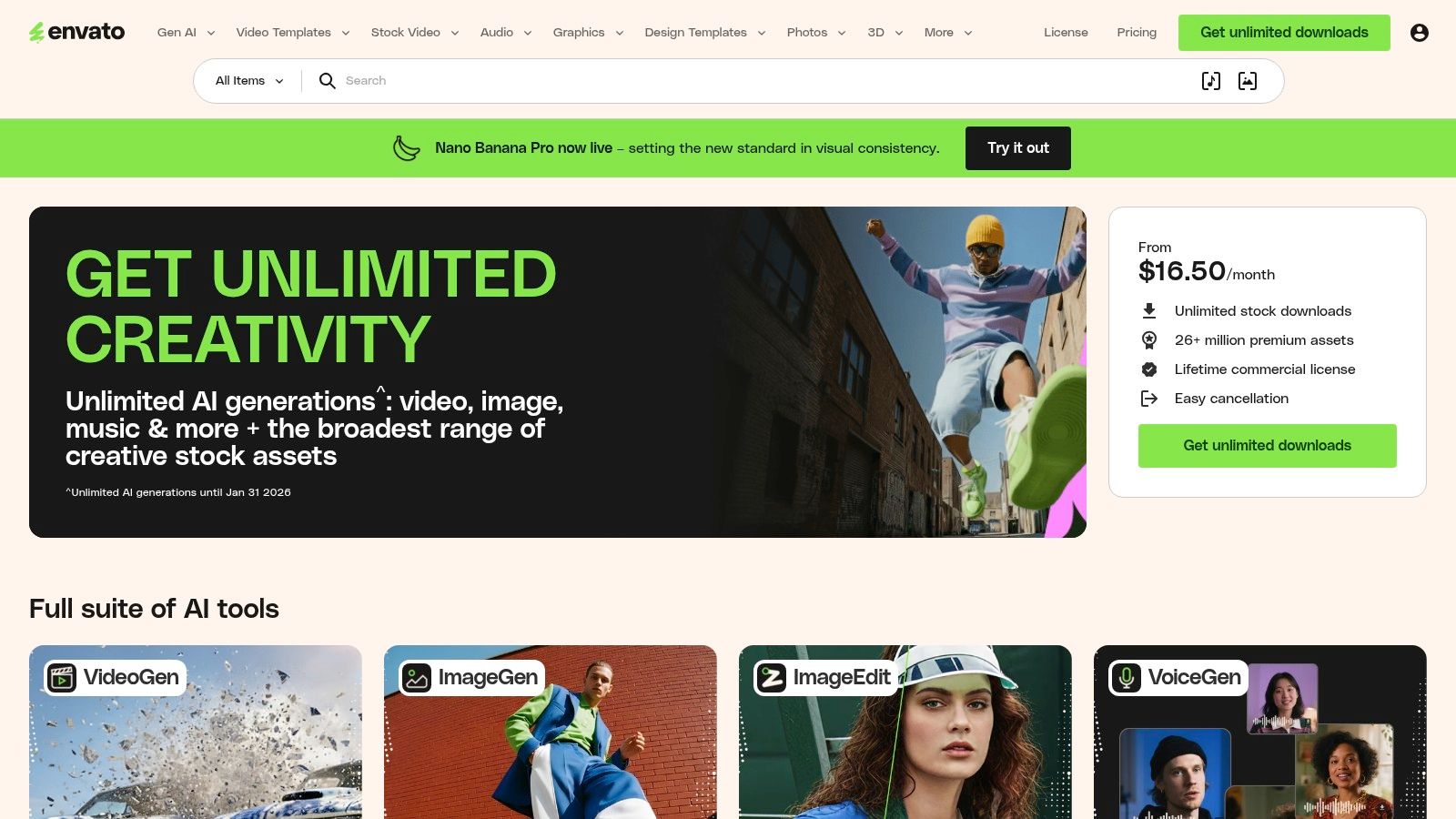
The platform’s core value lies in its “all-you-can-eat” model, which eliminates the friction of per-asset licensing and budget approvals. Teams can quickly find a specific sound effect for a TikTok video, a motion graphics template for an Instagram Reel intro, or a unique font for a new ad campaign without worrying about individual costs. This unlimited access makes it one of the best tools for social media content creation for teams that need to experiment and iterate on creative concepts constantly, as it provides an endless supply of high-quality raw materials to work with.
Key Details & Use Case
- Best For: High-volume content creators, video editors, and social media agencies who constantly need fresh stock video, music, templates, and graphic assets.
- Example Workflow: An in-house video editor for a DTC brand needs to create a new YouTube Short. They can log into Envato Elements, download a dynamic vertical video template, find a trending-style background music track, and grab a few sound effects for transitions, all within minutes and under a single subscription.
- Pricing: Individual plans start at $16.50/month (billed annually). Team plans are available with per-seat pricing. A key consideration is that you must maintain an active subscription to license assets for new projects.
- Website: https://elements.envato.com
12. Creative Market
For brands seeking unique, high-quality design assets without committing to another subscription, Creative Market is an indispensable marketplace. It connects e-commerce teams with a global community of independent creators offering everything from social media template packs and custom fonts to video LUTs and product mockups. Instead of a template library shared by millions, you can purchase à-la-carte assets that give your content a more distinct, professionally designed feel.
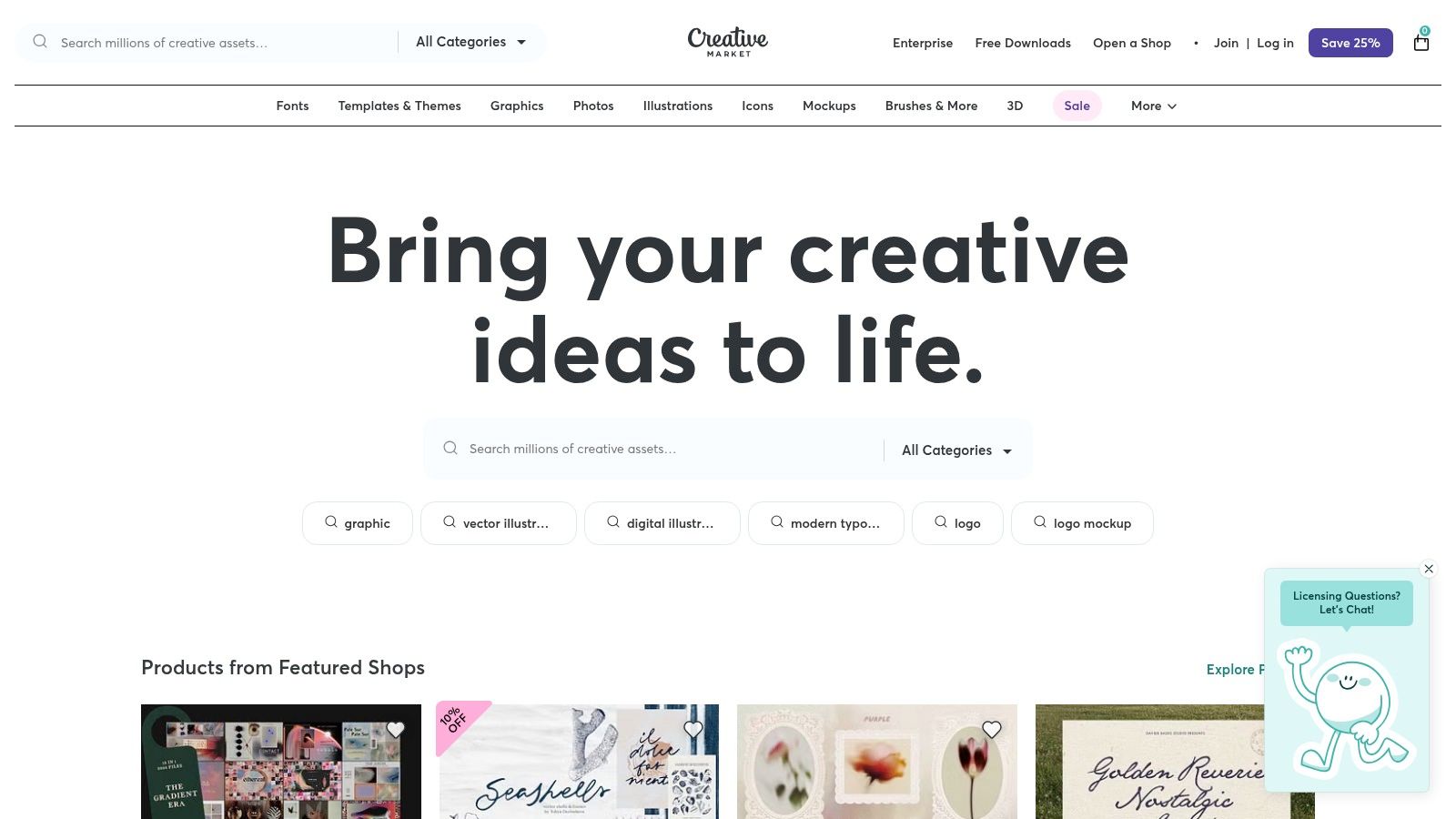
The platform's strength is its pay-per-asset model, allowing you to buy exactly what you need for a specific campaign or brand refresh. You can find hyper-niche aesthetics that template-based tools often lack, supporting indie designers in the process. While individual asset costs can add up, the quality and uniqueness often justify the investment, especially for brands wanting to stand out. This makes Creative Market one of the best tools for social media content creation when you need specialized, premium assets on demand.
Key Details & Use Case
- Best For: E-commerce brands and social media managers looking for unique, one-off purchases of high-quality templates, fonts, or mockups to elevate their content beyond standard design tools.
- Example Workflow: An apparel brand preparing for a seasonal launch can search for "fall fashion Instagram template pack," purchase and download a unique kit from an indie designer, and customize it in Photoshop or Canva to create a cohesive, professional-looking campaign.
- Pricing: Varies by asset and license type. While you can buy items individually (e.g., a template pack might be $20-$50), a membership model is available starting at $19.95/month for credits and discounts. Be aware that a platform fee is often added at checkout.
- Website: https://creativemarket.com
Top 12 Social Media Content Creation Tools — Quick Comparison
| Tool | Core features | Quality ★ | Price / Value 💰 | Target audience 👥 | Unique selling points ✨ |
|---|---|---|---|---|---|
| +50 Premium Tools (EcomEfficiency) | Bundled access to 50+ ecom/SEO/AI/ad‑spy tools, one‑click curated logins, pricing directory, competitor & product research | ★★★★☆ | 💰 $19.99 Starter / $29.99 Pro — claims up to 99% savings vs standalone | 👥 Ambitious e‑commerce teams, agencies, solopreneurs | ✨ Consolidation of premium tools + community voting; 🏆 massive cost & time saver |
| Canva | Template-driven design/video, Brand Kits, AI resize/write, content planning | ★★★★☆ | 💰 Free / Pro subscription — high ROI for non‑designers | 👥 Marketers, social creators, SMBs | ✨ Huge template & asset library; fast on‑brand output |
| Adobe Express | Quick social graphics & short videos, Adobe Stock, brand kits, AI credits | ★★★★☆ | 💰 Individual/Teams tiers; bundled with Adobe plans | 👥 Teams tied to Adobe ecosystem, designers needing quick assets | ✨ Native Adobe Stock + handoff to Photoshop/Illustrator |
| CapCut | Social-first video editor (web/mobile), templates, AI effects, cloud publish | ★★★★☆ | 💰 Free base; paid tiers vary by region/platform | 👥 Short‑form creators, TikTok/Instagram editors | ✨ Trend templates + fast mobile/web editing |
| Descript | Text‑based audio/video editing, transcripts, Studio Sound, voice cloning | ★★★★☆ | 💰 Tiered plans; heavy AI features on paid tiers | 👥 Podcasters, interviewers, content repurposers | ✨ Edit‑by‑text workflow; rapid cutdowns & advanced transcription |
| Kapwing | Browser editor: auto‑subtitles, dubbing, brand kits, multi‑format export | ★★★★☆ | 💰 Free (watermark) / Paid plans with credits & 4K export | 👥 Teams needing no‑install workflows, social editors | ✨ Fast subtitling/dubbing + clear credit tiers |
| Microsoft Clipchamp | Beginner video editor, templates, AI tools, OneDrive/365 integration | ★★★★☆ | 💰 Bundled with Microsoft 365 (good budget option) | 👥 Microsoft users, small teams, home creators | ✨ Low friction for M365 subscribers; stock + cross‑device |
| Runway | Text‑to‑video/image gen, online editor, performance capture, team workspaces | ★★★★☆ | 💰 Credit‑based; paid to remove watermarks & scale | 👥 Creative teams, generative video producers | ✨ Cutting‑edge Gen models for rapid creative ideation; 🏆 |
| InVideo | Text‑to‑video, avatar voices, stock integrations, quota/credit model | ★★★☆☆ | 💰 Free limited / credited paid plans — careful quota planning | 👥 Marketers needing quick draft videos | ✨ Fast idea→draft pipeline with stock allowances |
| VEED | AI subtitles/translations, avatars, templates, localization & collaboration | ★★★★☆ | 💰 Subscription with credits; trial recommended | 👥 Creators & marketers needing localization | ✨ Strong localization + online collaboration features |
| Envato Elements | Unlimited downloads of templates, video, music, graphics with license | ★★★★☆ | 💰 Flat subscription — ideal for high‑volume asset users | 👥 High‑volume creators, agencies | ✨ Massive asset library & simple commercial license; 🏆 |
| Creative Market | À‑la‑carte templates, fonts, LUTs, social packs; indie creator marketplace | ★★★★☆ | 💰 Pay‑per‑item; membership/credits available | 👥 Designers & buyers needing specific premium assets | ✨ Buy specific assets without subscription; supports indie creators |
Build Your Perfect Content Creation Engine
Navigating the landscape of social media content creation tools can feel overwhelming, but as we've detailed, the goal isn't to master every platform. The real objective is to strategically assemble a personalized "content engine" that aligns perfectly with your brand's unique needs, workflow, and budget. This engine should be powerful yet streamlined, automating tedious tasks and empowering your team to focus on what truly matters: creativity, strategy, and community engagement.
We've explored a spectrum of options, from intuitive, template-driven platforms like Canva and Adobe Express that are perfect for creating polished static images and simple videos, to advanced AI-powered video editors like Descript and Runway that are revolutionizing how brands produce sophisticated, engaging video content at scale. The key takeaway is that the best tools for social media content creation are the ones that solve your most significant bottlenecks.
From Individual Tools to an Integrated Workflow
The first step in building your engine is a clear-eyed audit of your current process. Where are the friction points? Are you spending too much time resizing assets for different platforms? Is video editing a major time sink? Are you constantly struggling to find high-quality stock footage or royalty-free music?
Once you identify these pain points, you can select tools that directly address them.
- For high-volume, template-based creation: A combination of Canva for design and Envato Elements for assets provides a nearly limitless library of creative components.
- For cutting-edge, AI-driven video: Pairing Runway for generative video with Descript for its text-based editing creates an incredibly efficient workflow for producing original, high-impact video ads and organic content.
- For streamlined editing and accessibility: Tools like CapCut and Microsoft Clipchamp offer a balance of powerful features and user-friendly interfaces, making them accessible to team members without deep technical expertise.
The ultimate goal is to move beyond a disjointed collection of individual software subscriptions. Your tools should work in harmony, creating a cohesive system where assets flow smoothly from creation and editing to scheduling and analysis. While we've covered some exceptional individual platforms, to build a robust content creation engine, exploring a broader array of top tools can be highly beneficial. For further reading, this guide to the 12 Best Content Creation Tools for Social Media offers additional perspectives and options to consider.
The Power of Consolidation and Strategic Investment
For many e-commerce brands, particularly those looking to scale efficiently, the most transformative step is consolidation. The cost of subscribing to multiple premium tools individually can quickly escalate into thousands of dollars per year. More importantly, managing separate logins, billing cycles, and workflows creates unnecessary administrative overhead that detracts from productive, creative work.
This is where a bundled solution presents a powerful alternative. A platform like EcomEfficiency, which provides access to a curated suite of premium tools under a single, affordable subscription, represents a strategic shift. It’s not just about cost savings; it’s about workflow optimization. By centralizing access to creative powerhouses like Canva, AI video generators like Runway, and other essential marketing tools, you're not just buying software, you're investing in a pre-built, high-performance content creation engine.
Whether you choose to build your stack piece by piece or opt for an all-in-one solution, the principle remains the same. Be intentional. Test the free trials, analyze your team's needs, and invest in the technology that will not only improve your content but also give you back your most valuable resource: time.
Ready to stop juggling dozens of expensive subscriptions and build a streamlined content machine? Discover how EcomEfficiency bundles access to Canva, Runway, Midjourney, and over 50 other premium tools your e-commerce brand needs to thrive, all for one low monthly price. Explore EcomEfficiency and supercharge your content creation today.