Top 10 Best Free Keyword Research Tools for Marketers

Keyword research is the foundation of any successful SEO strategy, yet many powerful tools are locked behind expensive subscriptions. For e-commerce brands, content creators, and performance marketers, finding what customers are searching for without a significant budget can be a major hurdle. This guide eliminates that barrier by providing a comprehensive breakdown of the best free keyword research tools available today.
The goal is to scale without dubious shortcuts and without hurting your credibility.
We’ve moved beyond basic feature lists to offer an in-depth analysis of 12 powerful platforms. For each tool, you'll find detailed reviews, screenshots, and direct links to get you started immediately. We explore practical use cases tailored for e-commerce, pinpoint honest limitations, and show you how to combine these free resources into a cohesive, effective workflow.
This isn't just a list; it's a strategic resource designed to help you uncover high-value keywords, understand search intent, and drive targeted traffic without spending a dime. Whether you're optimizing a Shopify store, researching products for Amazon, or building a content plan, you will find the right tool to meet your specific needs. Let's dive in and find the perfect free solution to elevate your search engine visibility.
1. Google Keyword Planner
As the original source of keyword data, Google Keyword Planner is an essential starting point and one of the best free keyword research tools available. It leverages Google’s own vast search database, offering unparalleled accuracy for search volume and trends directly from the source. This is particularly powerful for e-commerce brands looking to validate product demand or identify commercial intent keywords.
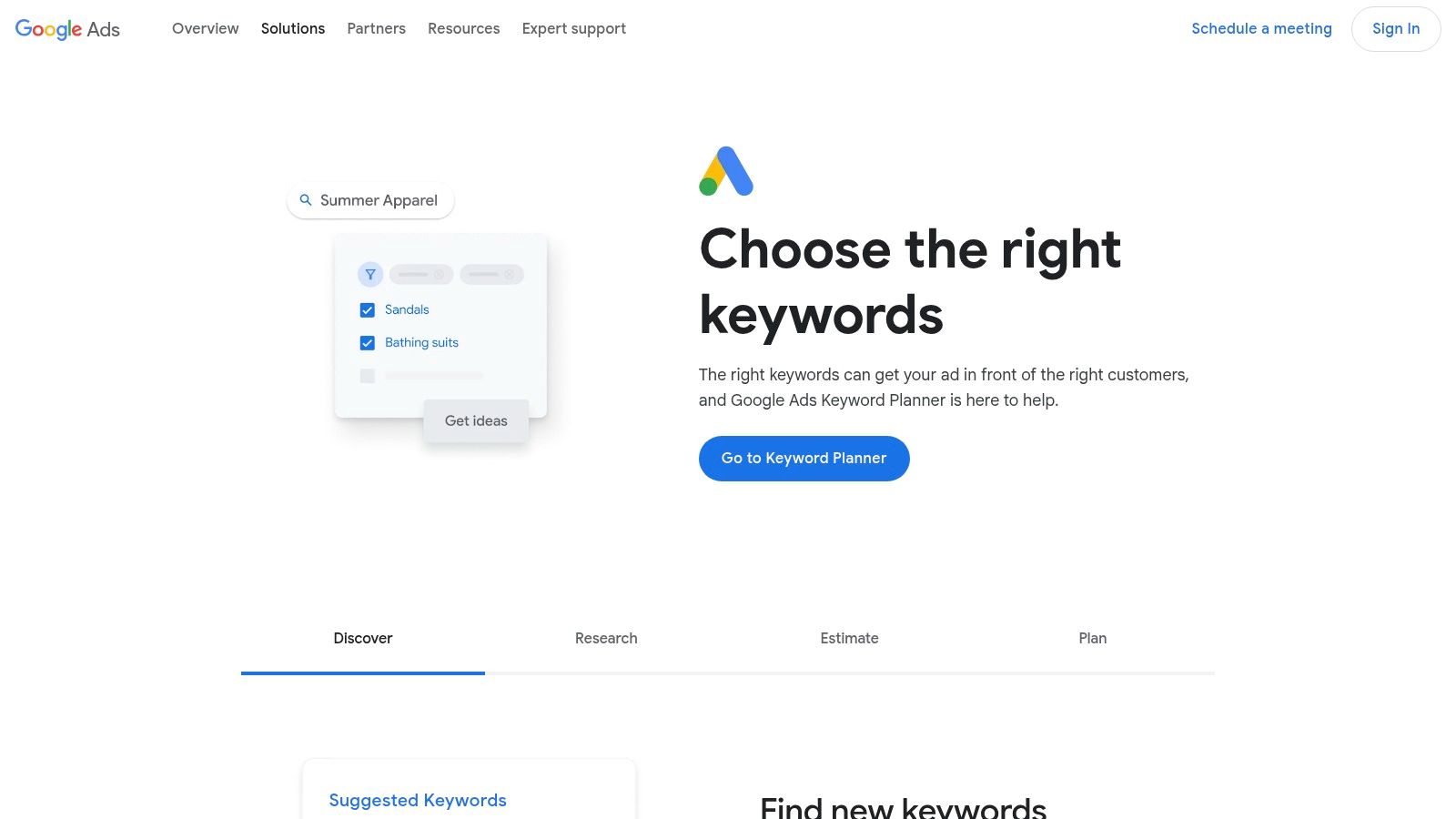
While built for advertisers, its "Discover new keywords" feature is a goldmine for SEO. You can input a seed keyword or a competitor’s URL to generate hundreds of relevant keyword ideas. For Shopify store owners, its strong geographic filtering is perfect for local SEO, allowing you to gauge search interest in specific states, cities, or even ZIP codes within the US.
Key Features & Limitations
| Feature/Aspect | Details |
|---|---|
| Best For | Validating commercial keywords, PPC campaign planning, and local US-based SEO research. |
| Access Requirement | You must have a Google Ads account. However, you don't need to run an active, spending campaign to access the tool. |
| Pros | Direct Google Data: Unmatched reliability and accuracy. Geographic Targeting: Excellent for local e-commerce and service businesses. |
| Cons | Data Ranges: If your account has low or no ad spend, search volumes are shown in broad ranges (e.g., 1K-10K). |
Pro Tip: Even with volume ranges, use the tool to find high-value keyword ideas and then plug them into another free tool on this list for more precise volume estimates.
Website: Google Keyword Planner
2. Google Trends
While not a traditional keyword generator, Google Trends is an indispensable tool for understanding the "when" and "where" behind search queries, making it one of the best free keyword research tools for strategic planning. It visualizes the relative popularity of a search term over time, helping you identify seasonal patterns, validate emerging trends, or avoid investing in dying fads. This is crucial for e-commerce brands planning seasonal promotions or product launches.
The platform allows you to compare up to five terms simultaneously, revealing how consumer interest shifts between products or topics. For US-based DTC brands, its regional interest data is invaluable, showing which states or metro areas have the highest search density for your keywords. This insight can directly inform targeted ad campaigns and local SEO efforts, ensuring your marketing budget is spent where demand is highest.
Key Features & Limitations
| Feature/Aspect | Details |
|---|---|
| Best For | Identifying seasonality, validating product trend longevity, and discovering regional US search interest for targeted marketing. |
| Access Requirement | Completely free and public. No Google account is required to access any of its features. |
| Pros | Trend Validation: Excellent for assessing if a keyword's popularity is growing or declining. Geographic Insights: Pinpoints regional demand. |
| Cons | Relative Data Only: Shows interest on a 0-100 scale, not absolute search volumes. It lacks keyword difficulty or CPC metrics. |
Pro Tip: Use Google Trends to compare your brand name against key competitors. This can reveal shifts in market share and brand awareness over time, especially after major marketing campaigns.
Website: Google Trends
3. Google Search Console
While not a traditional keyword discovery tool, Google Search Console is arguably one of the most powerful and best free keyword research tools because it reveals the exact queries your audience is already using to find you. It provides first-party data directly from Google, showing which keywords your e-commerce site is ranking for, your average position, and click-through rates. This is a goldmine for identifying "striking distance" keywords and untapped long-tail opportunities.
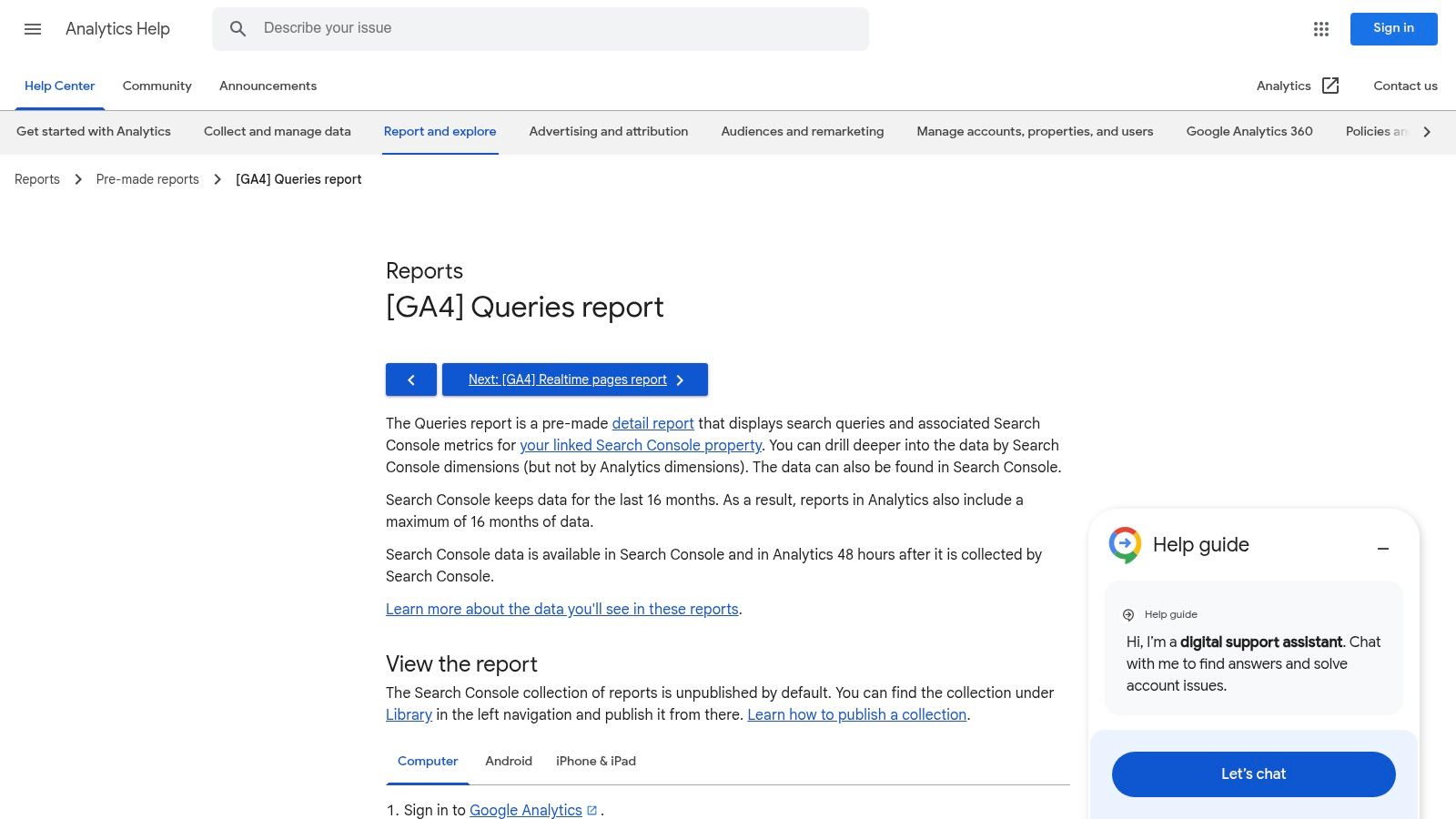
By analyzing the Performance report, Shopify store owners can find high-impression, low-click keywords that need a content or title tag optimization boost. It’s also invaluable for content strategy, surfacing real customer questions and product-related searches that you can build content around to capture more qualified traffic. Integrating it with GA4 provides a holistic view of user behavior post-click.
Key Features & Limitations
| Feature/Aspect | Details |
|---|---|
| Best For | Identifying existing ranking keywords, finding long-tail queries, and optimizing on-page content for better click-through rates. |
| Access Requirement | You must own and verify the website you want to analyze. |
| Pros | Your Own Data: Highly actionable insights based on your site's actual performance. Uncovers Long-Tails: Surfaces specific, low-volume queries you might otherwise miss. |
| Cons | No Competitor Analysis: Only provides data for your own verified properties. Anonymized Queries: Some very rare or private search queries are grouped or hidden for privacy. |
Pro Tip: Filter your query report by keywords containing terms like "vs," "best," "review," or question words ("how," "what") to find valuable informational and commercial-intent keywords that your site already has some authority for.
Website: Google Search Console
4. Ahrefs Free Keyword Generator
For rapid, no-strings-attached keyword ideation, Ahrefs Free Keyword Generator is one of the best free keyword research tools available. It’s perfect for brainstorming on the fly, offering up to 150 keyword ideas from a single seed term without requiring an account. This tool's standout feature is its multi-platform support, allowing you to find keywords not just for Google, but also for YouTube, Amazon, and Bing.
This makes it invaluable for e-commerce brands and content creators looking to expand their reach. An Amazon seller can quickly check product-related search terms, while a DTC brand can find video topic ideas for YouTube. The interface is incredibly fast and clean, providing a snapshot of search volume and a Keyword Difficulty (KD) score to quickly gauge competition.
Key Features & Limitations
| Feature/Aspect | Details |
|---|---|
| Best For | Quick brainstorming, generating long-tail keywords, and multi-platform keyword research for platforms like Amazon and YouTube. |
| Access Requirement | Completely free with no login or account creation required. |
| Pros | Multi-Platform: Generates ideas for Google, Bing, YouTube, and Amazon. Speed & Simplicity: Extremely fast, user-friendly interface for immediate results. |
| Cons | Limited Data: Free results are capped, and you don't get advanced metrics like click data or full SERP analysis without a paid subscription. |
Pro Tip: Use the Amazon search function to validate product demand or find specific long-tail keywords that customers are using to search for products similar to yours.
Website: Ahrefs Free Keyword Generator
5. Semrush (Keyword Magic Tool on free account)
Semrush is a comprehensive SEO suite, and its free account offers a valuable glimpse into its powerful capabilities, making it one of the best free keyword research tools for structured ideation. The platform provides limited daily access to its renowned Keyword Magic Tool, which organizes vast keyword databases into relevant topic clusters, helping you explore niches quickly. This is ideal for e-commerce brands mapping out content strategies or product category pages.
The free tier allows you to perform a handful of searches per day, providing enough data to kickstart research or analyze a competitor's top terms. For dropshippers or product researchers in the US market, the tool’s robust filters for intent, questions, and keyword difficulty offer a strategic advantage in identifying underserved opportunities, even with the free plan’s limitations.
Key Features & Limitations
| Feature/Aspect | Details |
|---|---|
| Best For | Structured keyword ideation, exploring topic clusters, and getting a taste of an all-in-one SEO platform. |
| Access Requirement | A free Semrush account is required. The free plan has strict daily limits on searches and the number of results you can view. |
| Pros | Powerful Ideation: The Keyword Magic Tool is excellent for discovering related sub-topics. Competitive Insights: Offers limited but useful competitor data. |
| Cons | Strict Limits: Daily query and results caps are very restrictive and can be used up quickly. Full reports and exports require a paid subscription. |
Pro Tip: Use your daily free queries to analyze your top 3-5 competitors. This gives you a quick, actionable list of keywords they are ranking for that you might be missing, providing maximum value from the limited searches.
Website: Semrush Free Account
6. Ubersuggest by Neil Patel
Ubersuggest is a highly accessible freemium tool that simplifies keyword research for beginners. Its clean, visual interface makes it one of the best free keyword research tools for those new to SEO, offering a gentle learning curve compared to more complex platforms. The tool excels at generating keyword ideas and related content topics, making it useful for DTC brands looking to quickly build out a content marketing plan.
You can enter a seed keyword to get hundreds of variations, questions, and comparisons, complete with volume, CPC, and an estimated SEO difficulty score. For e-commerce sellers, the "Keyword Ideas" report is great for brainstorming blog post titles or product category names. While the free version has daily limits, it provides enough data to kickstart your initial research without overwhelming you.
Key Features & Limitations
| Feature/Aspect | Details |
|---|---|
| Best For | Beginners, content creators, and small e-commerce teams needing an easy-to-use tool for initial keyword and topic brainstorming. |
| Access Requirement | Free to use with a Google account, but daily searches and results are limited. Paid plans unlock more data and features. |
| Pros | Beginner-Friendly Interface: Very low barrier to entry. Content Ideas: Generates useful topic suggestions alongside keyword data. |
| Cons | Daily Limits: Free usage is rate-limited. Data Accuracy: Metrics can sometimes be less consistent than those from enterprise-level SEO platforms. |
Pro Tip: Use your limited daily searches wisely. Focus on your primary product or service keywords first to get the most value before hitting the free usage cap.
Website: Ubersuggest
7. KeywordTool.io
KeywordTool.io excels at generating a massive volume of long-tail keyword ideas by scraping autocomplete suggestions from various platforms. It goes beyond Google, pulling data from YouTube, Bing, Amazon, eBay, and the App Store, making it one of the best free keyword research tools for a multi-channel e-commerce strategy. This is especially useful for Amazon sellers or content creators on YouTube looking for hyper-specific search queries.
The free version provides an extensive list of keyword suggestions, which can be invaluable for brainstorming blog topics, product variations, or ad group themes. By simply entering a seed term, you can instantly uncover hundreds of "question" or "preposition" based keywords that real users are actively searching for, revealing user intent that broader tools might miss.
Key Features & Limitations
| Feature/Aspect | Details |
|---|---|
| Best For | Discovering long-tail keywords, brainstorming content ideas for multiple platforms (Google, YouTube, Amazon), and finding question-based search queries. |
| Access Requirement | The free version is instantly accessible without an account or login, offering up to 750+ keyword suggestions per search. |
| Pros | Multi-Platform Data: Generates ideas from sources beyond Google. No Account Needed: Quick and easy to use for fast brainstorming sessions. |
| Cons | No Metrics in Free Version: The free tool hides crucial data like search volume, CPC, and competition levels, requiring a paid upgrade to unlock. |
Pro Tip: Use the free version to generate a large list of relevant long-tail keywords. Then, export your list and upload it to another tool like Google Keyword Planner to get search volume estimates.
Website: KeywordTool.io
8. AnswerThePublic
AnswerThePublic excels at transforming raw search queries into compelling, question-based content ideas. Instead of just listing keywords, it visualizes Google's autocomplete data into intuitive mind maps, making it one of the best free keyword research tools for content ideation. This is perfect for e-commerce brands needing to build out blog posts, product guides, or FAQ sections that directly address customer pain points.
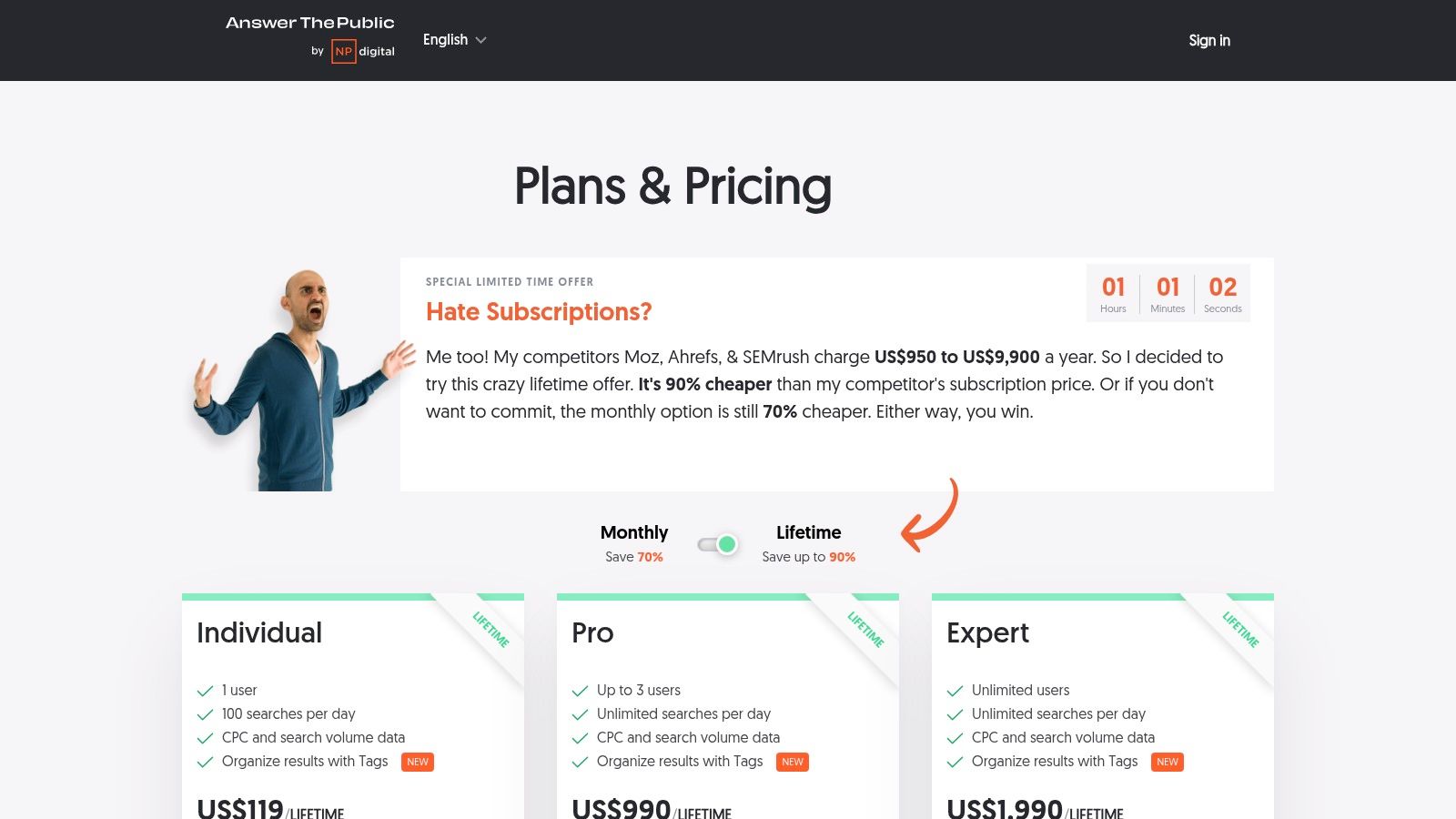
The platform organizes queries into categories like questions (what, when, why), prepositions (for, to, with), and comparisons (vs, like). For an online store selling skincare, this could instantly generate blog topics like "what is hyaluronic acid good for" or "niacinamide vs vitamin c," helping you create content that captures top-of-funnel traffic and builds topical authority in the US market.
Key Features & Limitations
| Feature/Aspect | Details |
|---|---|
| Best For | Brainstorming blog topics, creating comprehensive FAQ pages, and understanding user intent around a core keyword. |
| Access Requirement | A limited number of free searches are available daily without an account. A free account offers more, but full access requires a paid plan. |
| Pros | Intuitive Visualizations: Excellent for content strategy planning and stakeholder presentations. Question-Focused: Uncovers specific user questions to answer. |
| Cons | Limited Free Use: Daily search limits and frequent upsell prompts can be restrictive. No SEO Metrics: Lacks search volume, difficulty, or competition data. |
Pro Tip: Use AnswerThePublic to build a content outline or a Q&A section, then use another tool from this list to check the search volume for your chosen question-based keywords.
Website: AnswerThePublic
9. AlsoAsked
When you need to understand the questions your audience is actually asking, AlsoAsked is one of the best free keyword research tools available for diving into user intent. It taps directly into Google's "People Also Ask" (PAA) data and presents it as a visual, branching diagram. This helps you see the relationships between questions and discover subtopics you might have otherwise missed.
For e-commerce brands, this is invaluable for creating comprehensive blog posts, FAQ pages, or product guides that address a customer's entire journey of inquiry. You can start with a broad topic like "best running shoes" and instantly see the specific questions users have about fit, brands, and usage, allowing you to build out a full content cluster that establishes topical authority. The ability to specify US-based queries ensures the results are relevant to your target market.
Key Features & Limitations
| Feature/Aspect | Details |
|---|---|
| Best For | Mapping out user questions, building content outlines for pillar pages, and identifying long-tail question-based keywords. |
| Access Requirement | The free plan offers a limited number of searches per month without requiring an account. Paid plans offer more searches and features. |
| Pros | Visual Content Strategy: Excellent for visualizing topic clusters. User Intent Focus: Uncovers the precise questions your audience is asking. |
| Cons | No Metrics: It provides no search volume or difficulty data. Limited Free Use: The free search limit can be reached quickly with in-depth research. |
Pro Tip: Use AlsoAsked to generate a list of question-based keywords for a blog post outline, then analyze those specific keywords in another tool on this list to prioritize them based on search volume.
Website: AlsoAsked
10. WordStream Free Keyword Tool
WordStream offers a straightforward and fast tool ideal for marketers who need to balance both SEO and PPC keyword ideation. It provides a simple interface where you can enter a seed keyword or URL, select an industry, and specify a country (US only) to generate relevant keyword suggestions. For e-commerce brands, this is a quick way to find commercial terms and get initial estimates on search volume and CPC.
Unlike some other tools that focus purely on SEO metrics, WordStream’s inclusion of CPC and competition data from both Google and Bing makes it uniquely valuable for performance marketers. This dual perspective helps in building a holistic search strategy. While the on-screen list is limited, the full list of hundreds of keywords is conveniently emailed to you for deeper analysis.
Key Features & Limitations
| Feature/Aspect | Details |
|---|---|
| Best For | Quick keyword ideation for both SEO and PPC campaigns, especially for US-focused businesses. |
| Access Requirement | The tool is free to use, but you must provide an email address to receive the complete keyword list. |
| Pros | Fast & Simple: Very easy to use for quick research. PPC & SEO Focus: Provides CPC data, making it useful for paid search planning. |
| Cons | Email Required: Gated access to the full data set. Limited Metrics: Lacks advanced SEO metrics like keyword difficulty or SERP analysis. |
Pro Tip: Use this tool to quickly generate a broad list of keywords for an ad campaign, then use the emailed CSV file to sort and prioritize your top targets based on volume and estimated CPC.
Website: WordStream Free Keyword Tool
11. Microsoft Advertising Keyword Planner
While Google dominates search, overlooking Bing means missing a valuable segment of the market. Microsoft Advertising Keyword Planner is a powerful tool that provides first-party data directly from the Bing search engine, making it one of the best free keyword research tools for a complete market view. It offers a crucial alternative perspective, revealing how different demographics search outside the Google ecosystem.
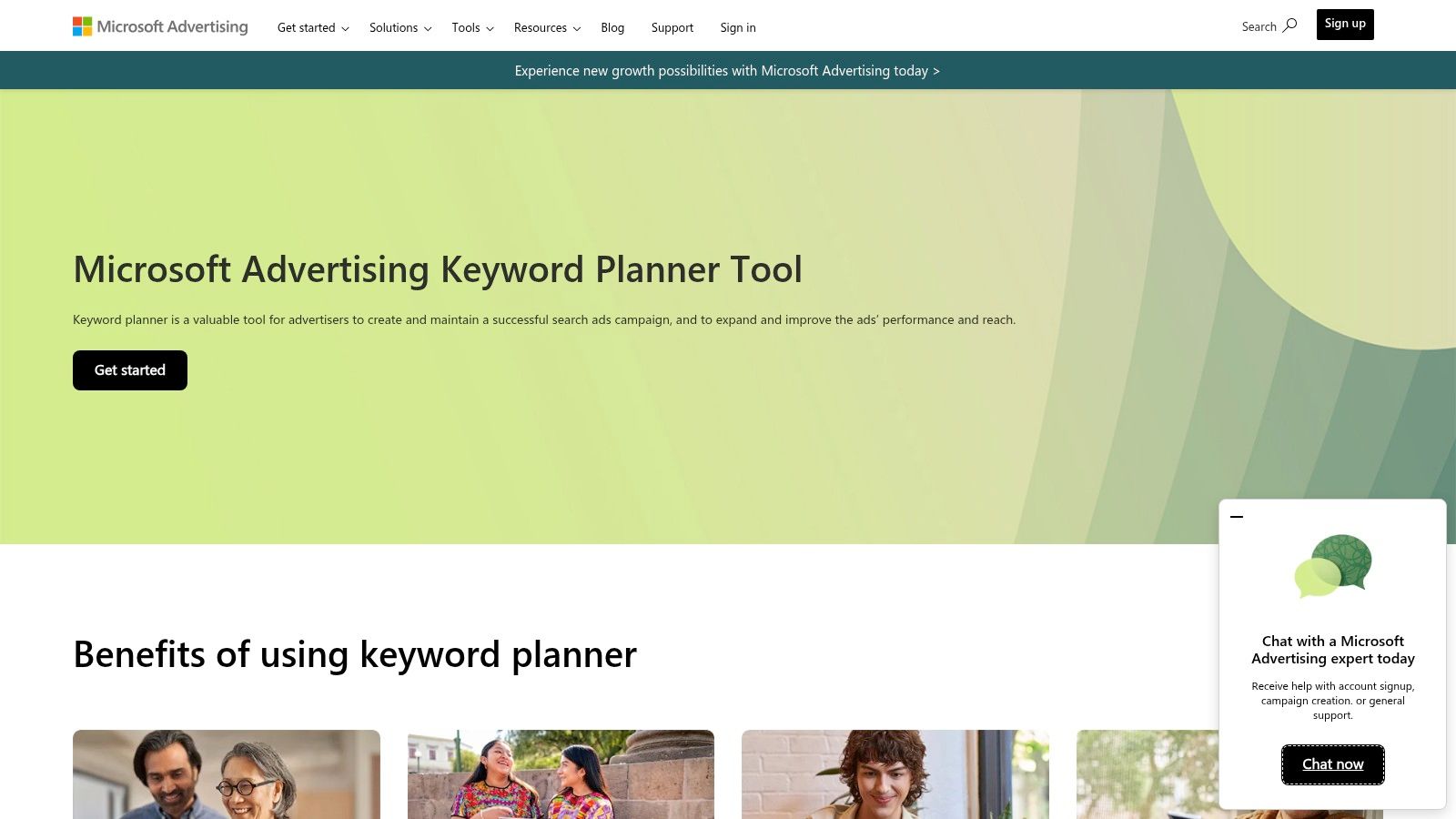
Similar to its Google counterpart, this tool is designed for advertisers but offers excellent keyword discovery features for SEO. You can find new keywords, analyze historical trends, and get traffic estimates. For US-based e-commerce brands, its geotargeting is particularly useful, allowing you to drill down into search data at the state and even metro level to understand regional product demand.
Key Features & Limitations
| Feature/Aspect | Details |
|---|---|
| Best For | Diversifying keyword data beyond Google, researching older demographics, and PPC campaigns on the Microsoft Network. |
| Access Requirement | A Microsoft Advertising account is required. You don't need to be running a paid campaign to use the planner. |
| Pros | First-Party Bing Data: Complements Google-centric research with unique insights. Granular US Targeting: Excellent for local and regional e-commerce strategies. |
| Cons | Smaller Data Set: Search volumes are naturally lower than Google's and reflect a different, smaller user base. |
Pro Tip: Use this tool to identify keyword opportunities that competitors focused solely on Google might miss. The lower competition on Bing can often lead to a higher ROI for both SEO and PPC efforts.
Website: Microsoft Advertising Keyword Planner
12. Keyword Surfer (Chrome extension)
For those who want keyword data integrated directly into their search workflow, Keyword Surfer is one of the best free keyword research tools available as a browser extension. It overlays estimated search volumes, keyword suggestions, and backlink data right onto the Google search results page, eliminating the need to switch between tabs or tools. This frictionless approach makes it perfect for quick, on-the-fly analysis.
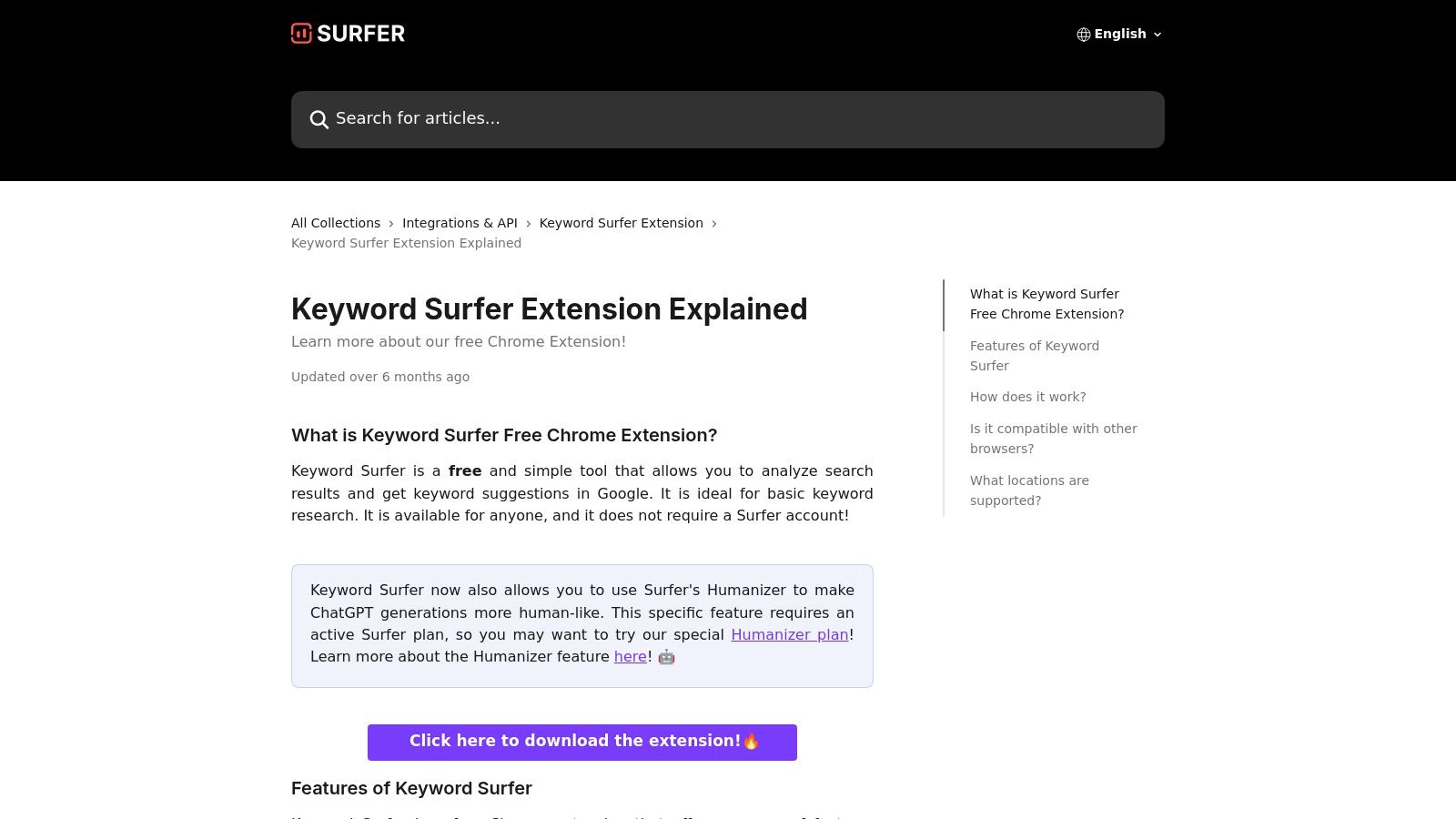
This tool is especially useful for content creators and dropshippers who need to validate ideas rapidly. By simply performing a Google search, you can see the search volume for your query and discover related keywords with similarity scores in a sidebar. This seamless integration provides immediate context and helps spark new content or product ideas without interrupting your research process.
Key Features & Limitations
| Feature/Aspect | Details |
|---|---|
| Best For | Quick on-page SEO checks, competitor content analysis, and brainstorming new keyword ideas directly within the SERPs. |
| Access Requirement | Free to install as a Chrome extension. No account or sign-up is required to use the core features. |
| Pros | Seamless Workflow: Displays data directly in Google search results. Speed & Simplicity: Completely free and requires minimal setup. |
| Cons | Surface-Level Data: Not a comprehensive research suite; lacks advanced filtering and competitive metrics found in standalone tools. |
Pro Tip: Use Keyword Surfer to generate a quick list of related long-tail keywords. You can then export this list to a CSV file and upload it to another tool for more in-depth analysis of keyword difficulty and user intent.
Website: Keyword Surfer
Top 12 Free Keyword Research Tools Comparison
| Tool | Core Features / Data | User Experience / Quality ★★★★☆ | Value Proposition 💰 | Target Audience 👥 | Unique Selling Points ✨ | Price Points 💰 |
|---|---|---|---|---|---|---|
| Google Keyword Planner | Keyword ideas, trends, bid estimates, US geo-targeting | Reliable 1st-party data, advertiser-focused | High reliability, free with Google Ads | Advertisers & local SEO researchers | Precise PPC bid & budget insights 🏆 | Free* (Google Ads account) |
| Google Trends | Trend analysis, term comparisons, US regional data | Easy to use, trend validation ★★★★☆ | Free, great for seasonality insights | Marketers & trend spotters | Real-time trending stories & comparisons ✨ | Free |
| Google Search Console | Site performance, query reports, GA4 integration | Highly actionable first-party data ★★★★★ | Free, actionable for site owners | Website owners & SEO specialists | Detailed organic keyword insights 🏆 | Free |
| Ahrefs Free Keyword Generator | Multi-platform keyword ideas, basic volume & difficulty | Fast, no signup needed ★★★☆☆ | Good free ideation, limited data | Quick keyword researchers | Supports YouTube, Amazon platforms ✨ | Free with limited results |
| Semrush (Free Account) | Keyword Magic Tool, overview, US filters | Broad tools, free limits ★★★★☆ | Robust freemium SEO suite | Intermediate SEO & marketing pros | Extensive filters & topic trees 🏆 | Free tier; paid upgrades |
| Ubersuggest by Neil Patel | Keyword ideas, content suggestions, rank tracking | Beginner-friendly interface ★★★☆☆ | Low entry cost, promotional discounts | Small teams & beginners | Lifetime plans, simple onboarding ✨ | Freemium;$ (paywall for full) |
| KeywordTool.io | Multi-platform autocomplete keywords | Quick testing, multi-source ★★★☆☆ | Good long-tail discovery | Content creators & keyword hunters | Large API access, bulk checks (paid) ✨ | Freemium; higher priced |
| AnswerThePublic | Question/topic clusters, visual outputs | Intuitive, visually appealing ★★★★☆ | Great for content briefs & FAQs | Content marketers & strategists | PAA-style question grouping ✨ | Limited free; paid tiers |
| AlsoAsked | PAA question maps, US data, exports | Visual and hierarchical ★★★★☆ | Strong topical clustering | Content strategists & SEO planners | PAA visualization with exports ✨ | Freemium; search limits |
| WordStream Free Keyword Tool | Keyword and CPC estimates, US filters | Fast, email delivery ★★★☆☆ | SEO & PPC blend for small teams | Small marketing teams & PPC users | Keyword + CPC combined, list via email ✨ | Free |
| Microsoft Advertising Planner | Bing keyword data, bid/traffic estimates, US geo-target | Reliable Bing data ★★★☆☆ | Complements Google data | Bing advertisers & niche PPC marketers | Detailed Bing PPC bid suggestions ✨ | Free* (MS Ads account) |
| Keyword Surfer (Chrome Ext.) | Inline volume & suggestions in Google SERP | Fast, frictionless ★★★☆☆ | Convenient on-the-fly keyword insights | SEO practitioners & casual researchers | SERP inline data, multiple countries ✨ | Free |
Putting It All Together: From Free Tools to a Full SEO Arsenal
We've explored a dozen of the best free keyword research tools available today, each offering a unique piece of the complex SEO puzzle. From the foundational data of Google Keyword Planner and Google Trends to the creative, question-based insights from AnswerThePublic and AlsoAsked, you have everything you need to start building a powerful, data-driven content strategy without spending a dime.
The key takeaway is that no single free tool provides a complete picture. A truly effective no-cost strategy involves a multi-tool approach. You might start with Ahrefs' Free Keyword Generator for initial ideas, validate search volume and seasonality with Google's tools, and then dive deep into long-tail and question keywords with KeywordTool.io or Ubersuggest. This process, while fragmented, is an excellent way to master the fundamentals of keyword research.
Recognizing the Limits of a Free Toolkit
However, as your e-commerce store or marketing efforts grow, the limitations of this piecemeal strategy will become clear. The daily search limits, the absence of crucial metrics like keyword difficulty scores, and the time spent switching between multiple browser tabs are significant hurdles. Manually compiling data from different sources into a single spreadsheet is time-consuming and prone to error, hindering your ability to scale efficiently.
When to Upgrade Your SEO Arsenal
The transition from free tools to a paid solution is a natural and necessary step for ambitious brands. This is the point where an all-in-one SEO platform becomes less of a luxury and more of an essential investment for growth. But subscribing individually to premium tools like Semrush, Ubersuggest, and others can quickly add up, often costing thousands of dollars per month.
For e-commerce teams ready to unlock premium features and consolidate their subscriptions without the prohibitive price tag, a bundled approach is a game-changer. It's about working smarter, not just spending more. By mastering the free tools first, you'll gain a deep appreciation for the advanced features and streamlined workflow that a comprehensive toolkit provides, ensuring you're ready to maximize your return on investment when the time comes to upgrade.
Ready to consolidate your toolkit and scale your e-commerce brand? EcomEfficiency gives you access to a suite of 50+ premium tools for SEO, product research, and advertising for a single, affordable monthly fee. Stop juggling free tools and start building your empire by visiting EcomEfficiency today.