Best Free Competitor Analysis Tools: Top Picks 2025

Staying ahead in e-commerce requires knowing precisely what your competitors are doing. From their most profitable keywords and backlink strategies to the technology stack powering their Shopify store, this intelligence is a goldmine for growth. However, gathering this critical data doesn't have to drain your budget or involve complex, enterprise-level software. Many of the most powerful insights are accessible completely free of charge, you just need to know where to look and how to use the tools available.
The goal is to scale without dubious shortcuts and without hurting your credibility.
This guide provides a comprehensive breakdown of the 12 best free competitor analysis tools that deliver actionable insights without the hefty price tag. We’ve moved beyond generic feature lists to give you a practical playbook for e-commerce success. For each tool, you will find:
- Key Features & Limitations: An honest look at what each platform does well and where it falls short.
- Best Use Case: Clear guidance on which tool to use for specific tasks like SEO, ad-spend analysis, or tech stack discovery.
- Mini-Workflows: Step-by-step instructions with screenshots to help you pull valuable data in minutes.
We’ll explore exactly how to use tools like Semrush, Ahrefs, and the Meta Ad Library to uncover your rivals' strategies. You'll learn how to combine these free resources for maximum impact and get a clear picture of when it might make sense to upgrade to a more consolidated solution. This is your starting point for building a smarter, more efficient competitive analysis workflow.
1. Semrush
Semrush is a powerhouse all-in-one marketing suite, but its real value for competitor analysis lies in its free 7-day trials. While not a permanently free tool, these trials provide temporary, full-access passes to its professional-grade toolkits. This makes it one of the best free competitor analysis tools for conducting intensive, periodic research sprints without a long-term financial commitment.
For e-commerce brands, this means you can perform a deep dive into a competitor's entire digital strategy. You can uncover their top organic keywords, analyze their backlink profile to find partnership opportunities, and even dissect their paid ad copy and landing pages. The platform's user interface is data-rich but well-organized, making complex information relatively easy to navigate.
Key Features & Use Cases
- Keyword Gap Analysis: Identify valuable keywords your competitors rank for, but you don't. This is perfect for discovering new product categories or content marketing angles.
- Backlink Analytics: See exactly which websites link to your rivals. You can use this data to inform your own outreach and digital PR campaigns.
- Traffic Analytics: Get an estimate of a competitor's website traffic, top traffic sources, and audience engagement metrics.
- Market Explorer: Analyze market size, key players, and seasonal trends to benchmark your performance against the broader industry.
Limitations and Strategy
The primary limitation is the time constraint. The 7-day trial requires a credit card and auto-renews if not canceled. To maximize its value, plan your research in advance. Create a specific list of competitors and the exact data points you need before starting the trial. This ensures you can extract all necessary insights within the free period.
Pro Tip: Combine the Keyword Gap and Backlink Gap tools in one session. Export the data to a spreadsheet to create a comprehensive SEO and content strategy roadmap you can execute over the next few months.
Website: https://www.semrush.com
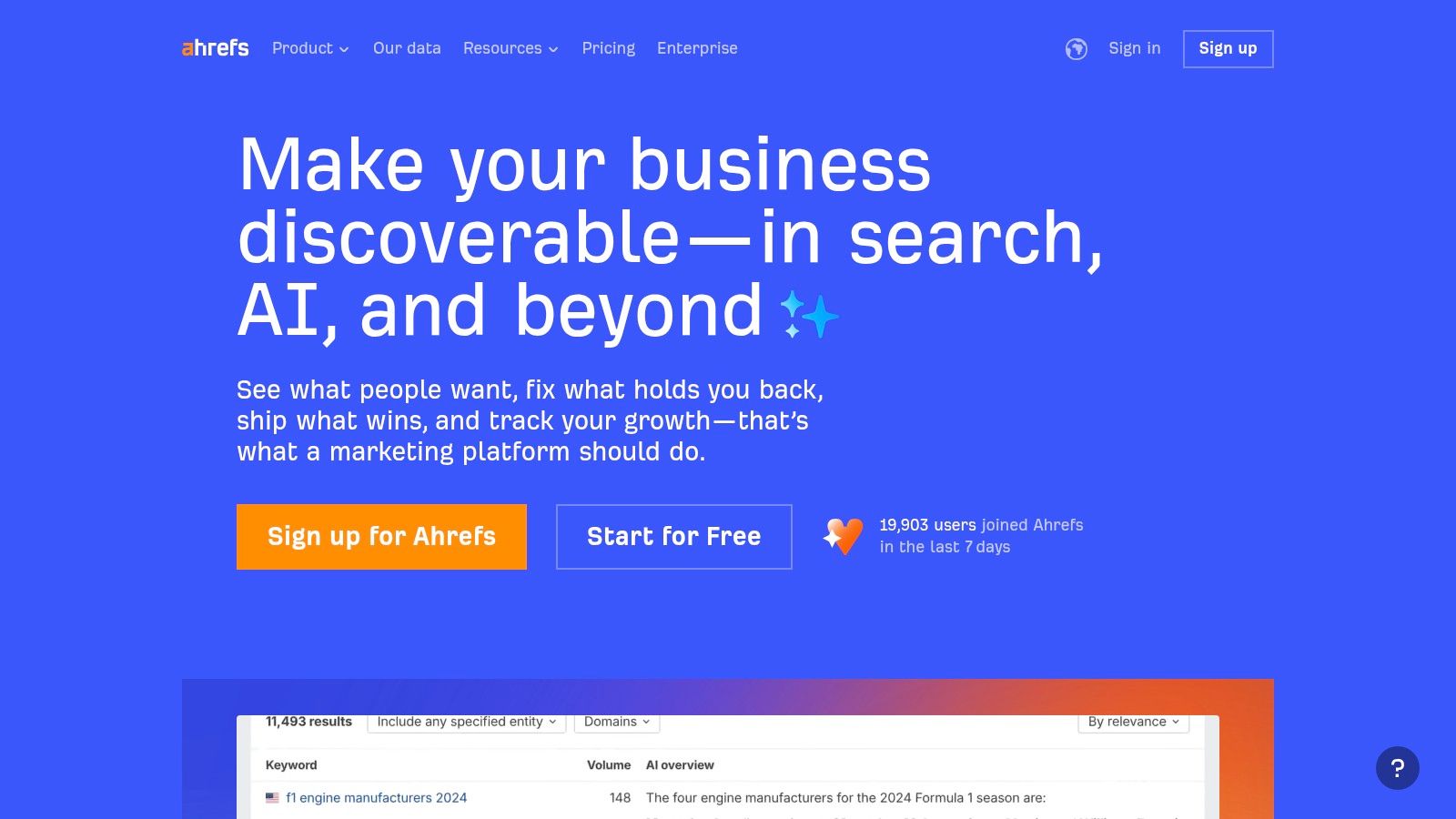
2. Ahrefs (including Ahrefs Webmaster Tools + free tools)
Ahrefs is a top-tier SEO platform known for its powerful backlink and keyword databases. While its full suite is premium, Ahrefs offers a collection of robust, permanently free tools that are invaluable for competitor analysis. The standout offering is Ahrefs Webmaster Tools (AWT), which provides verified site owners with powerful insights typically reserved for paid plans, including limited Site Explorer and full Site Audit functionality.
For e-commerce businesses, this means you can monitor your own site's health for free while using their standalone tools to research competitors. You can discover keyword ideas based on a rival's domain, check the search engine results page (SERP) for a target product keyword, and get a high-level overview of a competitor's SEO performance directly from your browser with their toolbar.
Key Features & Use Cases
- Free Keyword Generator: Enter a competitor's primary keyword to generate hundreds of related search terms, including questions and long-tail variations perfect for blog or product page content.
- Backlink Checker: Get a sample of a competitor's top 100 backlinks to understand their link-building strategy and identify potential partners for your own brand.
- SERP Checker: Analyze the top-ranking pages for a specific keyword to see who you're up against, their traffic estimates, and the strength of their domain.
- Ahrefs Webmaster Tools (AWT): While focused on your own site, it helps you understand the competitive landscape by seeing which keywords you're ranking for just outside the top positions, giving you a clear path to beat nearby rivals.
Limitations and Strategy
The main limitation is that deep, comprehensive competitor data is gated behind a paid subscription. The free tools provide snapshots, not the full picture. AWT requires you to verify ownership of your site, so it can't be used directly on a competitor's domain. To maximize value, use the free tools for initial discovery and to build a list of high-priority keywords and backlink targets. This allows you to focus your efforts effectively before considering a paid plan.
Pro Tip: Use the free SERP Checker to analyze the top 3 results for your most important product keyword. Note their estimated traffic, referring domains, and Domain Rating. This gives you a tangible benchmark for what it takes to rank at the top.
Website: https://ahrefs.com
3. Similarweb
Similarweb is a leading digital intelligence platform that excels at providing high-level market and website traffic analysis. Its free offering, which includes a limited 7-day trial and several permanently free tools, gives e-commerce brands a powerful lens for benchmarking their performance against key competitors. It is one of the best free competitor analysis tools for understanding where a rival's traffic comes from and how their audience engages with their site.
For online stores, this translates to uncovering a competitor's most effective marketing channels. You can see what percentage of their traffic comes from social, direct, search, or referral sources. The interface is clean and visual, presenting complex traffic data in easy-to-digest charts and graphs, which is ideal for quick strategic assessments without getting lost in granular data.
Key Features & Use Cases
- Traffic & Engagement Analysis: Get reliable estimates of a competitor's monthly visits, bounce rate, and average visit duration to benchmark your own site's performance.
- Marketing Channel Breakdown: Discover the primary traffic sources for any website. Use this to identify if a competitor is succeeding with a marketing channel you're underutilizing, like Pinterest or referral partnerships.
- Top Referring Websites: See which sites are sending the most traffic to your competitors. This is a goldmine for finding potential affiliate partners or backlink opportunities.
- Audience Demographics: Gain insights into a competitor's audience geography and interests to refine your customer personas and ad targeting.
Limitations and Strategy
The free version provides top-level data, but deeper insights and extensive historical data are behind a paywall. The 7-day trial requires a credit card and has daily action limits, capping how many reports you can pull. To maximize it, prioritize your top three to five competitors and focus on analyzing their primary traffic channels and top referral sources first.
Pro Tip: Use the free Website Traffic Checker for a quick snapshot, then start a trial when you're ready for a deeper dive. Focus on the "Referring Websites" report to identify high-authority blogs or publications in your niche that you can pitch for features or collaborations.
Website: https://www.similarweb.com
4. SpyFu
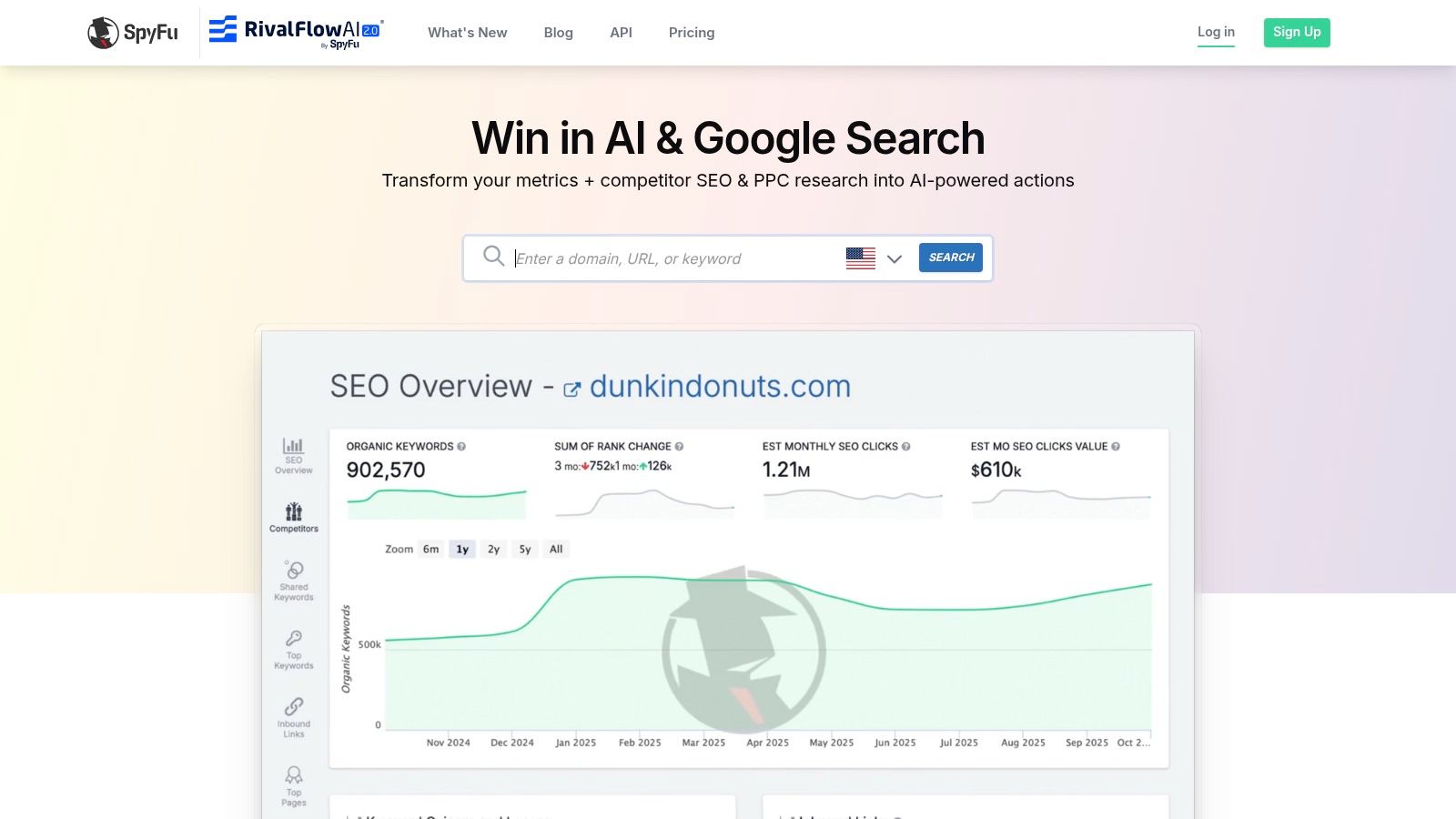
SpyFu is a specialized competitor intelligence tool that excels at revealing the paid and organic search strategies of your rivals. Its biggest advantage is a permanently free plan, which, while limited, provides ongoing access to valuable keyword and ad data without a trial deadline. This makes SpyFu one of the best free competitor analysis tools for continuous, high-level monitoring of your competitors' search marketing footprints.
For e-commerce sellers, SpyFu lets you reverse-engineer a competitor's most profitable keywords. You can see the exact ad copy they’ve used for years on Google Ads and discover the organic keywords that drive the most traffic to their product pages. The platform's interface is straightforward, presenting historical data in easy-to-understand charts and lists.
Key Features & Use Cases
- PPC Keyword Research: See the specific keywords your competitors are bidding on in Google Ads. This is invaluable for building your own paid search campaigns and finding high-intent search terms.
- Ad History: View nearly 15 years of ad copy variations from any domain. Analyze their messaging and offers to inspire your own ad creative.
- Organic Rankings: Uncover the top organic keywords that send traffic to your rivals, helping you identify content gaps and SEO opportunities.
- "Kombat" Feature: Compare your domain against two competitors to quickly see shared keywords (PPC and organic) and identify exclusive keywords you're missing out on.
Limitations and Strategy
The main limitation of the free plan is the data depth; you'll only see a small fraction of the top results for any query, and you cannot export data. To work around this, focus your searches on your most direct and successful competitors to get the most valuable insights from the limited results. Use the free plan for quick, targeted checks rather than comprehensive market analysis.
Pro Tip: Use the Ad History feature to track how a competitor’s messaging and promotions change seasonally. This can help you anticipate their holiday campaigns and prepare your own counter-offers in advance.
Website: https://www.spyfu.com
5. Moz (MozBar + free utilities)
Moz is a veteran in the SEO space, and its free offerings, particularly the MozBar Chrome extension, provide an excellent entry point for on-the-fly competitor analysis. While its comprehensive toolset is behind a Moz Pro subscription, its free utilities are invaluable for quick, surface-level assessments of a competitor’s domain and page strength. It’s one of the best free competitor analysis tools for integrating quick SEO checks directly into your daily browsing and research workflow.
For e-commerce store owners, this means you can instantly gauge the authority of a competing product page or blog post directly from the search results. The MozBar overlays key metrics like Domain Authority (DA) and Page Authority (PA) on SERPs, allowing you to quickly evaluate the competitive landscape for a target keyword without leaving Google.
Key Features & Use Cases
- MozBar Chrome Extension: View DA, PA, and link counts for any page directly in your browser or on the SERP. This is ideal for quickly assessing the SEO strength of competitor product pages.
- On-Page Link Highlighter: Instantly identify and highlight followed, no-followed, internal, and external links on a competitor's page to understand their linking strategy.
- Link Explorer (Free Version): Get a limited number of queries to analyze a competitor’s backlink profile and top-ranking pages, helping you find potential link-building opportunities.
- Keyword Explorer (Free Version): Conduct a handful of keyword searches per month to check difficulty scores and SERP analysis for new product keywords.
Limitations and Strategy
The free version's primary constraint is its strict monthly query limits. You get only a small number of link and keyword reports before hitting a paywall. To work around this, use MozBar for your day-to-day SERP analysis and save your limited Link Explorer queries for deep dives on your top 2-3 most critical competitors each month. Prioritize analyzing their highest-authority pages to uncover their most valuable backlinks.
Pro Tip: Use the MozBar's on-page highlighter to analyze a competitor's top-performing blog post. Check where they place internal links to their product pages to get ideas for your own content-to-commerce strategy.
Website: https://www.moz.com
6. Ubersuggest (Neil Patel)
Ubersuggest is a highly accessible SEO tool known for its user-friendly interface and budget-friendly pricing, but like Semrush, its most powerful competitor analysis features are unlocked via a 7-day free trial. While it offers some limited free daily searches, the trial provides a temporary deep dive, making it one of the best free competitor analysis tools for e-commerce brands needing quick, actionable insights without the cost of a premium suite.
For an e-commerce store, the trial period is perfect for a rapid competitive audit. You can quickly plug in a rival’s domain to see their top-ranking keywords, most successful content pages, and an overview of their backlink profile. The platform simplifies complex SEO data into easy-to-understand charts and metrics, making it ideal for beginners or marketers who need to move fast.
Key Features & Use Cases
- Top Pages by Traffic: Instantly see which of your competitor's product or blog pages attract the most organic traffic. This is gold for identifying their most popular products or content topics.
- Keyword Ideas & Gaps: Enter a competitor’s domain and get a list of keywords they rank for. This helps uncover new keyword targets for your own product descriptions and marketing campaigns.
- Backlink Data: Analyze who links to your competitors to find potential collaboration or digital PR opportunities for your own brand.
- Site Audit: Run a quick audit on a competitor’s site to understand their on-page SEO strengths and weaknesses, offering a blueprint for your own site's technical health.
Limitations and Strategy
The main limitation is the 7-day trial, which requires a credit card and will auto-renew if you forget to cancel. The data, while valuable, may be less comprehensive than what you'd find in top-tier platforms like Semrush or Ahrefs. To maximize its value, dedicate a specific session to competitive research. Before starting, list your top three competitors and the exact insights you want, such as their top 10 keywords or top 5 traffic-driving pages.
Pro Tip: Use the "Top Pages by Traffic" feature to find a competitor’s most shared content on social media. This can reveal which products or topics resonate most with your shared target audience, informing your social media content strategy.
Website: https://neilpatel.com/ubersuggest/
7. BuiltWith
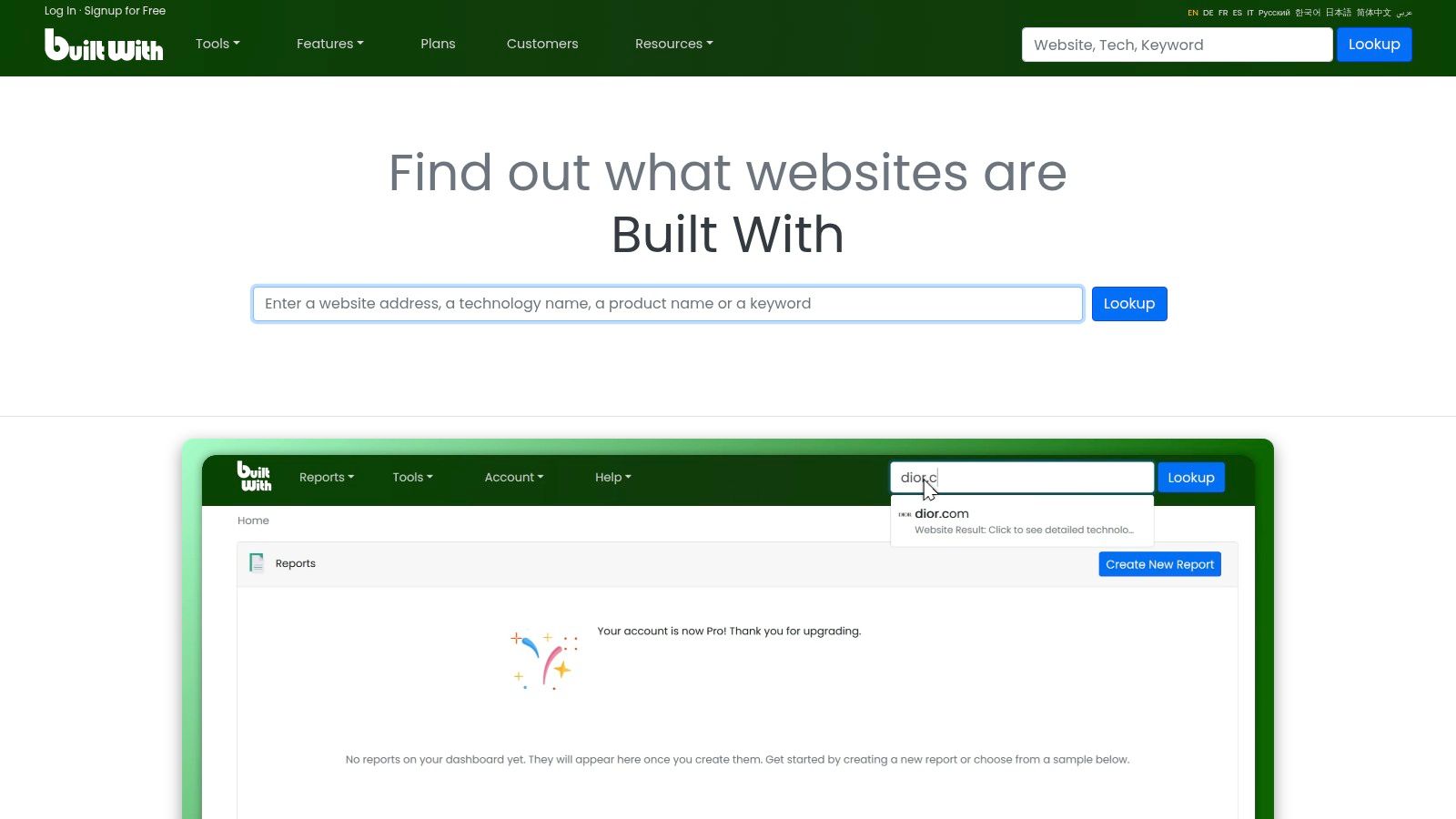
BuiltWith offers a unique angle on competitive intelligence by revealing the technology stack behind any website. While its full-featured plans are enterprise-grade, its free individual site lookup is a permanently accessible and invaluable tool. For e-commerce brands, this provides a behind-the-scenes look at the software and services powering a rival's success, from their e-commerce platform and analytics tools to their advertising pixels and customer support widgets.
This makes it one of the best free competitor analysis tools for technical and strategic benchmarking. By understanding what technologies a competitor uses, you can infer their operational priorities, marketing strategies, and even their budget level. The interface is simple: just enter a URL, and BuiltWith generates a detailed report of all detected technologies.
Key Features & Use Cases
- Technology Stack Identification: Instantly see if a competitor is using Shopify, Magento, or a custom build. Identify their analytics (e.g., Google Analytics, Hotjar) and advertising technologies (e.g., Meta Pixel, Taboola).
- Partnership & Sales Intelligence: Discover what email marketing service, CRM, or shipping provider a potential partner or competitor uses. This is gold for B2B sales or technology partnership outreach.
- Market Trend Analysis: Use lookups across several competitors to spot trends, such as a collective shift toward a new payment gateway or a specific customer loyalty platform.
- Technical SEO Clues: Identify a competitor's CDN, hosting provider, or CMS, which can provide context for their site speed and performance.
Limitations and Strategy
The free version is limited to single, one-off domain lookups. You cannot perform bulk analysis, access historical data, or export lists without a paid subscription, which is costly. The strategy here is targeted reconnaissance. Focus your efforts on your top three to five direct competitors and analyze their stacks meticulously. Use this information to evaluate your own tech stack for gaps or opportunities for improvement. Are they using a conversion optimization tool you haven't considered?
Pro Tip: Look for advertising pixels beyond the usual suspects (Google, Meta). If a competitor has pixels for platforms like TikTok, Pinterest, or Criteo, it's a strong indicator of where they are focusing their paid advertising budget.
Website: https://builtwith.com
8. Wappalyzer
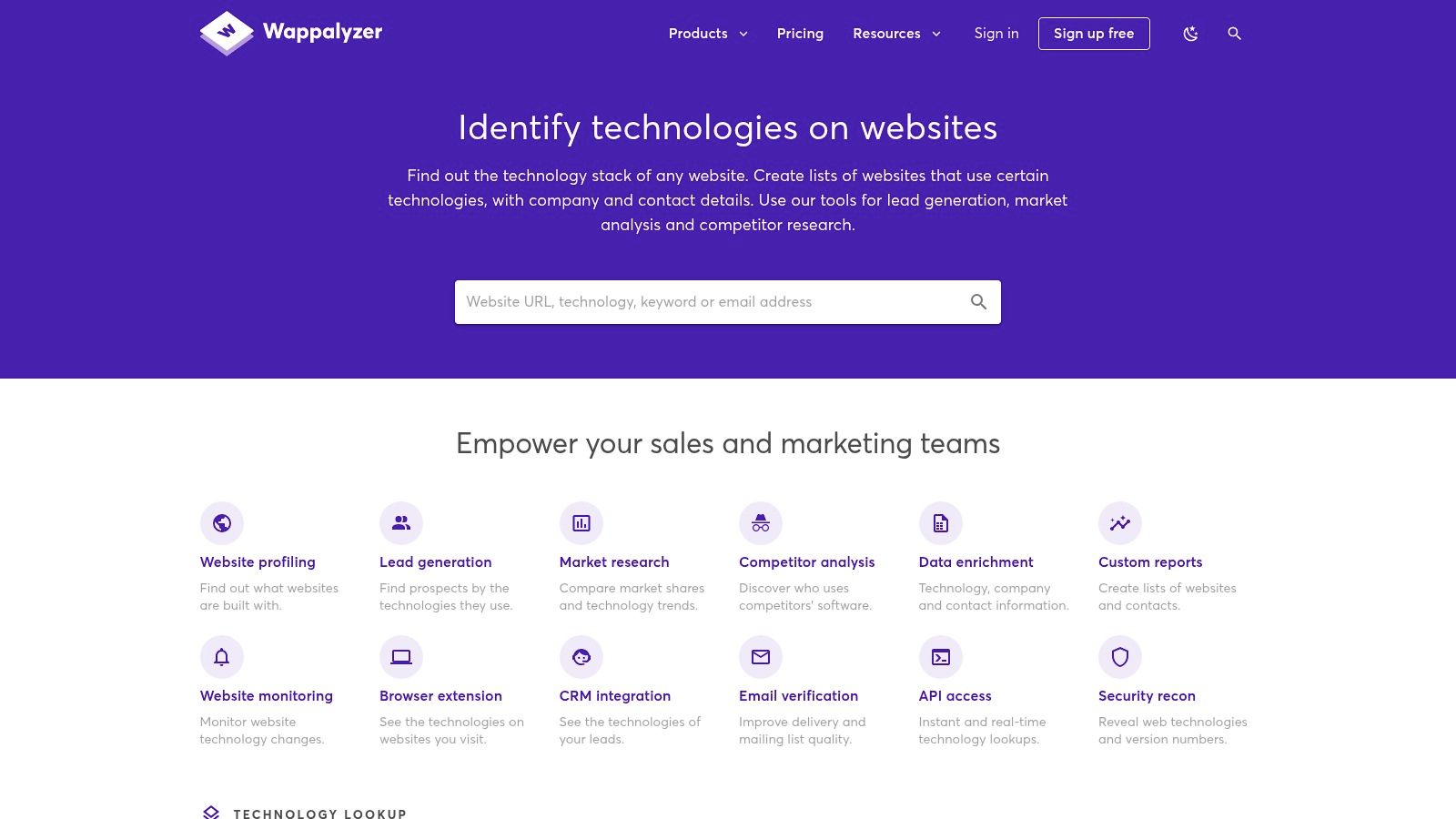
Wappalyzer is a technology profiler that reveals the software and tools powering a competitor's website. Instead of analyzing keywords or backlinks, it deconstructs the technical foundation of a site. This is invaluable for e-commerce brands looking to understand what platforms, apps, and marketing technologies their rivals use to run their business, from their e-commerce platform and analytics tools to their CRM and advertising networks.
For online stores, this means you can quickly identify if a successful competitor is using Shopify, Magento, or a custom build. The free browser extension provides instant insights as you browse, making it one of the best free competitor analysis tools for on-the-fly technical reconnaissance. Its clean interface and straightforward data presentation make it accessible even for non-technical users.
Key Features & Use Cases
- Technology Stack Detection: Instantly see the e-commerce platform, analytics tools, marketing automation software, and payment processors a competitor uses.
- Browser Extension: Analyze any website's tech stack directly from your browser (Chrome, Firefox, Edge) for efficient, real-time research.
- Website Alerts: Get notified when a competitor adds or removes a specific technology, signaling a potential strategy shift.
- Lead Generation: Use technology filters to find websites that use specific software, which is useful for identifying potential B2B partners or clients.
Limitations and Strategy
The free plan's primary limitation is the strict monthly quota on technology lookups and alerts. While the browser extension offers unlimited website profiling, more advanced features like list building are reserved for paid tiers, which can be expensive for solo entrepreneurs. To get the most from the free version, use the browser extension for your primary day-to-day research. Reserve your monthly credits for tracking your most important competitors via the website alerts feature.
Pro Tip: Pay close attention to the "Marketing Automation" and "Analytics" sections on a competitor's Wappalyzer profile. Identifying the tools they use (e.g., Klaviyo, Hotjar) can reveal their customer retention and conversion rate optimization strategies.
Website: https://www.wappalyzer.com
9. Crunchbase
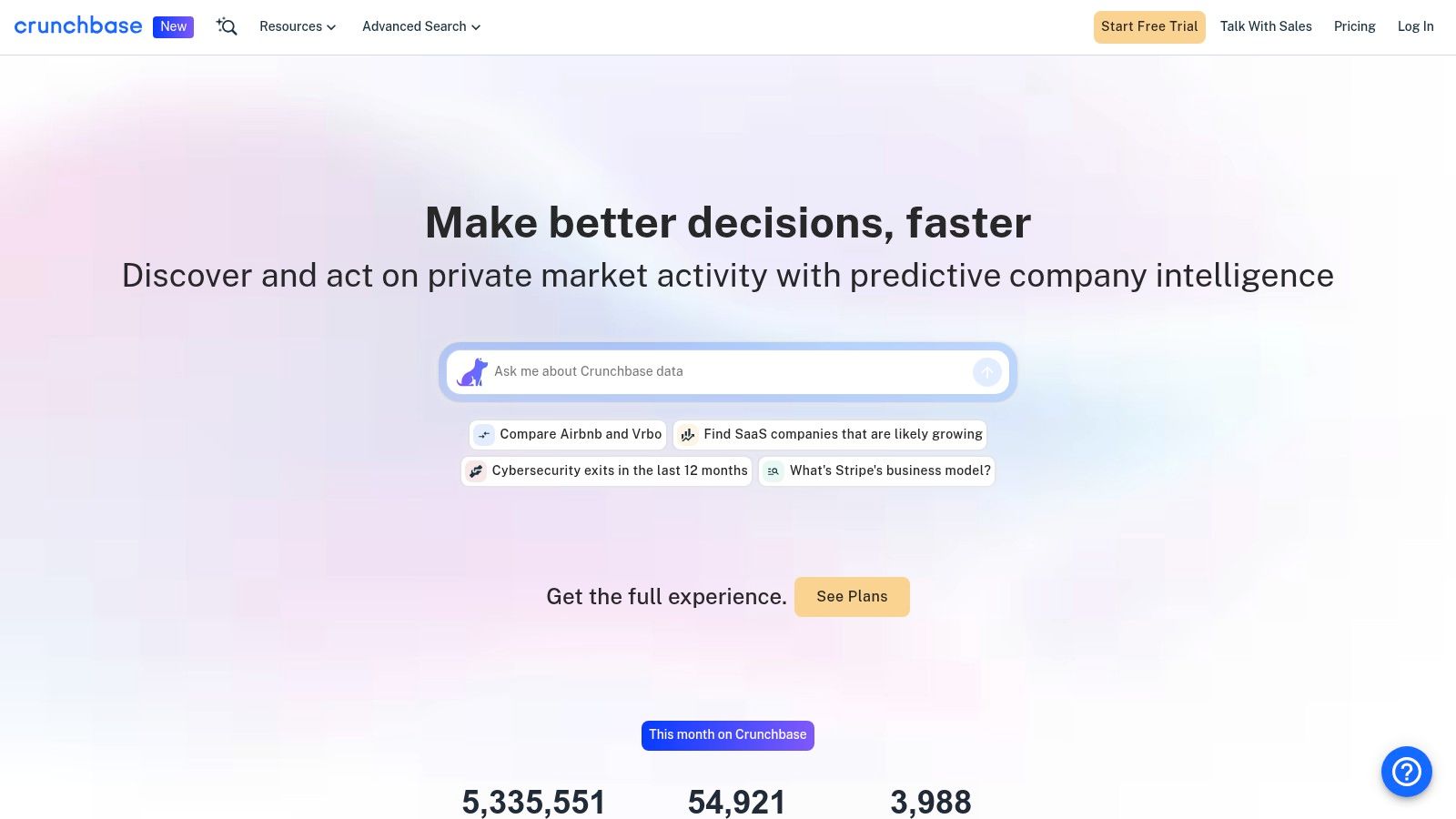
Crunchbase is a business intelligence platform focused on company data, particularly for private and startup companies. While many of its advanced features are paid, its free access and 7-day Pro trial offer a unique angle for competitor analysis, focusing on corporate health and market positioning rather than just website metrics. It’s one of the best free competitor analysis tools for understanding the business and financial landscape of your rivals.
For e-commerce brands, this means you can uncover funding rounds, key leadership changes, and recent news that might signal a competitor's strategic shift. You can see how much capital a rival has raised, which can indicate their capacity for aggressive marketing spend or product expansion. The platform is excellent for mapping out the ecosystem of direct and indirect competitors in your niche.
Key Features & Use Cases
- Company Profiles: Access detailed information on a competitor's founding date, funding history, investors, and key executives.
- Market Signals: Track news mentions and press releases to stay informed about a competitor’s product launches or partnerships.
- Funding Data: Understand a competitor’s financial backing, which can help you gauge their potential for growth and market disruption.
- Investor Portfolios: See which venture capital firms are investing in your space and identify emerging competitors they are backing.
Limitations and Strategy
The free version provides high-level data, but deep analytics, advanced search filters, and data exports are locked behind Crunchbase Pro. The 7-day trial offers a glimpse into these features but has its own limitations, such as restricted export capabilities. To get the most value, use the free version for ongoing monitoring of a few key competitors. If you need deeper market intelligence, plan a focused research session for the Pro trial.
Pro Tip: Use Crunchbase to find out who the key decision-makers (like the Head of Marketing or E-commerce) are at a competing company. This information is invaluable for B2B outreach, partnership pitches, or even talent acquisition.
Website: https://www.crunchbase.com
10. Owler
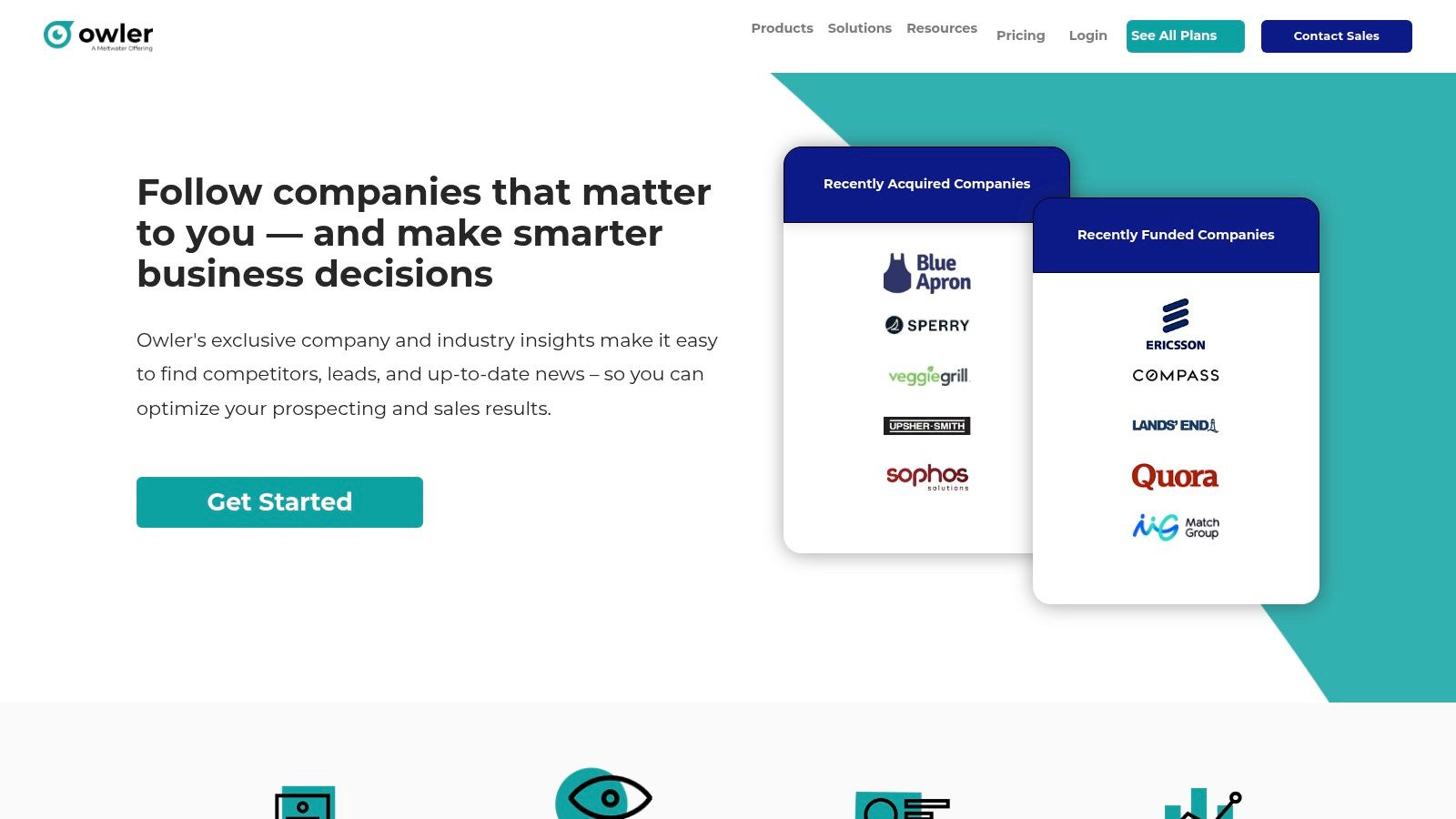
Owler is a community-powered business intelligence platform that excels at providing high-level company insights and real-time news alerts. While many of its deeper analytics are behind a paywall, its free "Owler Community" tier offers a valuable way to monitor competitors' corporate activities, funding announcements, and leadership changes. It is one of the best free competitor analysis tools for keeping a pulse on the business health and strategic moves of your rivals.
For e-commerce brands, this means staying informed about a competitor's expansion plans, new partnerships, or potential acquisitions. The platform aggregates news from thousands of sources and delivers it in a concise feed, saving you the time of manually tracking multiple companies across the web. Its interface is clean and focused on delivering quick, digestible business updates.
Key Features & Use Cases
- Real-Time News Alerts: Set up alerts for specific competitors to receive instant notifications about press releases, news coverage, and major business events.
- Competitor Graph: Discover a web of primary and secondary competitors based on Owler’s community data, helping you identify rivals you may have overlooked.
- Company Profiles: Access quick snapshots of competitors, including estimated revenue, employee count, leadership teams, and recent funding rounds.
- Industry Monitoring: Follow entire sectors to understand broader market trends and identify emerging players in your niche.
Limitations and Strategy
The main limitation is that much of the data, like revenue and employee numbers, are estimates derived from community input and algorithms, so they should be treated as directional rather than exact figures. The free tier limits the number of companies you can follow and gates access to deeper reports. To use it effectively, focus on a core list of 5-10 key competitors and use the alerts to fuel your strategic responses.
Pro Tip: Use Owler's news feed as an early warning system. A competitor's funding announcement could signal a major marketing push, while news of an executive departure might indicate internal instability and an opportunity for you to gain market share.
Website: https://www.owler.com
11. Google Trends
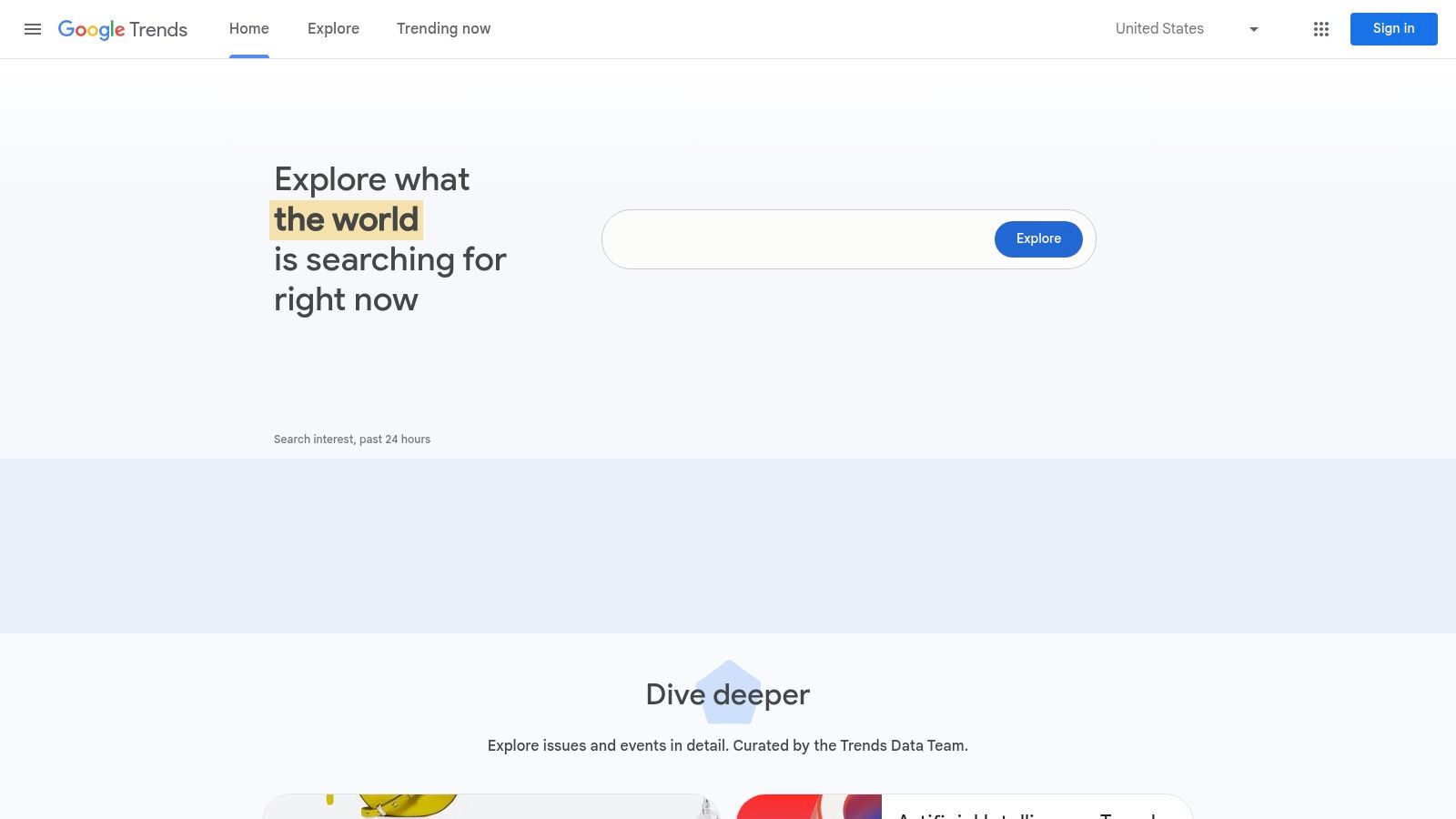
Google Trends is a free global demand-signal tool for comparing interest over time across brands, products, or topics. This platform lets you validate competitor momentum and seasonality by region without requiring signup or subscription. Its simple interface and easy visual outputs make it a top pick among the best free competitor analysis tools for quick hypothesis testing and market validation.
Key Features & Use Cases
- Topic Comparison: Chart up to five brands or product names on a single graph to spot surges and declines.
- Regional Insights: Drill down by country, city, or metro area to uncover local demand peaks.
- Related Queries: Discover rising and top queries associated with your competitors to inform content and ad targeting.
- Seasonality Analysis: View historical patterns and heatmaps to plan launch dates or promotional campaigns.
- No Account Needed: Access every feature with zero login friction to start analysis instantly.
Limitations and Strategy
Google Trends provides relative search interest rather than absolute volumes. This means your comparisons depend heavily on query phrasing and category filters. To extract reliable insights you should normalize search terms carefully and cross-check with other volume-based tools when possible.
Pro Tip: Use narrow, branded search terms alongside generic keywords to filter noise. Export the CSV data and overlay your sales figures in a spreadsheet to correlate search interest with actual revenue trends.
Website: https://trends.google.com
12. Meta Ad Library (Facebook/Instagram)
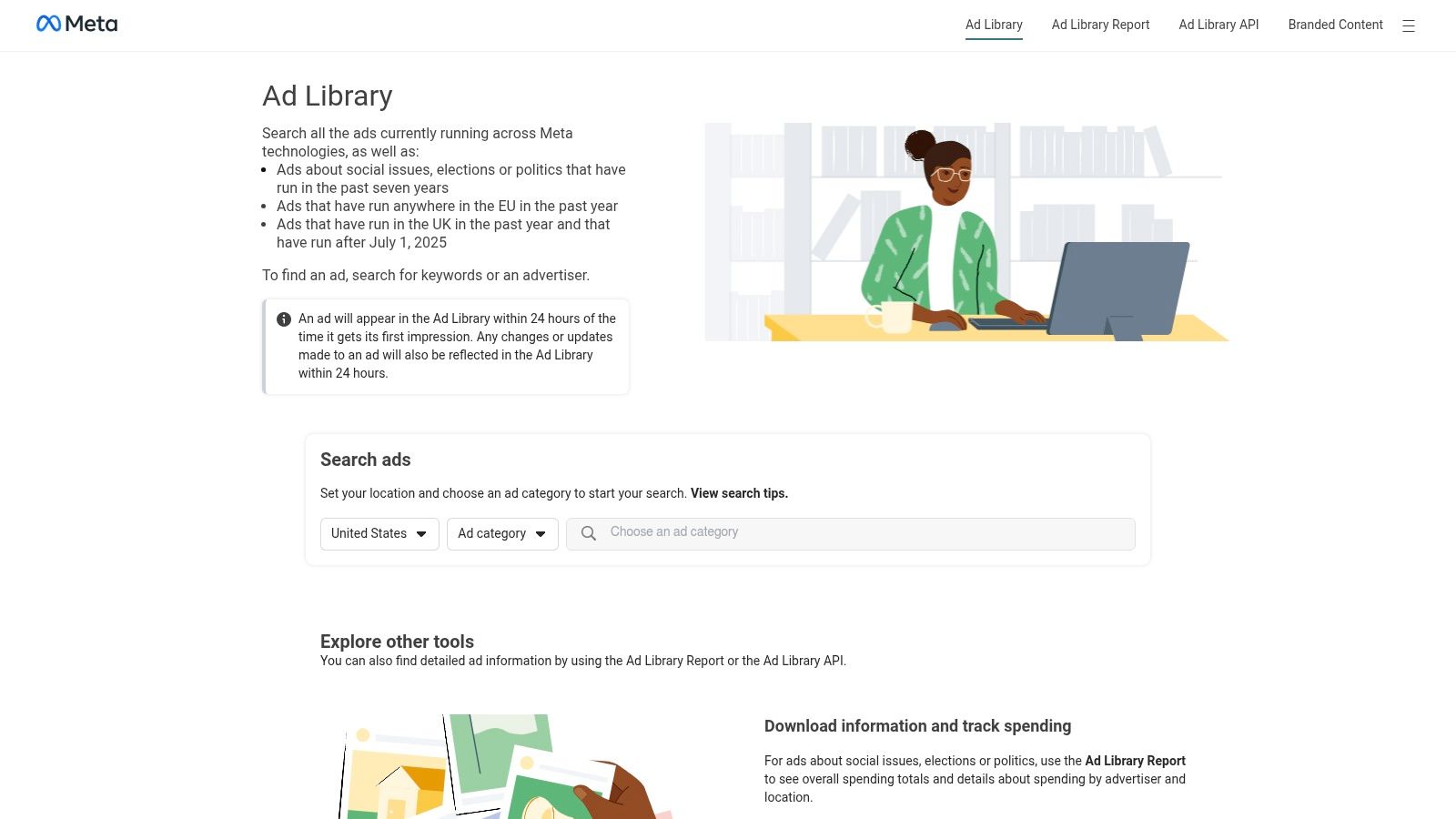
The Meta Ad Library is an invaluable and completely free transparency database that allows you to see every active ad running across Facebook and Instagram. For e-commerce brands, it provides a direct window into your competitors' current advertising strategies, messaging, and promotional offers. This makes it one of the best free competitor analysis tools for deconstructing rival creative and campaign angles in real time.
You can instantly see the exact ad copy, visuals, and calls-to-action your competitors are using to attract customers. This direct insight is crucial for benchmarking your own creative efforts, identifying trends in your niche, and uncovering new angles for your paid social campaigns.
Key Features & Use Cases
- Advertiser Search: Look up any competitor by their brand or page name to view all their currently active ads in one place.
- Creative Benchmarking: Analyze competitor ad formats (image, video, carousel) and messaging to understand what resonates in your market.
- Offer Monitoring: Keep track of the discounts, promotions, and special offers your rivals are pushing to their audience.
- Platform Filtering: Isolate ads running specifically on Facebook, Instagram, Messenger, or Audience Network to understand platform-specific strategies.
Limitations and Strategy
The Ad Library’s main limitation is its focus on active ads; historical data is limited, especially for commercial advertisements. It also provides no data on ad spend, targeting, or performance metrics like engagement or conversion rates. To get the most value, use it as a creative and strategic research tool, not a performance measurement one. Check it regularly (e.g., weekly) to spot new campaigns as they launch.
Pro Tip: Use the library to build a "swipe file" of compelling ads in your niche. For practical insights into effective ad creatives, exploring 10 winning video ad examples for Meta can provide valuable inspiration and understanding of successful campaigns identified via the Ad Library.
Website: https://www.facebook.com/ads/library/
Top 12 Free Competitor Analysis Tools Comparison
| Tool | Core features | UX / Quality | Value & Pricing | Target audience | USP |
|---|---|---|---|---|---|
| Semrush | SEO, paid search, backlinks, position tracking | ★★★★☆ — robust UI; toolkit trials | 💰 Paid plans; 7‑day trials (card) | 👥 SEO/marketing teams, agencies | ✨ All‑in‑one marketing intelligence 🏆 |
| Ahrefs | Site Explorer, backlink index, Site Audit, free AWT | ★★★★★ — industry‑grade accuracy | 💰 Free AWT & tools; paid for full data | 👥 SEO pros, link researchers | ✨ Best backlink & keyword DB |
| Similarweb | Traffic estimates, channel breakdowns, audience overlap | ★★★★☆ — clear benchmarks | 💰 Free tools + 7‑day trial (limits) | 👥 Market analysts, competitive researchers | ✨ Top‑level traffic benchmarking |
| SpyFu | PPC/SEO history, ad copy, keyword timelines | ★★★★☆ — historical PPC focus | 💰 Free tier (limited); paid for exports | 👥 PPC managers, competitor analysts | ✨ Deep historical ad/keyword history |
| Moz | MozBar, DA/PA, on‑page signals | ★★★☆☆ — lightweight & fast | 💰 Free extension; Moz Pro paid | 👥 SEOs doing quick on‑page checks | ✨ Instant DA/PA + on‑page highlights |
| Ubersuggest | Keyword research, audits, rank tracking | ★★★☆☆ — beginner friendly | 💰 Budget plans; 7‑day trial / lifetime offers | 👥 Small businesses, solo SEOs | ✨ Low cost entry to SEO tools |
| BuiltWith | Tech stack lookup, historical tech trends | ★★★★☆ — reliable lookups | 💰 Free single lookups; paid for bulk | 👥 Sales, partnerships, competitive intel | ✨ Instant site technology profiles 🏆 |
| Wappalyzer | Tech detection, browser extension, API | ★★★★☆ — clean UI & add‑ons | 💰 Free quota; paid for API/scale | 👥 Developers, sales ops, analysts | ✨ Easy browser lookups + API access |
| Crunchbase | Company profiles, funding, leadership, alerts | ★★★★☆ — strong firmographics | 💰 Free account; Pro with trial | 👥 Market researchers, BD teams | ✨ Comprehensive private company data |
| Owler | Community‑powered company alerts & estimates | ★★★☆☆ — simple monitoring | 💰 Free community tier; paid for deeper reports | 👥 Competitive intel & PR teams | ✨ Real‑time alerts & peer graphs |
| Google Trends | Interest over time, related queries, seasonality | ★★★★★ — instant & free | 💰 Free | 👥 Product teams, marketers, researchers | ✨ Zero‑cost trend & seasonality signals 🏆 |
| Meta Ad Library | Active ad repository across Meta platforms | ★★★★☆ — direct ad insights | 💰 Free | 👥 Ad creatives, competitors, social teams | ✨ Live competitor creative transparency |
Beyond Free Tools: When to Upgrade Your Competitive Intelligence Stack
You now have a powerful arsenal of the best free competitor analysis tools available. From digging into a rival's backlink profile with Ahrefs' free utilities to uncovering their ad strategies with the Meta Ad Library, you can build a remarkably clear picture of the competitive landscape without touching your budget. The key is to think like a strategist, not just a data collector.
By combining the keyword insights from Ubersuggest, the traffic estimates from Similarweb, and the tech stack reveal from BuiltWith, you can reverse-engineer a competitor's entire go-to-market strategy. This free-tool "stack" is your launchpad for making smarter decisions about your own marketing, product positioning, and audience targeting.
From Free Tools to a Cohesive Strategy
The journey into competitive intelligence begins with these individual tools. However, as your e-commerce brand grows, the limitations of a fragmented, free-only approach become increasingly apparent. The real cost of 'free' is not monetary; it is the time and manual effort spent juggling multiple dashboards, exporting and merging spreadsheets, and hitting restrictive data limits just when you uncover a critical insight.
The transition from a startup to a scale-up demands a shift in how you handle data. Your focus must move from simply gathering information to activating it quickly. The moment you find yourself spending more time logging into different accounts than analyzing the data they provide, it’s a clear signal that you've outgrown your free toolkit.
Key Takeaways and Your Next Steps
To make the most of what you've learned, here are the immediate, actionable next steps you should take:
- Define Your Core Objective: Are you trying to boost SEO, optimize your ad spend, or find new product opportunities? Your primary goal will determine which tools you should prioritize. For SEO, start with Semrush and MozBar. For paid ads, dive deep into the Meta Ad Library and SpyFu.
- Select Your "Starter Stack": You don't need to use all twelve tools at once. Choose a combination of 3-4 that directly addresses your main objective. A great starting point for an e-commerce store is combining Similarweb (for traffic overview), Meta Ad Library (for social ad creative), and BuiltWith (for technology and app usage).
- Establish a Routine: Competitive analysis is not a one-time task. Dedicate a specific time each week or month to run your reports. Use Google Trends to monitor brand interest over time and set up alerts where possible to stay ahead of market shifts.
- Look for Patterns, Not Just Metrics: The goal isn't just to see that a competitor gets more traffic. The goal is to understand why. Are they running a specific type of promotion? Did they just get a wave of PR? Connect the dots between the data points from different tools to build a narrative.
As you become more sophisticated in your analysis, you'll naturally want to dig deeper. When considering the next steps for advanced insights, you might want to explore a comprehensive list of competitor analysis tools for SEO that can reveal deeper competitive strategies.
The Tipping Point: When to Invest in a Paid Solution
The inflection point for upgrading is when the operational drag of using free tools outweighs their cost-saving benefits. Ask yourself these questions:
- Is the time spent piecing together fragmented reports costing my team valuable hours that could be spent on execution?
- Are data caps preventing me from tracking a full list of competitors or keywords?
- Do I need historical data that free plans don't offer to identify long-term trends?
If the answer is "yes" to any of these, it's time to consider a unified platform. An all-in-one solution consolidates premium data sources, streamlines workflows, and unlocks a level of analysis that is simply impossible with a disjointed collection of free tools. Moving to a paid stack is an investment in efficiency, accuracy, and ultimately, your brand's ability to compete at a higher level. Whether you stick with your free stack for now or decide to upgrade, the most important thing is to transform the data you gather into decisive, profit-driving action.
Ready to eliminate the friction of managing multiple tools and unlock enterprise-level insights without the enterprise-level price tag? EcomEfficiency bundles premium access to tools like Semrush, Similarweb, and dozens more into a single, affordable subscription. Stop juggling logins and start building a winning strategy from one powerful dashboard.